

The Edge Impulse API exposes programmatic access to most functionality in the studio. You can use the API to edit the labels of many samples at once, train models, or create new impulses. In addition, you can subscribe to events, such as when a new file was processed by the ingestion service. You authenticate with the API using an API Key or with a username/password, see API Authentication Types. The API is available at:Documentation Index
Fetch the complete documentation index at: https://docs.edgeimpulse.com/llms.txt
Use this file to discover all available pages before exploring further.
API authentication types
| Security Scheme | Type | Input | Name |
|---|---|---|---|
| ApiKeyAuthentication | apiKey | header | x-api-key |
| JWTAuthentication | apiKey | cookie | jwt |
| JWTHttpHeaderAuthentication | apiKey | header | x-jwt-token |
API key
An Edge Impulse API key can be obtained through your Edge Impulse Studio project’s dashboard. At the top of the page, click on the Keys button to see your project’s available API keys, and to generate new keys.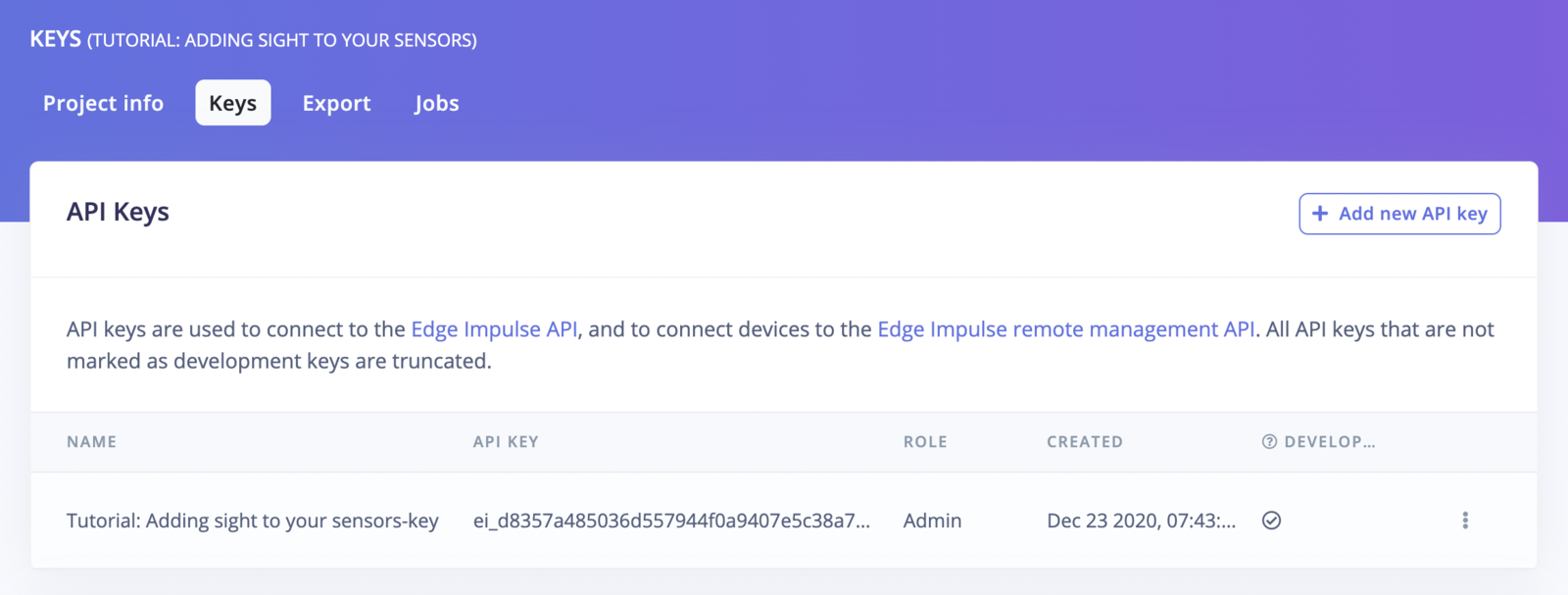
JWT token
A JWT token can be acquired via the Edge Impulse API Get JWT token request with your Edge Impulse username and password. ExampleTest API requests
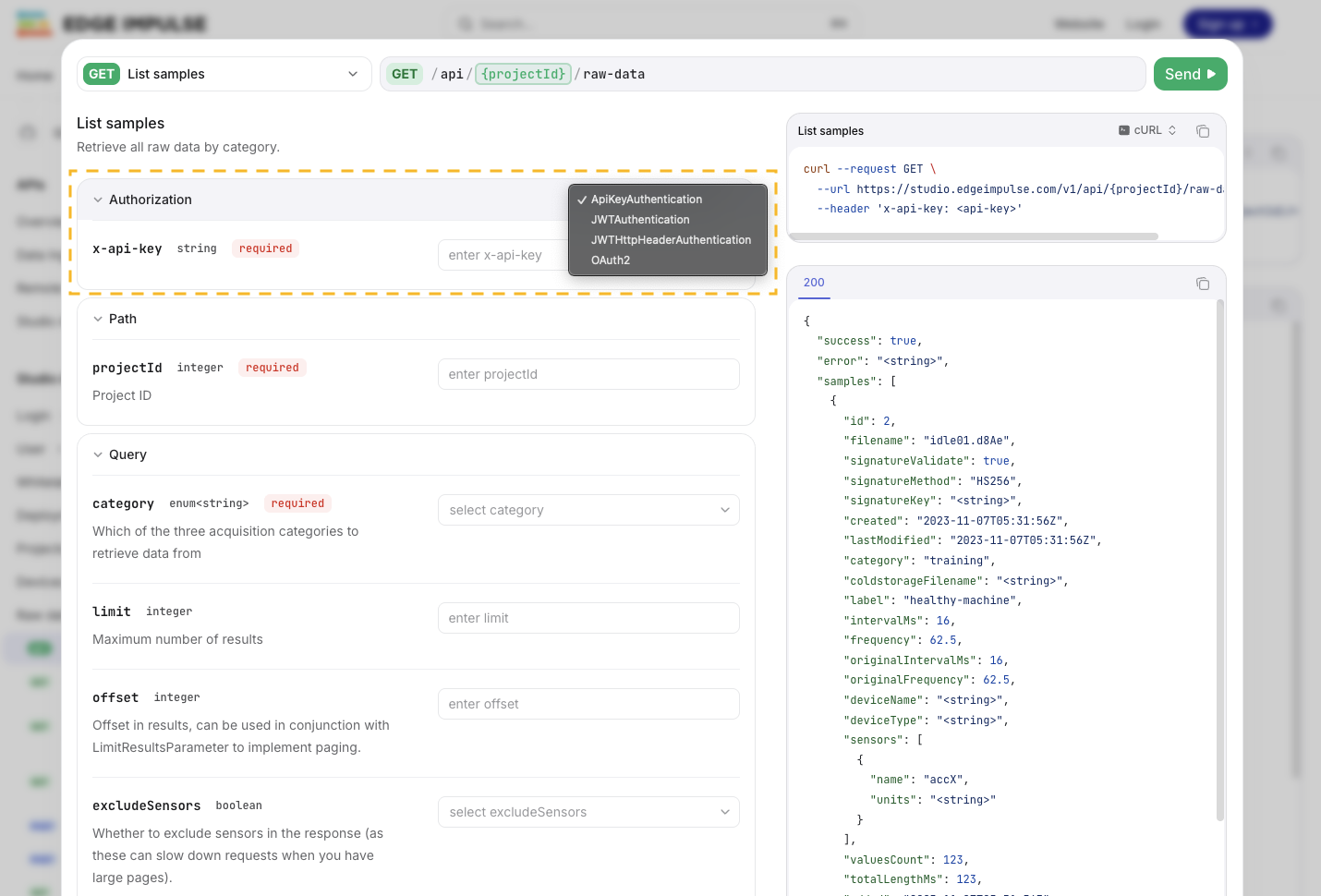
If you want to test your API requests directly from this documentation, you can use the provided widget: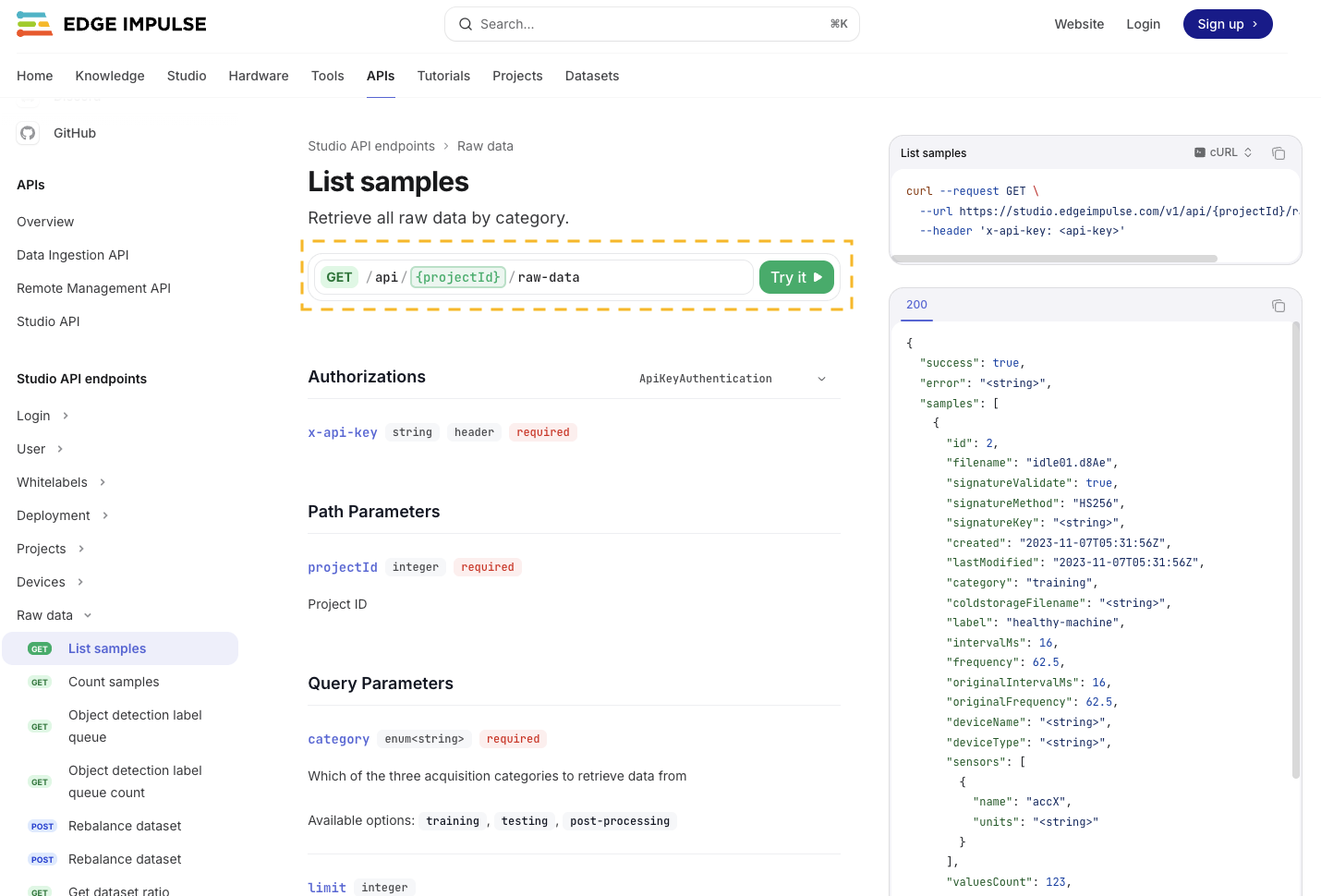
x-api-key or x-jwt-token header or your jwt cookie:
Jobs
Jobs are long-running tasks that are executed asynchronously. Jobs are identified by their job ID, in the form ofjob-1569583053767, which is returned when starting a job. Subsequent job updates are published over the WebSocket API.
Jobs started through the API are subject to the same usage limits (such as compute time used) as through the studio UI.
Updates
There are two events that are published regarding jobs:job-data-{jobId}- status update on the job, e.g. progress when training a neural network. Provides a single argument:{ data: 'string with status' }.job-finished-{jobId}- indicator that the job finished. Provides a single argument:{ success: true }which indicates whether the job was executed successfully.
Canceling a job
You can also cancel a job through the websocket by sending ajob-cancel event. Pass in one parameter (the job ID).