Intro
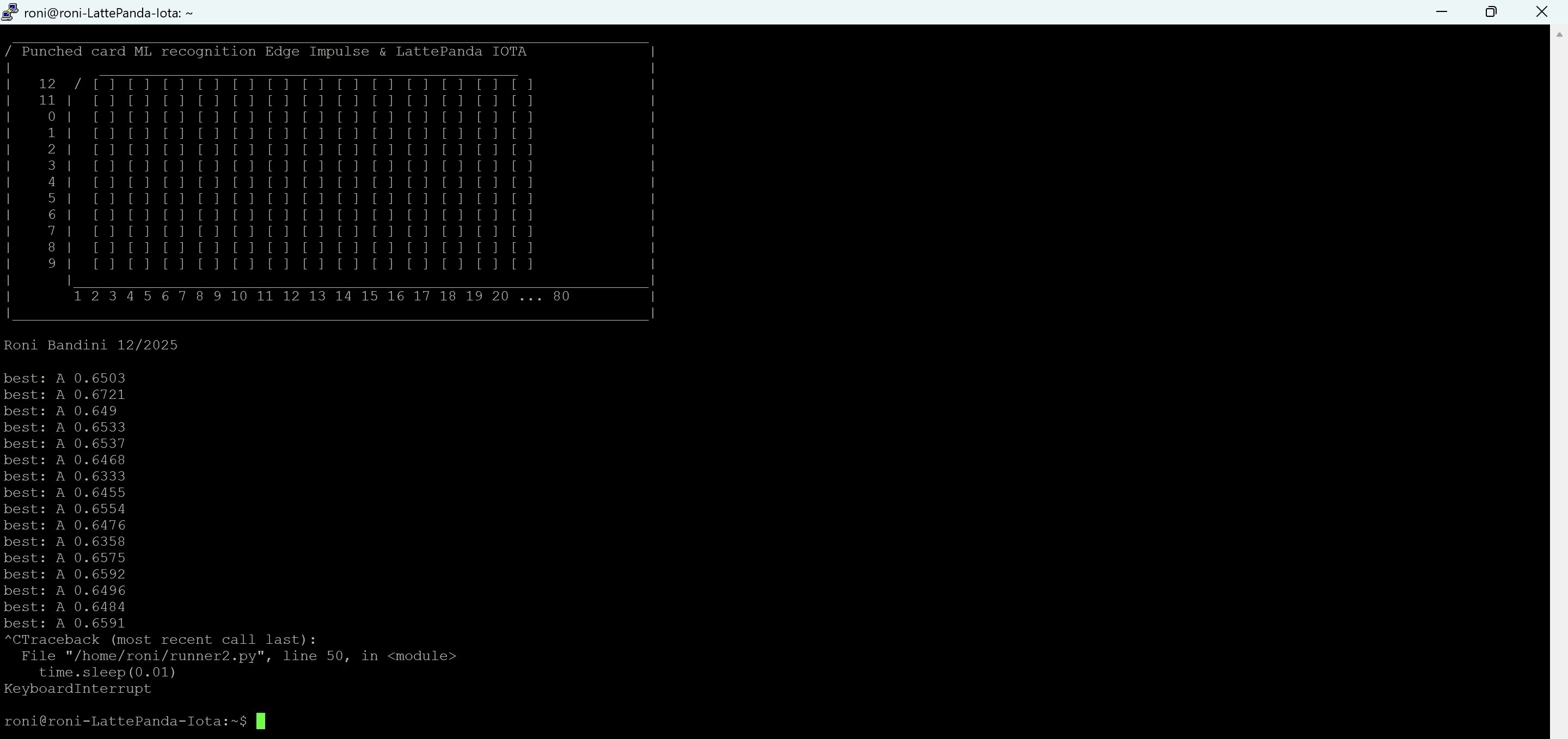
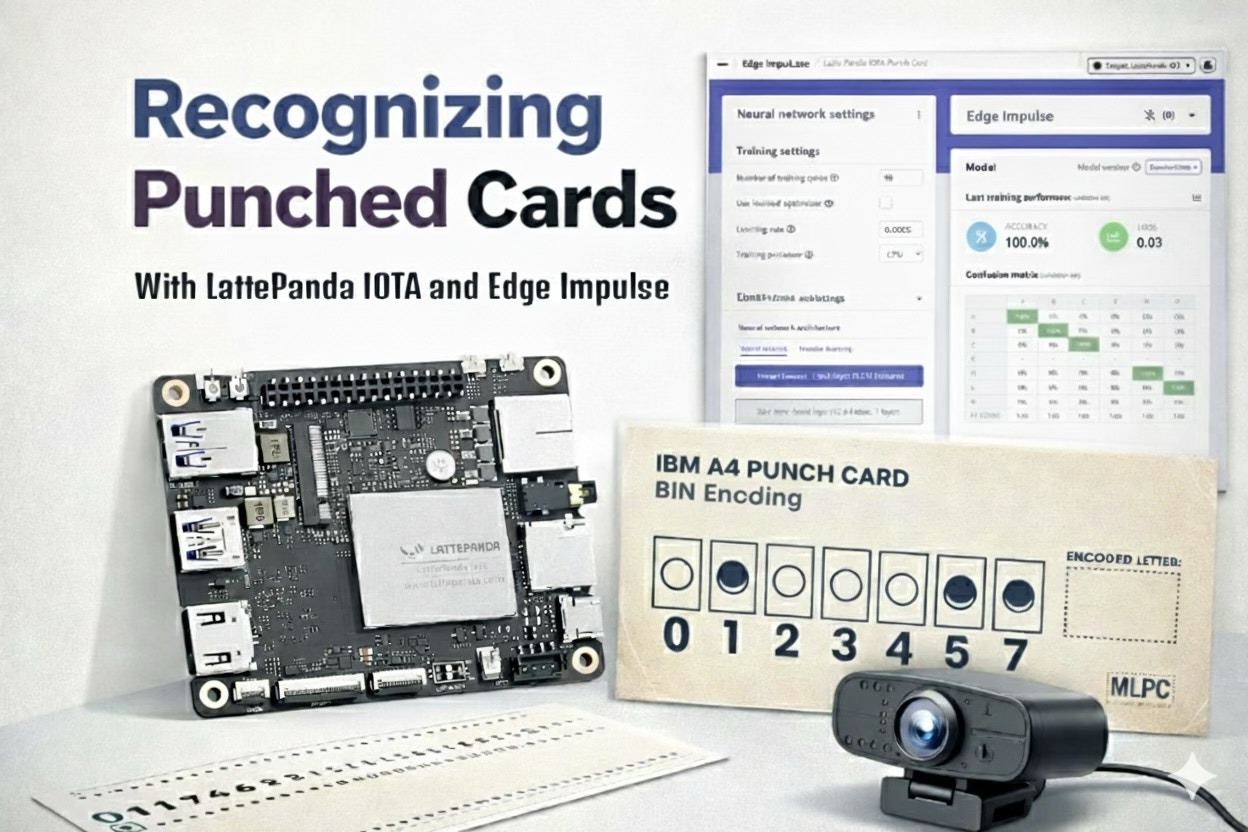
In 1804, Joseph Marie Jacquard demonstrated a mechanism to automate loom operation using a sequence of punched cards. Each card mechanically defined which warp threads were lifted for that pass, enabling programmable weaving patterns. This established the first industrial use of binary logic (hole or no hole) for machine control. Punched cards evolved from this mechanical origin, into a standardized data storage medium for computing. While the Jacquard loom used physical needles to sense holes, later systems like the 1890 Hollerith tabulator introduced electrical sensing, using spring-loaded pins to complete circuits through the perforations. This technology eventually culminated in the IBM 80-column / 12-row format (standardized in 1928), where card readers detected electrical continuity via wire brushes, or in later decades, utilized optical sensors to read data at high speeds. As a tribute to this technology and to test the LattePanda IOTA mini PC, this project recognizes visually “punched” cards (printed and tagged here instead of punched) using a camera and machine learning.Hardware
The LattePanda IOTA is an x86 mini PC SBC designed by DFRobot with enough performance to run traditional robotics workloads and on-device AI inference. It features an Intel Processor N150 (4C/4T), 8GB or 16GB of LPDDR5 memory, 64GB or 128GB of eMMC storage, and an onboard RP2040 microcontroller for real time sensors and actuators.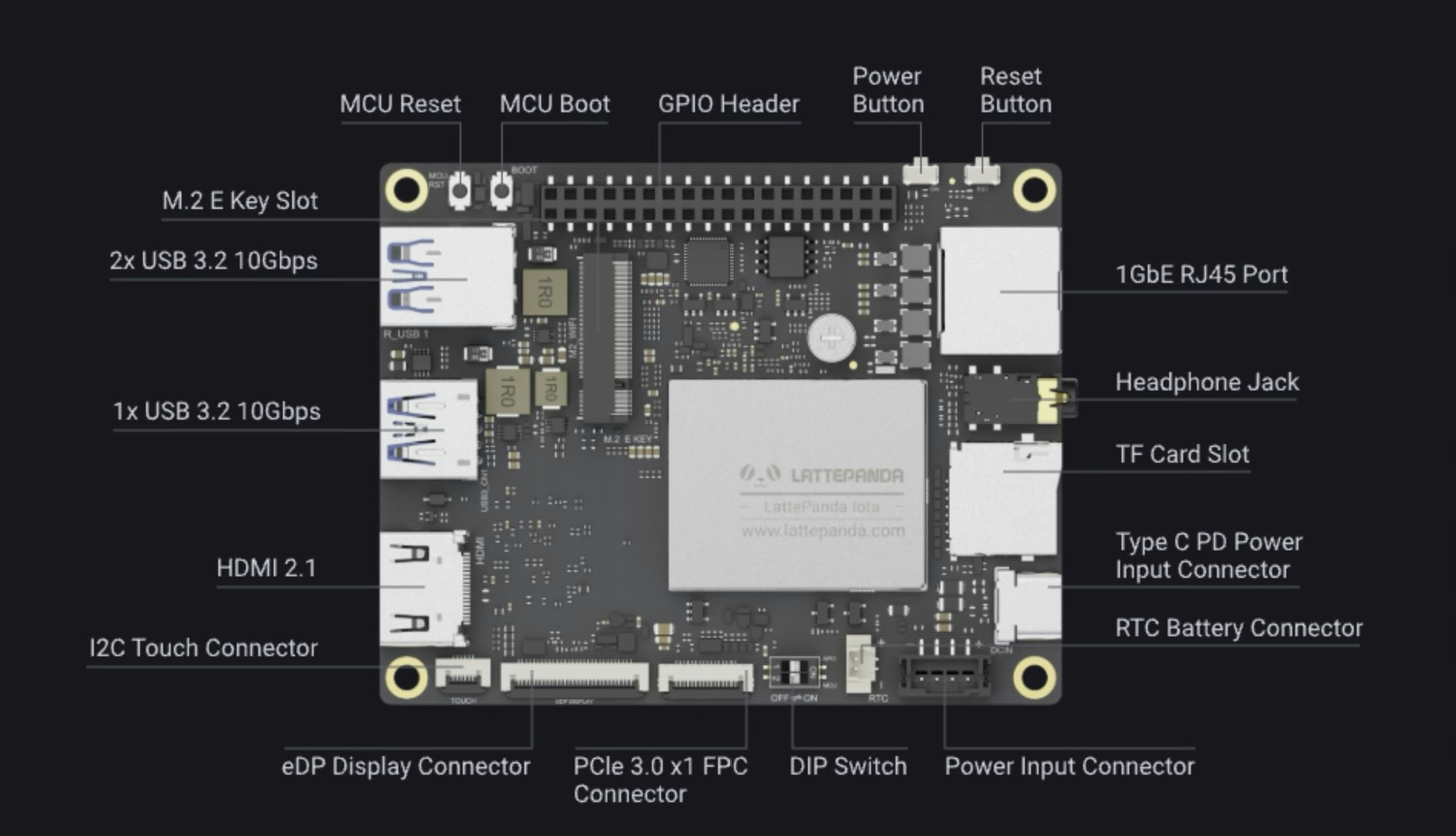
Parts Required
- LattePanda IOTA
- Active cooler
- USB Webcam
- USB Pendrive 16GB or more
- Power supply
Cards
To simplify training, a single row with eight binary positions is used to represent characters. Instead of physical holes, printed circles represent binary “1” positions. Misalignment is intentional to give the model tolerances similar to physical punch cards. Example:- A 01000001
- B 01000010
Edge Impulse Model Creation
Seven characters were chosen for this demo. Each character corresponds to ASCII BIN: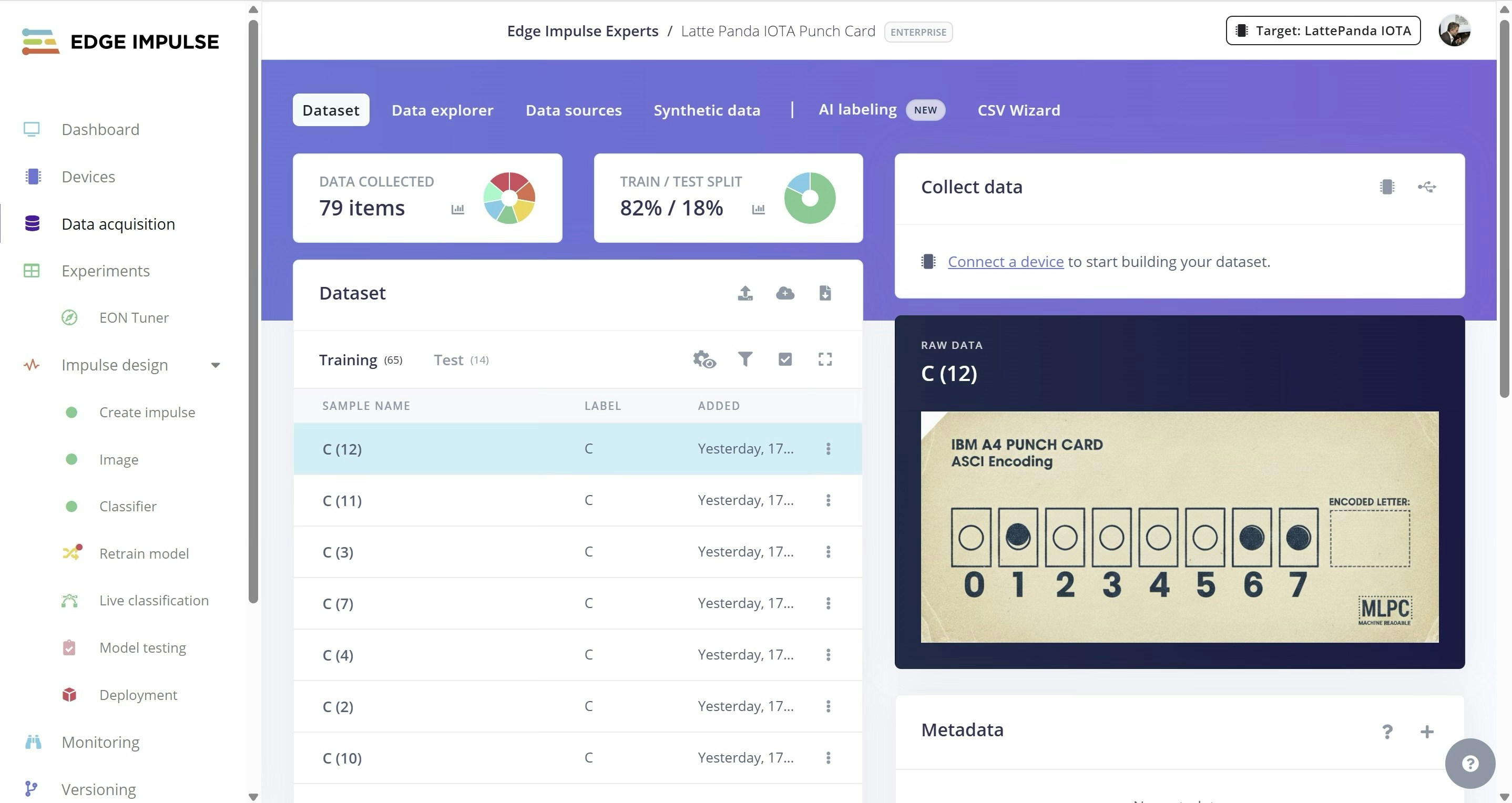
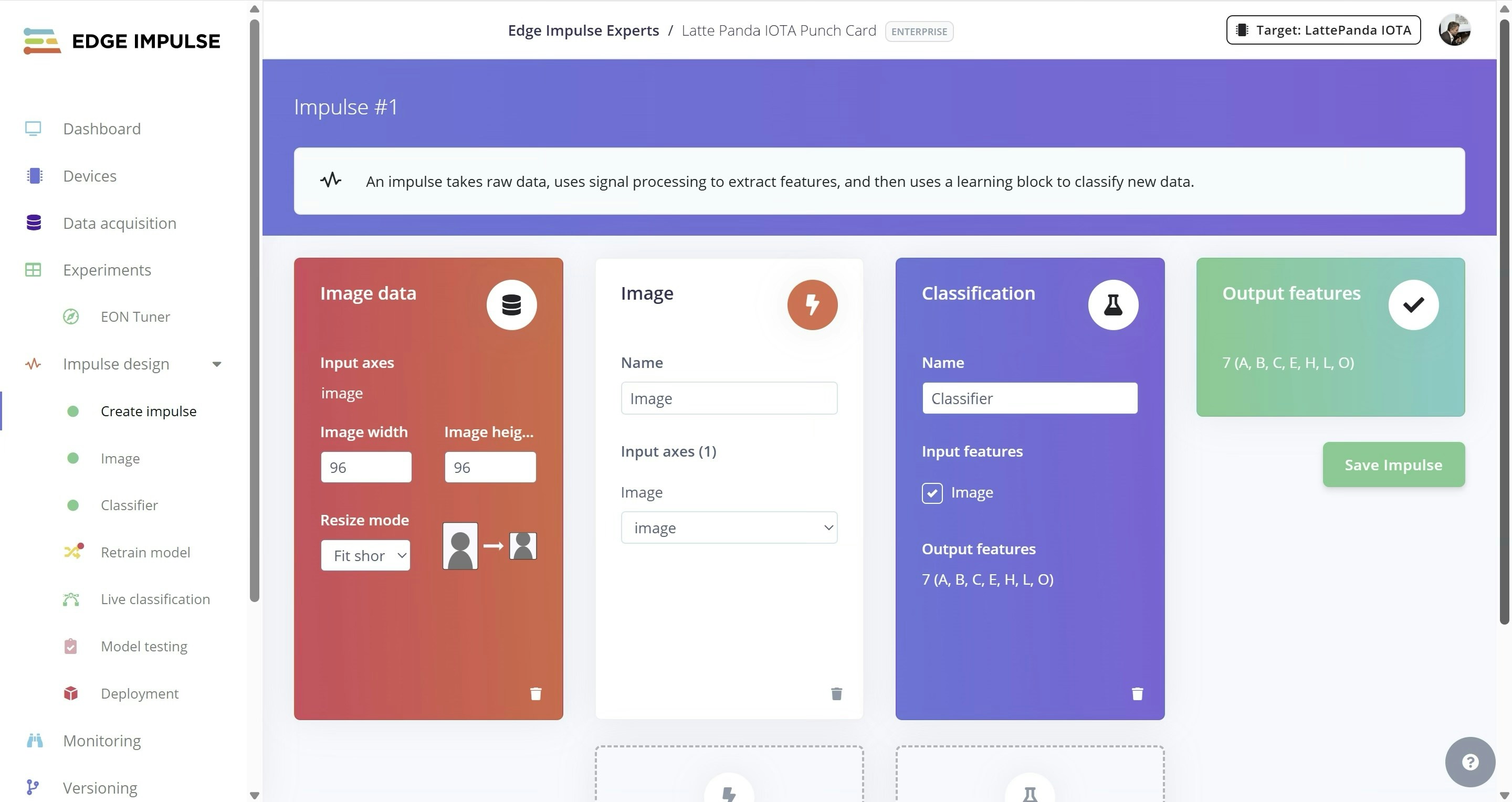
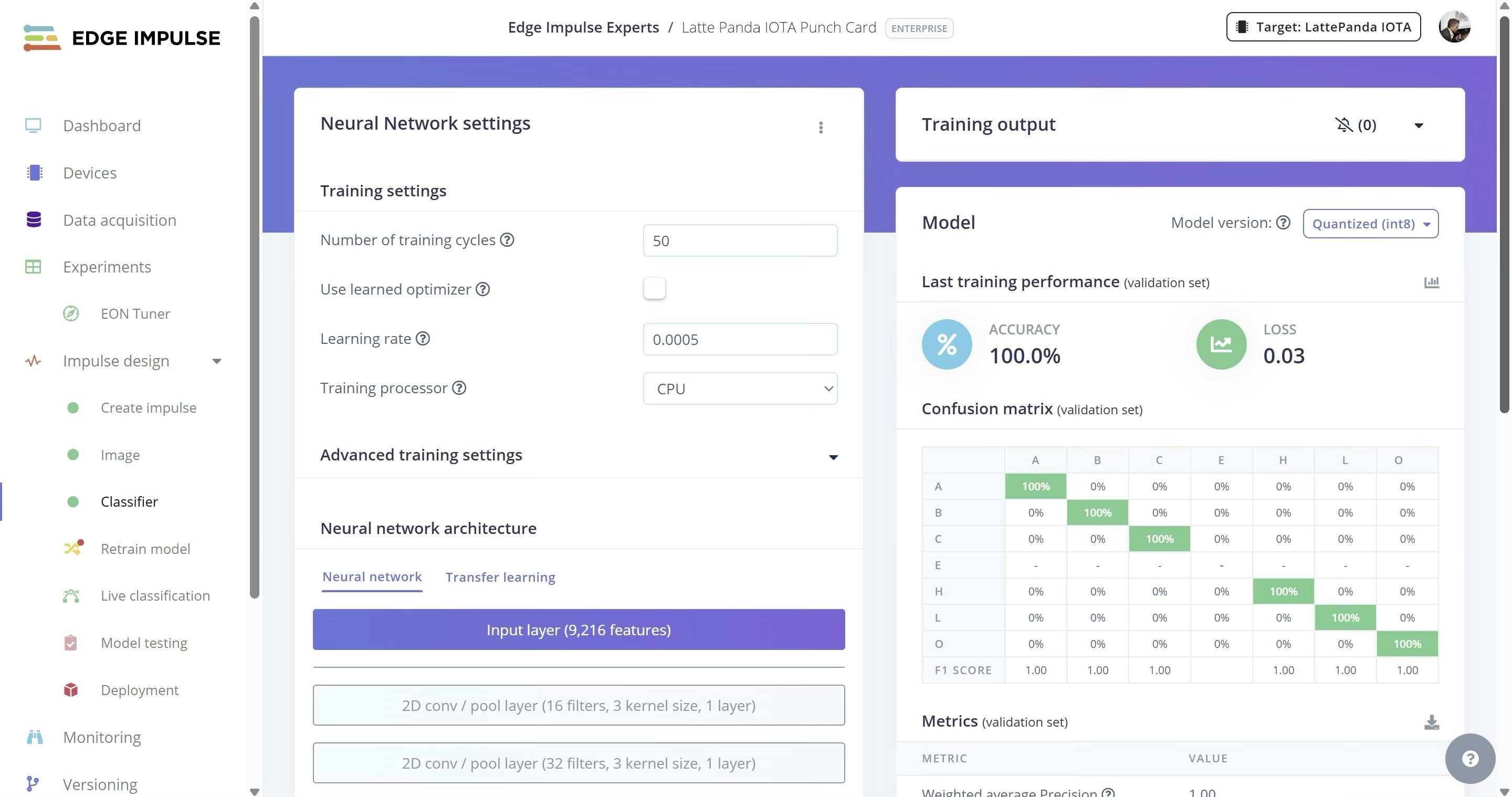
Setup and Deployment
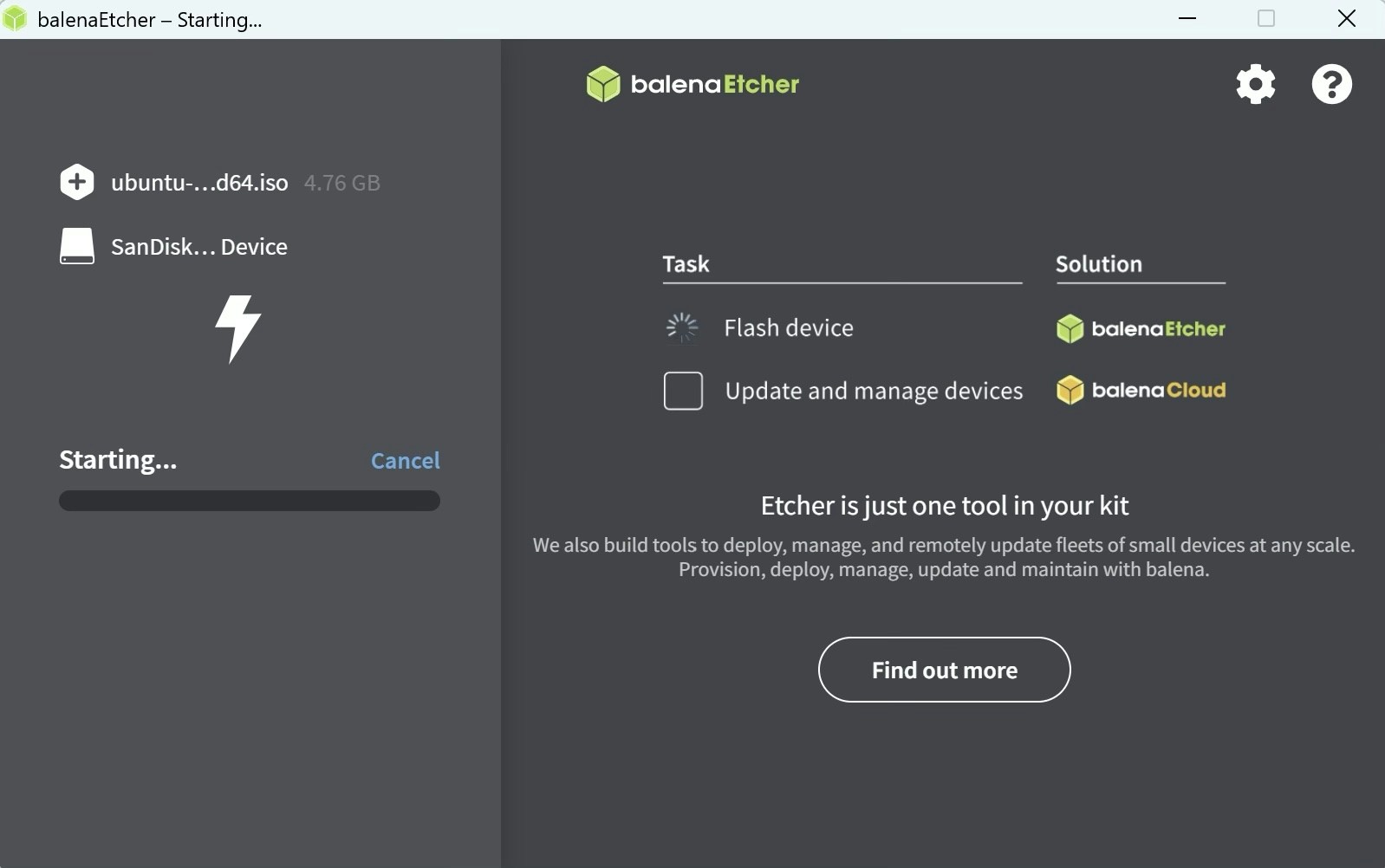
The LattePanda IOTA originally shipped with Windows pre-installed on the eMMC, but Ubuntu LTS was installed instead for this project. After flashing the Ubuntu image to a USB stick with balenaEtcher, the device was booted from USB by pressingF7 and selecting the USB pen drive.
Update
Optional: enable ssh for remote console access
Install Node
Install Edge Impulse
edge-impulse-linux-runner
Log in, select the Edge Impulse project (if you have more than 1), and inference output begins immediately.
For example:
http://192.168.0.100:4912. This is helpful if you need to adjust the web cam position or punch card position.
Parsing Results in Python
I have also included a Python script to execute the runner, capture the output, parse the result block and display the most probable character. After cloning the GitHub repo linked above, you can launch the runner with:python3 runner.py