

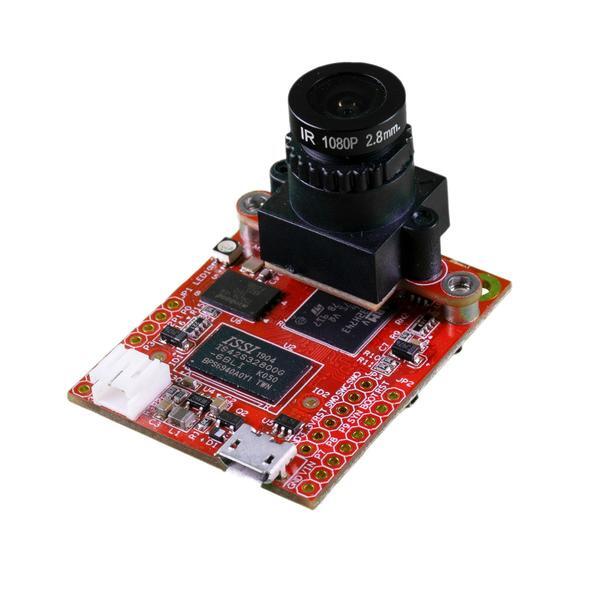
The OpenMV Cam H7 Plus
Connecting to Edge Impulse
To set this device up in Edge Impulse, you will need to install the following software:Next steps: building a machine learning model
With all the software in place it’s time to connect the development board to Edge Impulse. To make this easy we’ve put some tutorials together which takes you through all the steps to acquire data, train a model, and deploy this model back to your device.- Image classification - end-to-end tutorial.
- Detecting objects using FOMO.
- Collecting image data with the OpenMV Cam H7 Plus - collecting datasets using the OpenMV IDE.
- Running your impulse on your OpenMV camera - run your trained impulse on the OpenMV Cam H7 Plus.