Run YOLO-based Edge Impulse object detection models with Qualcomm IM SDK GStreamer pipelines.
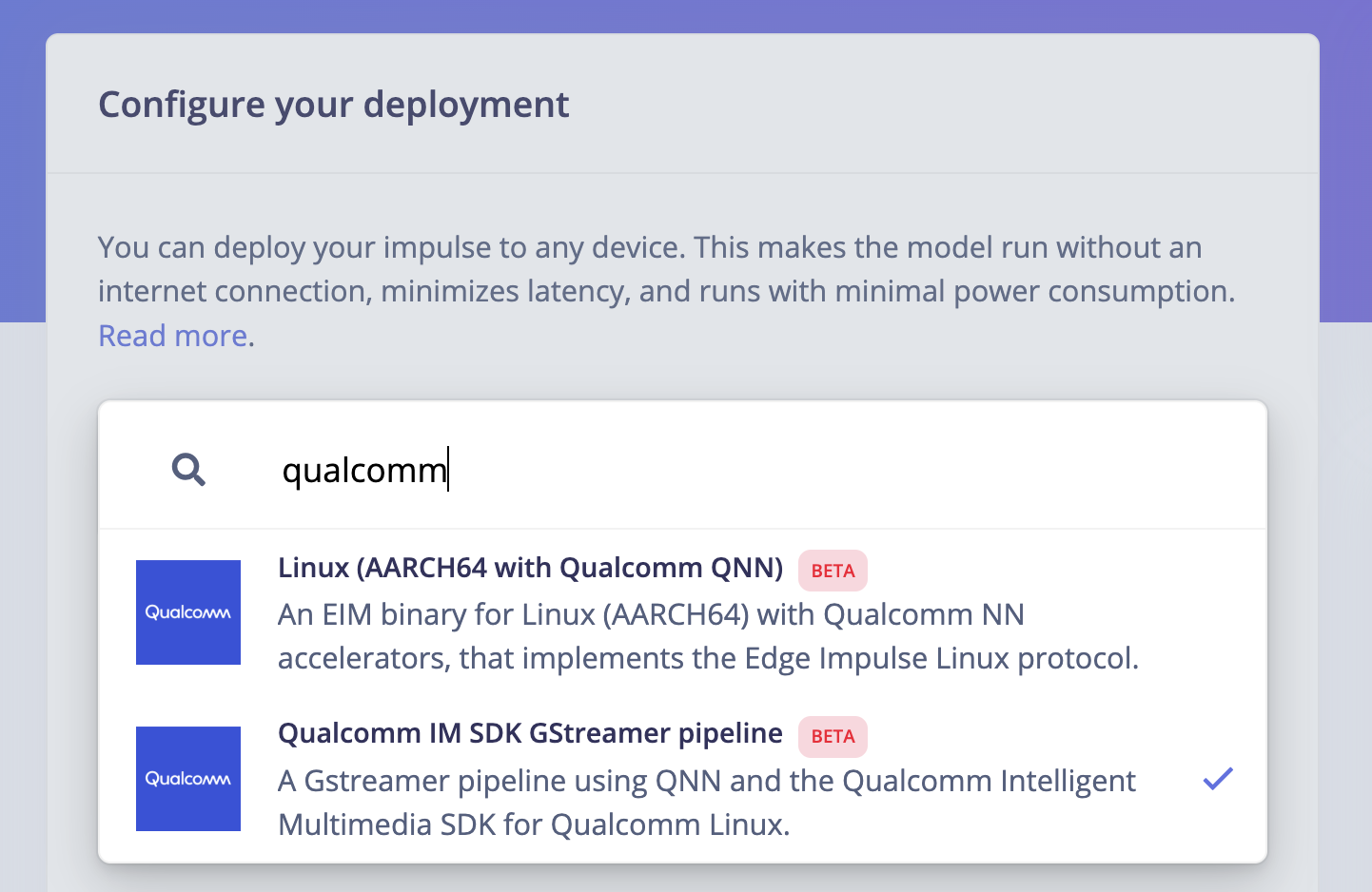
The Qualcomm IM SDK GStreamer plugins interact with Qualcomm IM SDK multimedia components to build multimedia or AI/ML use cases.The Qualcomm IM SDK hides the complexity of the hardware within the plugin architecture and provides APIs to applications. Using this framework, you can create applications without accessing low-level platform libraries and hardware details, which can vary across platforms.You can select the Qualcomm IM SDK GStreamer pipeline deployment option directly in your project’s Deployments page:
Qualcomm deployment options
Only YOLO-based models are supported using this deployment option.
When selecting this option, you will obtain a .zip folder with a directory structure like the following:
This folder contains example pipelines and applications to run Edge Impulse models using the Qualcomm Intelligent Multimedia SDK GStreamer plugins.These example pipelines have been tested on the Qualcomm Dragonwing™ RB3 Gen 2 Development Kit.
We’ve included a demo application based on gst-ai-object-detection in imsdk-demo-app/. To build:
Build the application (will be built using Docker):
cd imsdk-demo-appsh build.sh
Run the application:
export XDG_RUNTIME_DIR=/dev/socket/weston && export WAYLAND_DISPLAY=wayland-1# make sure to go back to the root foldercd .../imsdk-demo-app/build/edge-impulse-object-detection --config-file=edge-impulse-object-detection-config.json