

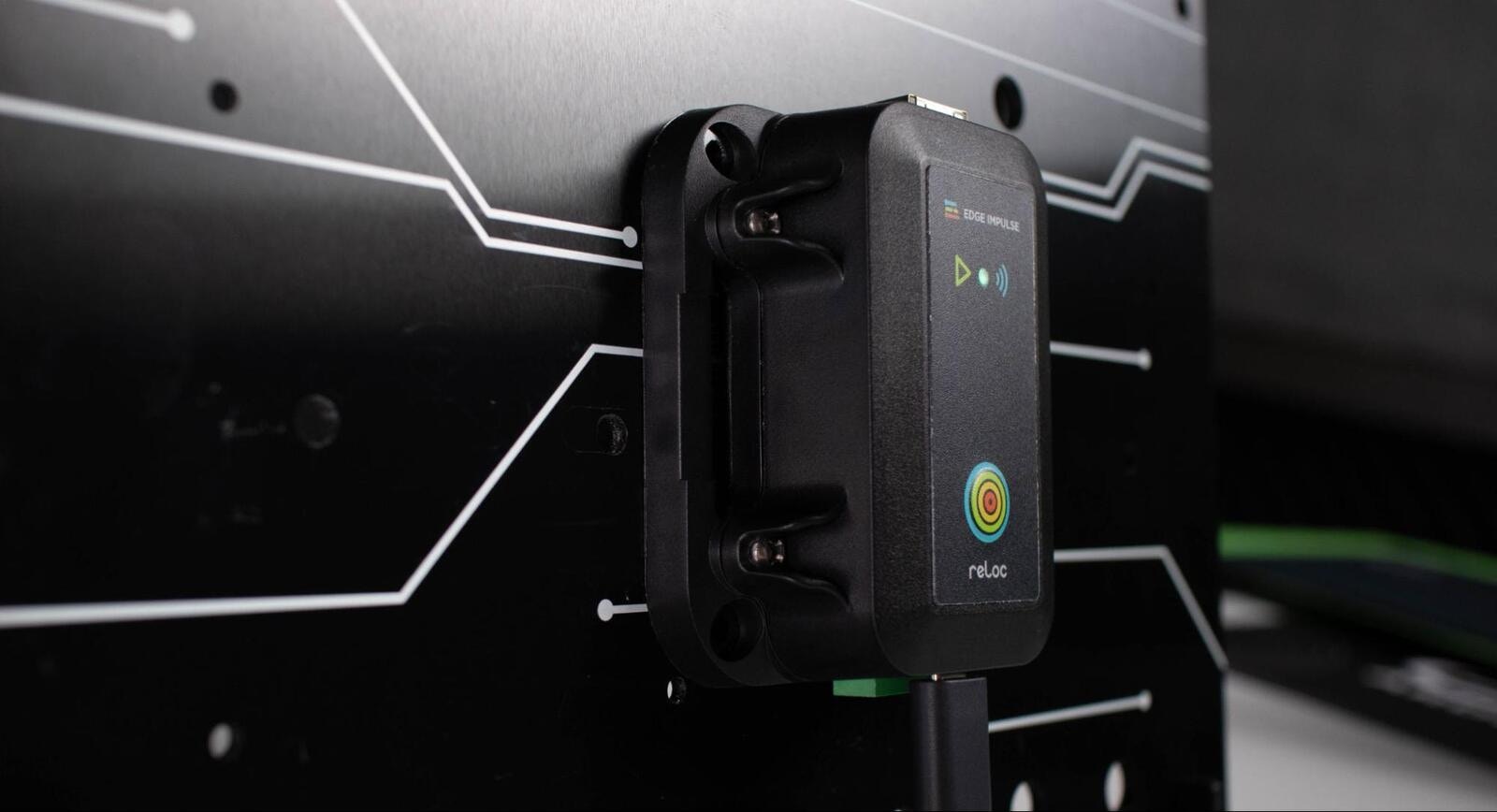
The BrickML
Installing dependencies
To start using the BrickML with the Edge Impulse studio, no additional software is required. Simply install the Edge Impulse CLI, create a project on the Edge Impulse Studio, and you’re ready to go.Connecting to Edge Impulse
1. Connect your Brick to the daemon
Connect the BrickML to your computer and start the Edge Impulse daemon from a command prompt or terminal:--clean.
If prompted to select a device, choose BRICKML:
2. Choose your project
Once logged in, the wizard will ask which project the device should be connected to. From this list, choose the project that you created in step one.3. Connect to the Studio
After the project is selected, the daemon will update to let you know that the connection is successful. Enter a name for your device at the prompt, and your device is now connected to the studio. The devices tab in your project on the studio will also indicate successful connection of the BrickML with a green indicator. You can now start collecting your data.\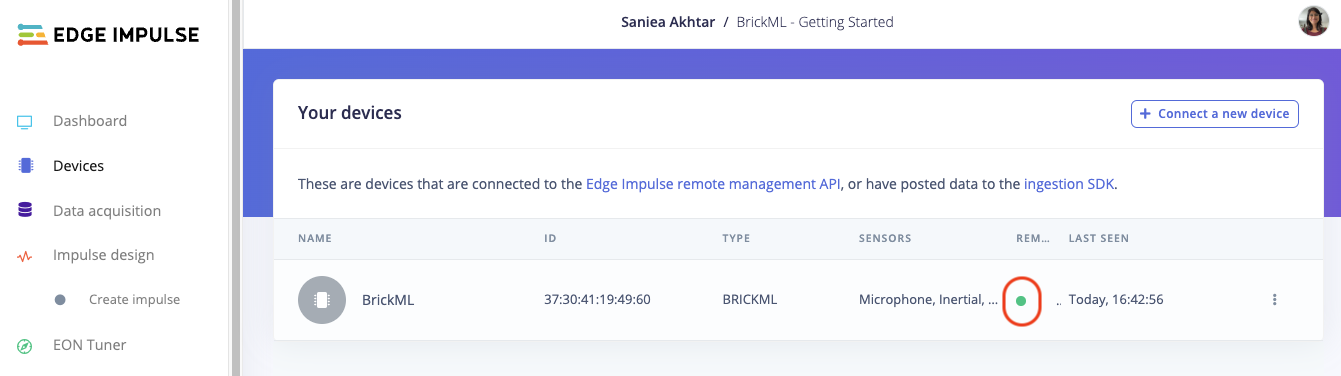
BrickML successfully connected
Next steps: building a machine learning model
With everything set up you can now build your first machine learning model with these tutorials: Looking to connect different sensors? The data forwarder lets you easily send data from any sensor into Edge Impulse. Predictive maintenance powered by IoT sensors and machine learning on the edge, has become a game-changer, empowering businesses to embrace a more proactive and precise approach to asset management. BrickML is an all-in-one approach to predictive maintenance, empowering organizations with accurate insights and enabling proactive asset management.Deploying back to device
Build with Docker
Note: Docker build can be done with MacOs, Windows10 & Windows11 and Linux machines with x86_64 architecture only.If you are building with Docker, you will need to have Docker Desktop installed. You will need to do this is you want to build a wrapper application around your BrickML project while taking advantage of the Edge Impulse provided ingestion and inference libraries.
- Run the Docker Desktop executable, or start the docker daemon from a terminal as shown below:
- From the BrickML firmware directory build the docker container
- Build the firmware as follows and flash your device with your application (as described below)
ei_uploader.py script as follows:
firmware-brickml.bin.signed by default.
The data sheet for the BrickML can be found here:
Download pdf