Set up the OnLogic Helix 521 as a Linux target for Edge Impulse data collection and inference.
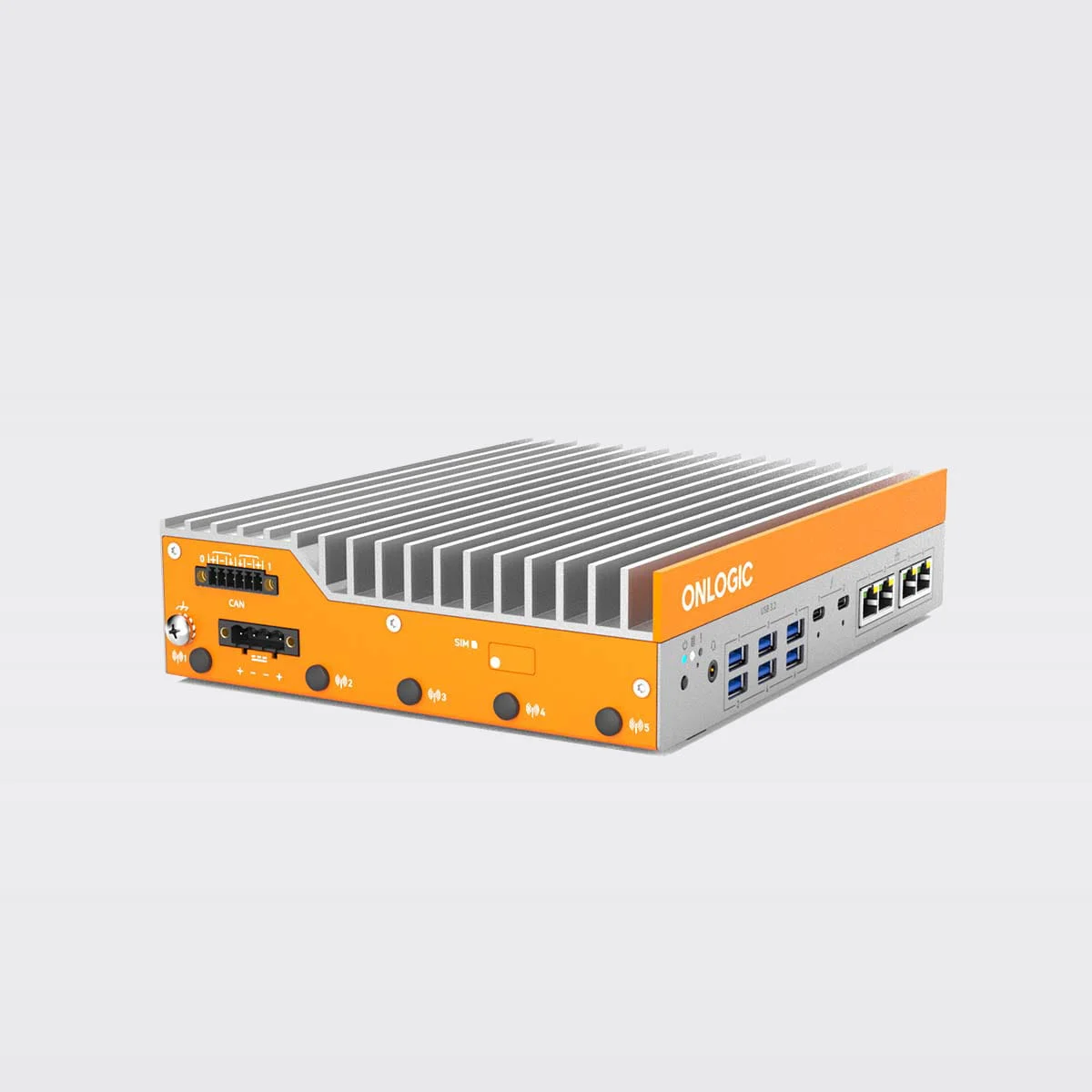
The Helix 521 is a fanless, low-profile industrial computer designed for automation applications and other demanding edge environments. This system leverages Intel® Core™ Ultra processing to deliver powerful, reliable computing wherever you need it.
OnLogic Helix 521
INTEL CORE ULTRA PERFORMANCEThe Helix 521 is powered by Intel Core Ultra processing (Core Ultra Series 2 coming soon), designed specifically for edge AI performance and scalability. The system supports up to 96 GB of DDR5 memory for efficient operation and offers storage options including an M.2 2280 M-Key slot (PCIe 4, SATA III). The system is vPro-capable (depending on the CPU selected), enabling remote KVM access and firmware updates.ENGINEERED FOR INDUSTRIAL ENVIRONMENTSThe Helix 521 features a fanless design and a low-profile form factor optimized for DIN, Wall, Vesa and even rack mounting, making it suitable for space-constrained industrial settings. The system is UL, RoHS, FCC, and CE certified, has been EMC tested for industrial, medical, in-vehicle, rail, and maritime applications, and has an operating temperature range of 0 to 50°C.VERSATILE CONNECTIVITY FOR INDUSTRIAL NEEDSThe Helix 521 offers a range of interfaces to support various industrial applications. The front panel includes 4x 2.5GbE LAN, 6x USB 3.2 ports and 2x USB-C/Thunderbolt 4 ports. The side panel offers optional 4x COM ports (RS232/422/485), optional CAN, optional DIO, and 2x Display Ports.CELLULAR CONNECTIVITYThis system can be configured with an integrated cellular modem, pre-certified to operate on many of the world’s most popular cellular carrier networks using a SIM card. Our 4G/5G capable hardware is ideal for today’s mobile, edge computing, and Industrial Internet of Things (IIoT) applications. The wireless connectivity has been tested to operate reliably in challenging Electromagnetic Compatibility (EMC) environments (EN 300 328, EN 301 908-2, EN 301 489-17, EN 301 489-52). Many of our systems also include co-location options allowing you to implement Wi-Fi and Bluetooth, in addition to cellular connectivity, at the same time. To take advantage of cellular connectivity, simply configure your system with one of our available cellular modems and then contact your carrier to activate.
Important: Edge Impulse requires Node.js version 20.x or later. Using older versions may lead to installation issues or runtime errors. Please ensure you have the correct version installed before proceeding with the setup.
With all software set up, connect your camera or microphone to your operating system (see ‘Next steps’ further on this page if you want to connect a different sensor), and run:
edge-impulse-linux
This will start a wizard which will ask you to log in, and choose an Edge Impulse project. If you want to switch projects run the command with --clean.
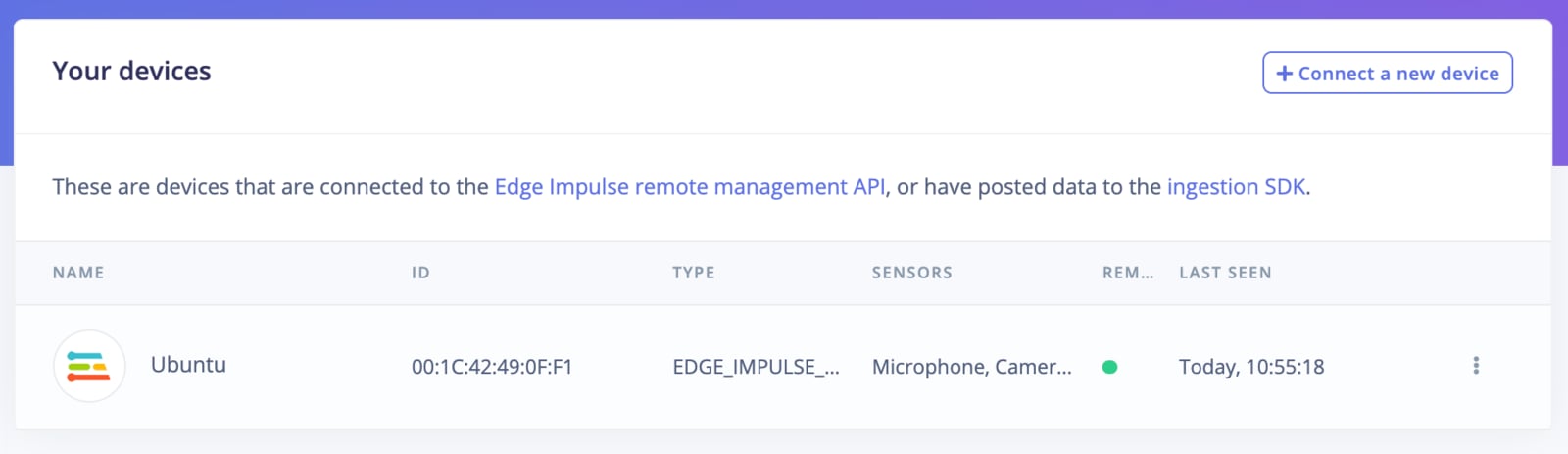
That’s all! Your machine is now connected to Edge Impulse. To verify this, go to your Edge Impulse project, and click Devices. The device will be listed here.
Object detection with centroids (FOMO) Looking to connect different sensors? Our Linux SDK lets you easily send data from any sensor and any programming language (with examples in Node.js, Python, Go and C++) into Edge Impulse.
To run your impulse locally run on your OnLogic Helix 521:
edge-impulse-linux-runner
This will automatically compile your model with full hardware acceleration, download the model to your local machine, and then start classifying. Our Linux SDK has examples on how to integrate the model with your favourite programming language.
If you have an image model then you can get a peek of what your device sees by being on the same network as your device, and finding the ‘Want to see a feed of the camera and live classification in your browser’ message in the console. Open the URL in a browser and both the camera feed and the classification are shown: