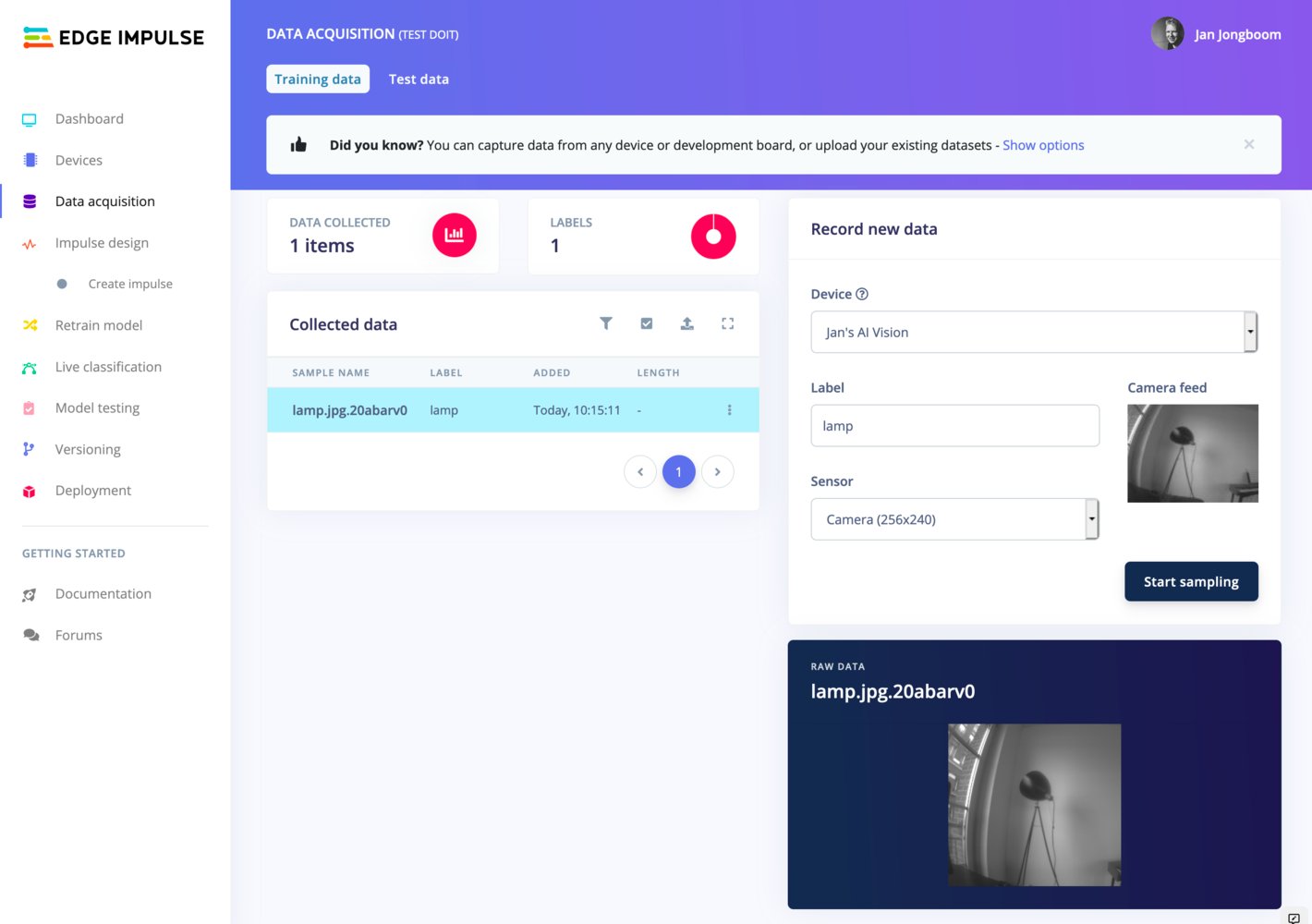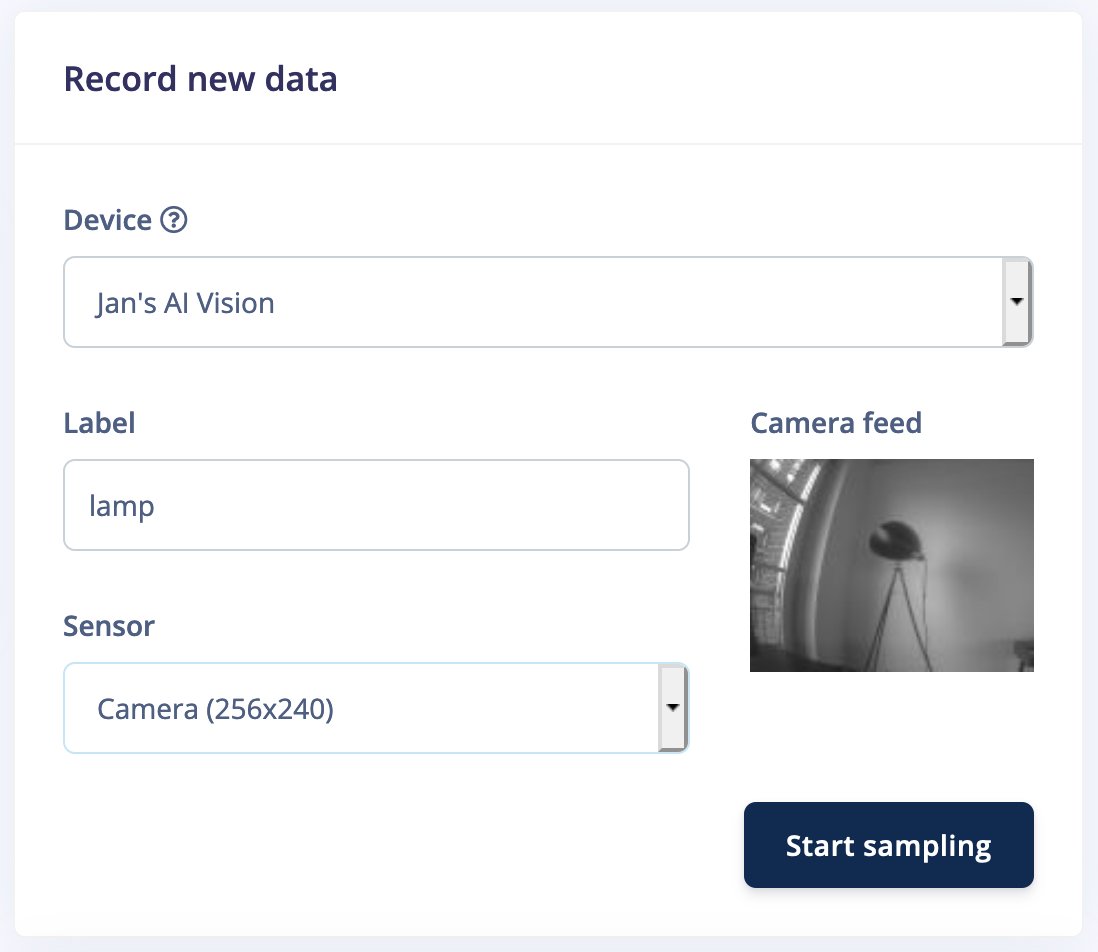
This page is part of Image classification and describes how you can use development boards with an integrated camera to import image data into Edge Impulse. First, make sure your device is connected on the Devices page in the Edge Impulse Studio. Then, head to Data acquisition, and under ‘Record new data’, set a label and select ‘Camera’ as a sensor (most devices have multiple resolutions). This shows you a nice preview of the camera. Then click Start sampling.Documentation Index
Fetch the complete documentation index at: https://docs.edgeimpulse.com/llms.txt
Use this file to discover all available pages before exploring further.