

.pte program, and runs it on phones, single-board computers, and microcontrollers with backends such as XNNPACK and CMSIS-NN.
In this tutorial, you connect PyTorch to Edge Impulse with two custom blocks: a learning block that trains a model and exports ONNX for Edge Impulse Studio plus an optional ExecuTorch .pte, and a deployment block that packages a trained impulse as a .pte with a small runtime harness.
This tutorial uses the Edge Impulse CLI and Docker. Install the Edge Impulse CLI and Docker before you start.
How the blocks fit together
Edge Impulse works with TensorFlow, TFLite, and ONNX models. ExecuTorch consumes PyTorch programs, so the learning block trains in PyTorch and exports ONNX, and the deployment block converts the trained model back to an ExecuTorch program.
The learning block is available to all users. The deployment block is available on the Enterprise plan only.
1. Train a PyTorch model with a custom learning block
The learning block trains a compact CNN on your project’s image data and outputs an ONNX model that Edge Impulse converts to TFLite for deployment.This walkthrough uses the image classifier block. The audio, time-series, and object detection variants listed in Source code follow the same steps with different input data and
parameters.json.Block structure
The block contains the standard custom learning block files:parameters.json file declares the block as a machine learning block that operates on images and expects pixels scaled to 0..1:
Handle the data format
Edge Impulse provides image data as pre-scaledfloat32 arrays in NHWC (batch, height, width, channels) order. PyTorch expects NCHW, so the training script transposes the arrays before training:
Export ONNX and ExecuTorch
After training, the block writesmodel.onnx for Studio and, when the --export-pte flag is set, an ExecuTorch program:
executorch==0.4.0 requires torch==2.5.0. Pin the two together and install the CPU wheels from https://download.pytorch.org/whl/cpu to avoid pulling CUDA packages into the build.Test the block locally
Download processed data from a project that has an image impulse, then run the container:out/model.onnx and out/model.pte when the run finishes.
Push to Edge Impulse
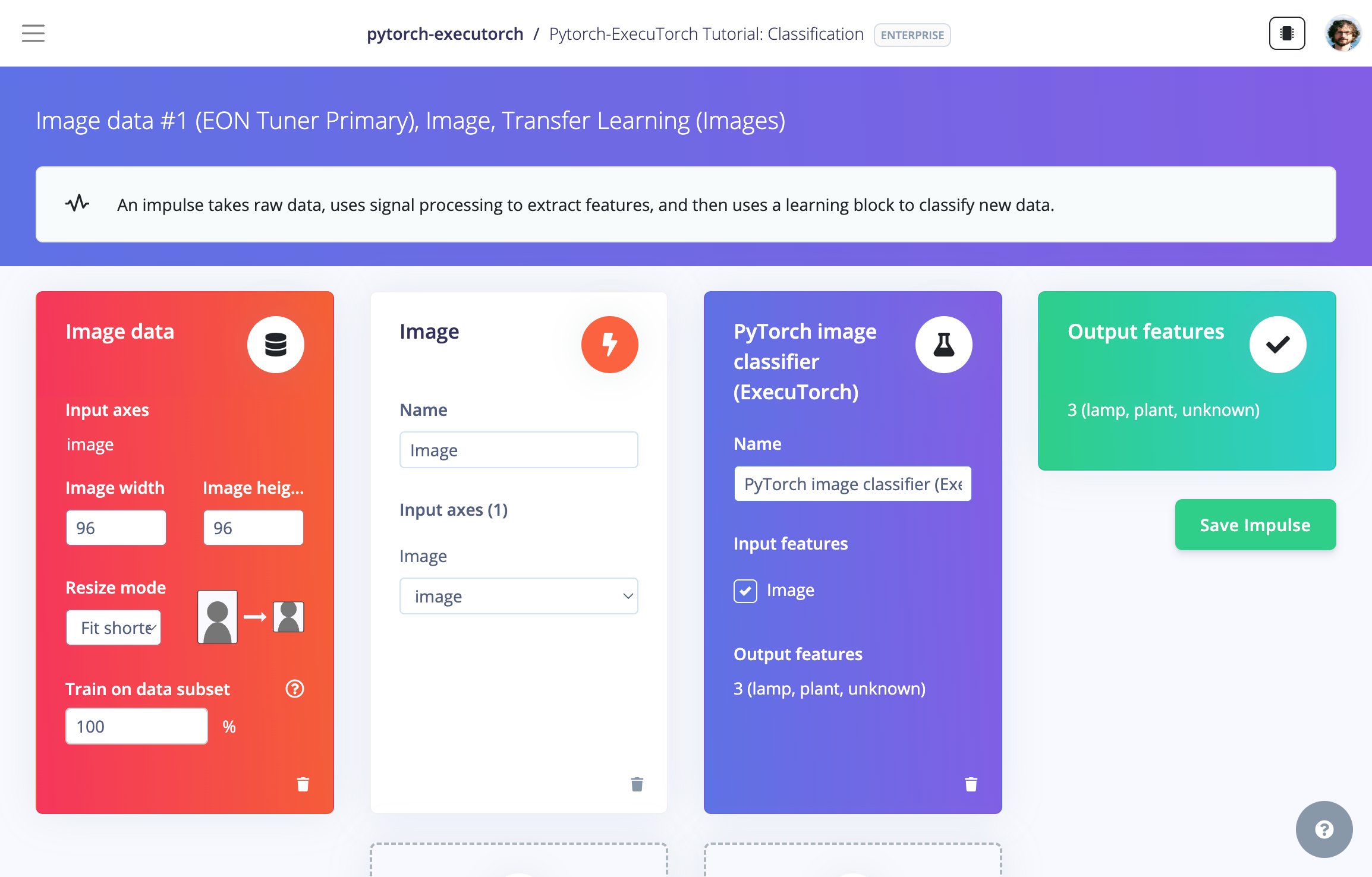
The ExecuTorch learning block added to an image impulse in Studio
Train and test in Studio
Train the model on the learning block’s page, then check it against your test set on the Model testing page.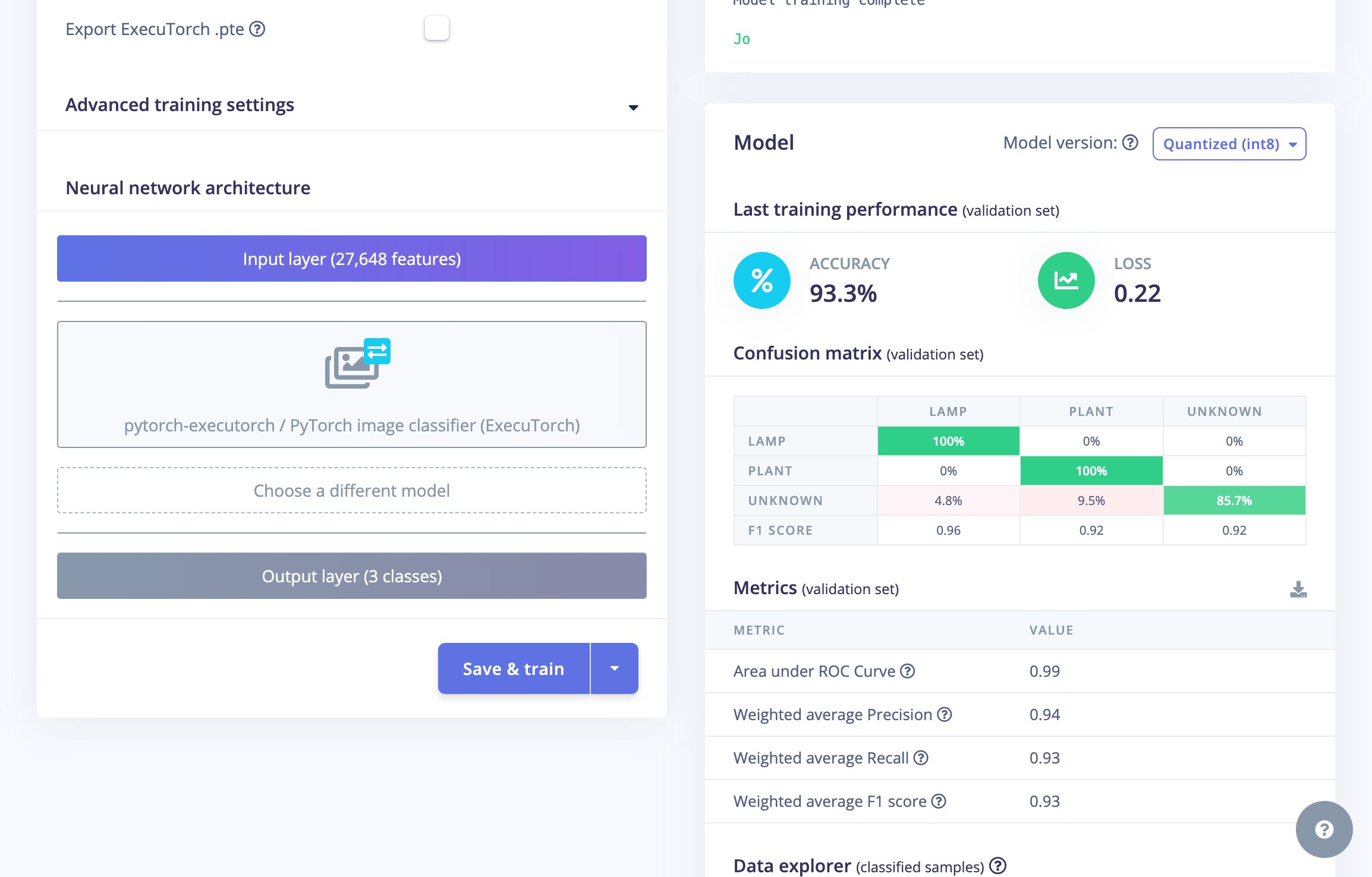
Training the PyTorch classifier (93.3% validation accuracy)
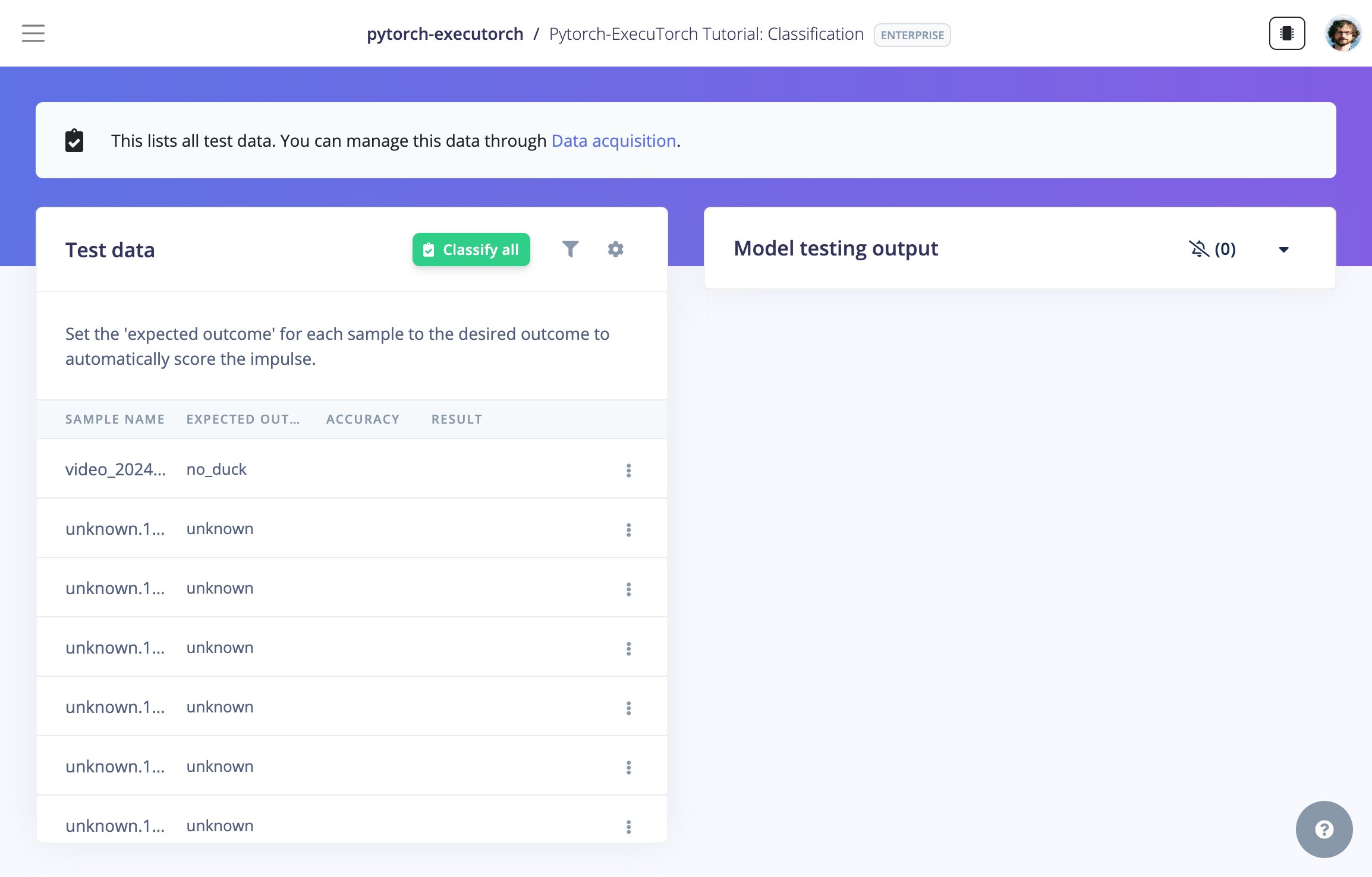
Model testing on the held-out test set
2. Export to ExecuTorch with a custom deployment block
Only available on the Enterprise planThis feature is only available on the Enterprise plan. Review our plans and pricing or sign up for our free expert-led trial today.
onnx2torch, then lowers it to a .pte. The full source is in executorch-deploy.
Block structure
deployment-metadata.json, which points to the input and output folders:
deploy.zip to the output folder. See deployment-metadata.json for the full input schema.
Test the block locally
deploy.zip contains model.pte, the source model.onnx, labels.txt, and the app/ harness.
Push to Edge Impulse
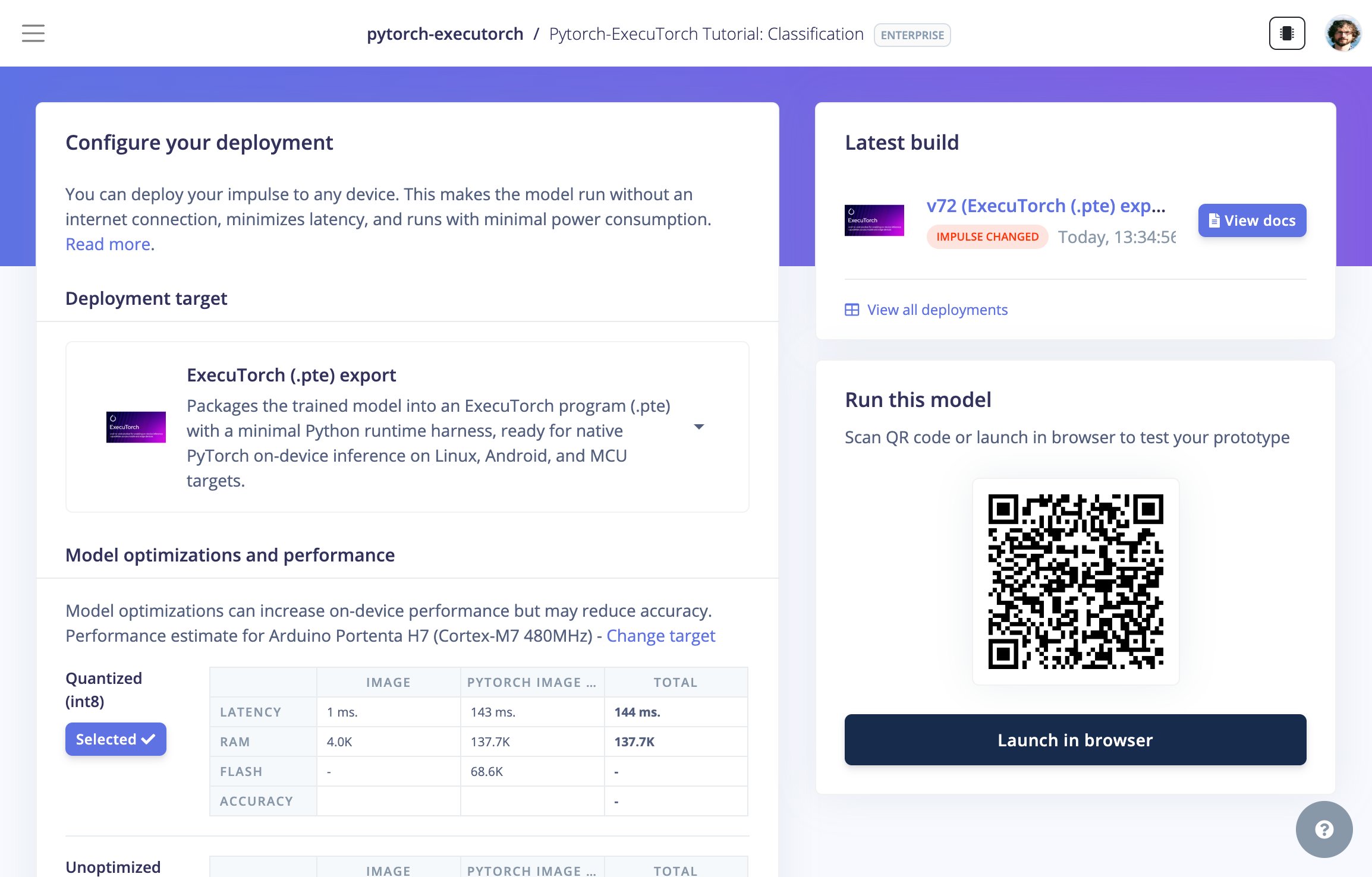
The trained impulse's Deployment page, with the ExecuTorch .pte export target
Run the ExecuTorch program
On a Linux or ARM target with the ExecuTorch Python runtime installed, load the.pte and run a forward pass:
Source code
All blocks are open source. Pick the learning block that matches your data. Each one exports an ONNX model for the studio plus an optional ExecuTorch.pte.
Try it on Android
The ExecuTorch Android demo runs a.pte on-device with the XNNPACK CPU backend, without the Edge Impulse C++ SDK or TFLite. Each block’s DSP (image scaling, motion spectral analysis, audio MFE) is rewritten in Kotlin, so the .pte only runs the neural network. Each product flavor bundles a different model under its own app ID, so you can install them side by side.
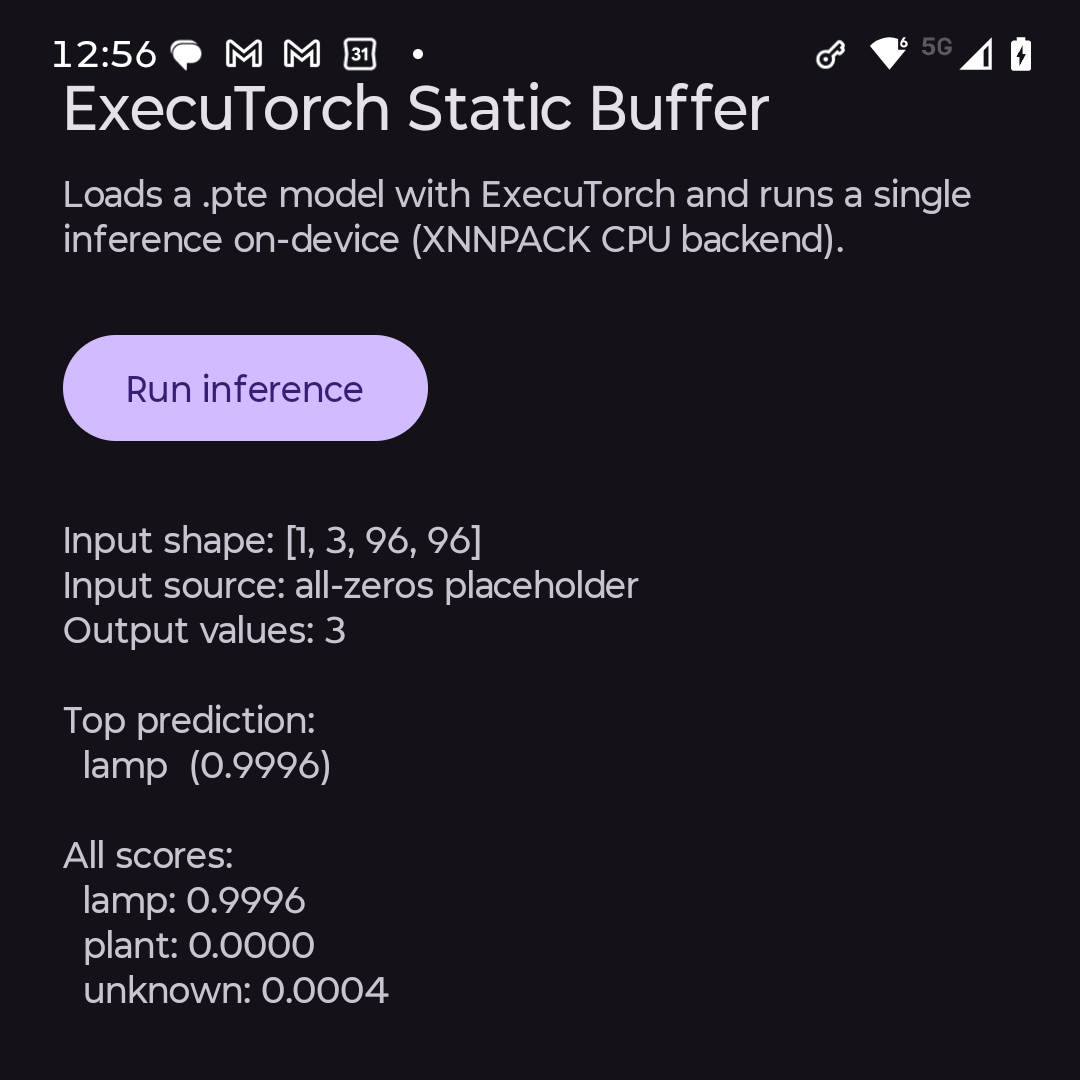
Static-buffer: one forward pass over a fixed input buffer
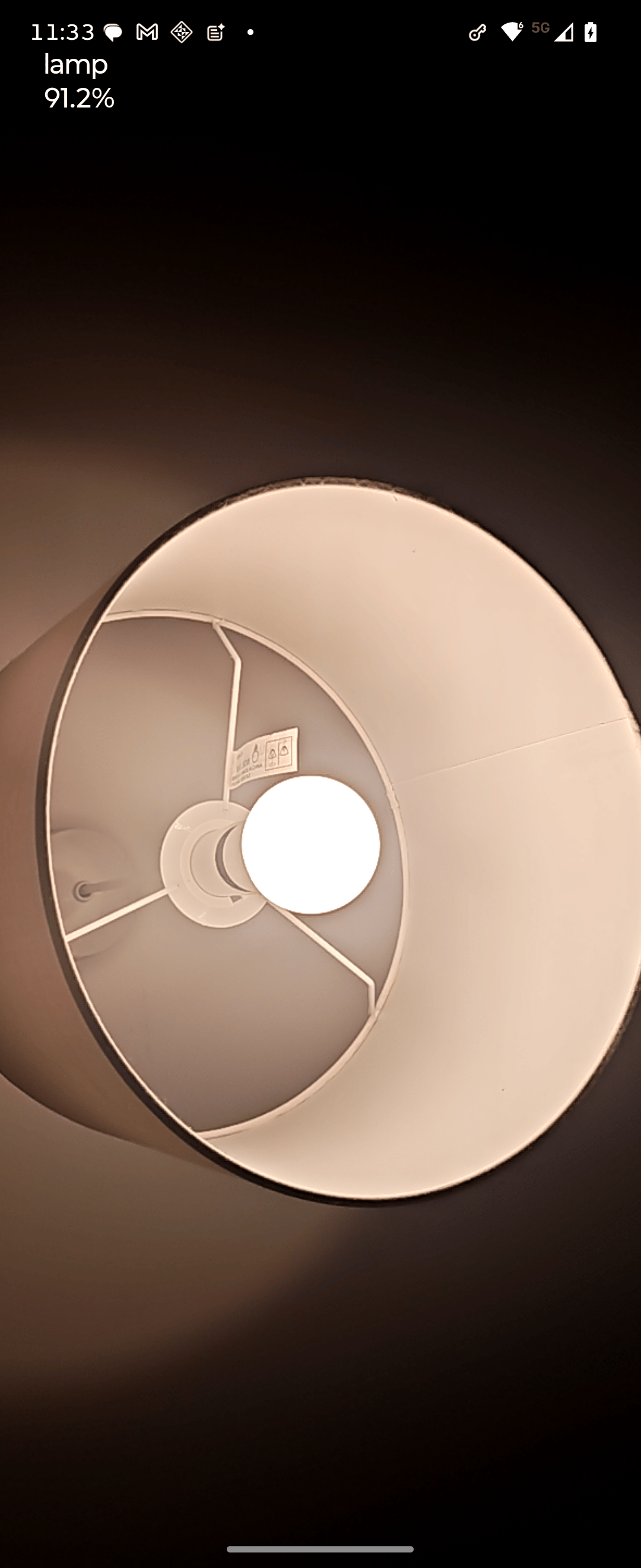
Image classification running live on-device
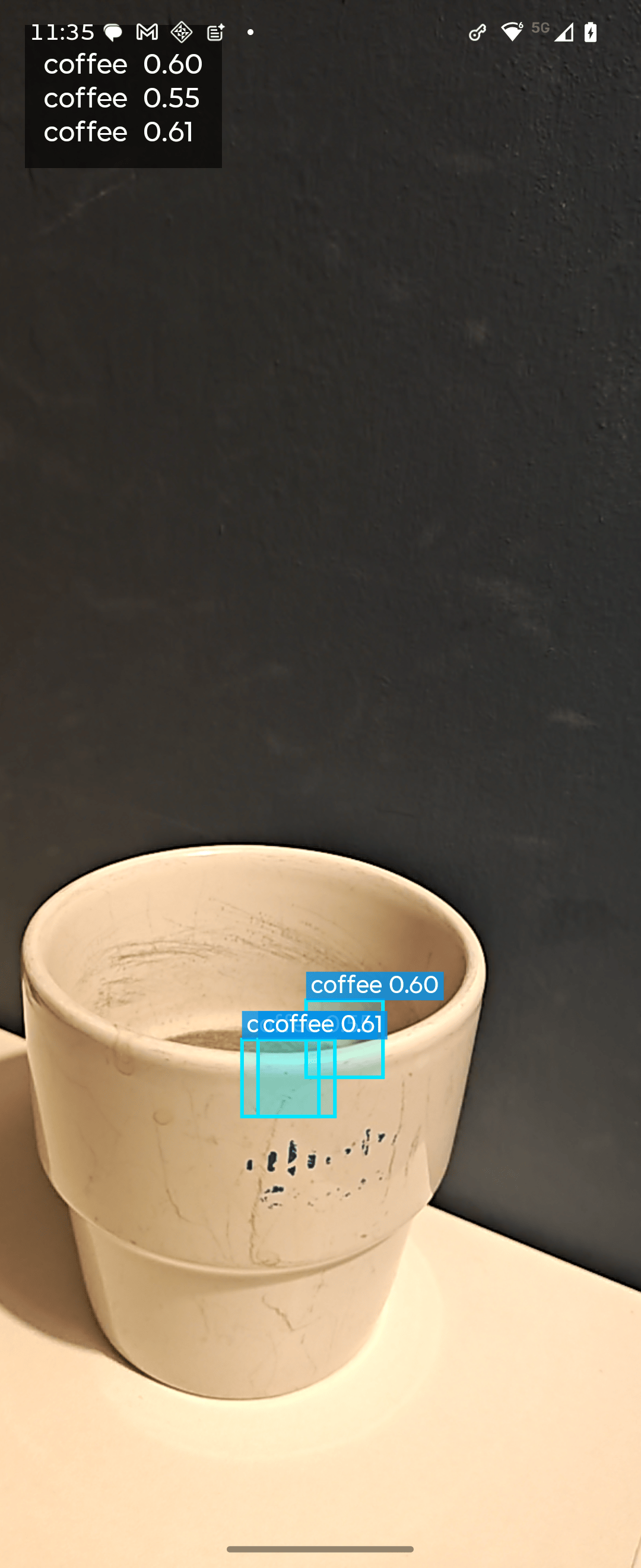
FOMO object detection running live on-device
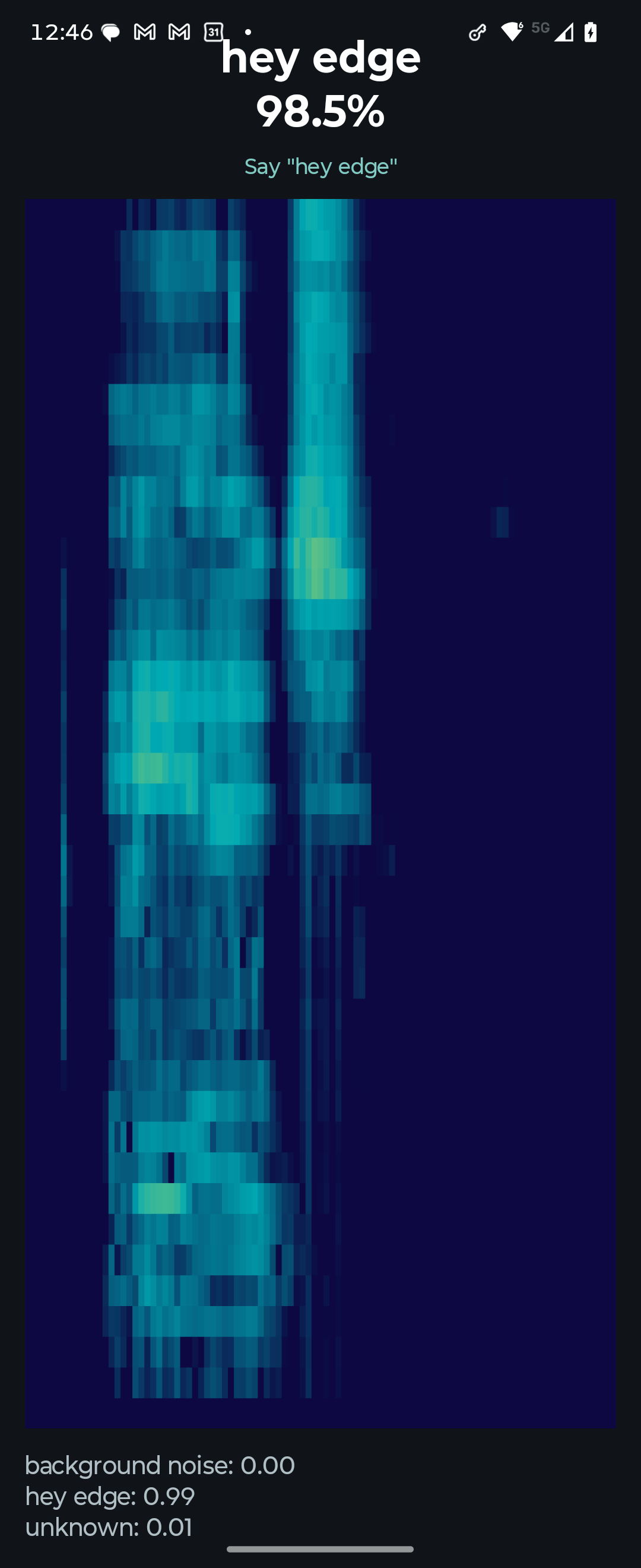
Keyword spotting: live mic through the Kotlin MFE
Because the demo rewrites the DSP in Kotlin, each new modality needs its own port. To run the studio’s DSP unchanged, call the Edge Impulse C++ SDK through JNI instead. example-android-inferencing shows the JNI approach.