

edgeimpulse_ros is an open-source ROS 2 package that plugs an Edge Impulse model straight into your robot’s software. It runs a Linux .eim binary inside a ROS 2 node so that whatever your model understands - objects, categories, or anomalies - becomes available to the rest of your robot with no hand-written glue code.
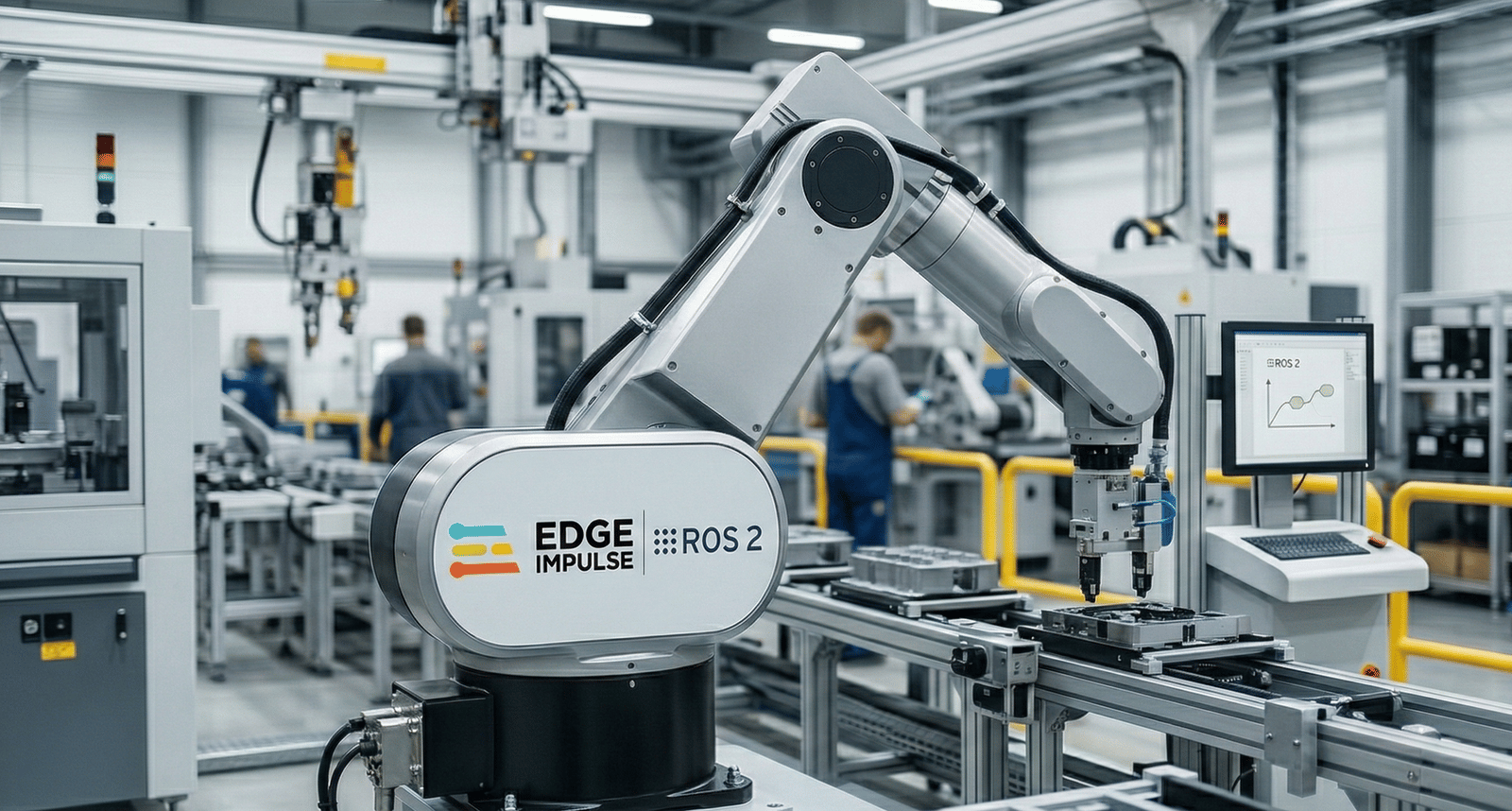
Edge Impulse vision models running on ROS 2 robots
vision_msgs out.
sensor_msgs/Image topic, it drops straight into the pipeline you already have, and it works with QoS, image_transport, namespaces, and multi-camera setups.
Highlights
- Camera-agnostic: Subscribe to any image topic with configurable QoS; optional
CompressedImageinput. - Handles the hard encodings: Decodes
bgr8,rgb8,mono8/16,bgra8,rgba8,yuyv,uyvy, andnv12/nv21natively. - Correct timestamps: The source image’s stamp and
frame_idpropagate to every output, so TF and sensor fusion keep working. - Every image model type: Object detection, image classification, FOMO, and visual anomaly detection (FOMO-AD).
- Accurate coordinates: Detections are mapped from model-input space back to the original image resolution (crop/pad/squash aware).
- Idiomatic messages:
vision_msgs/Detection2DArrayandClassification, plus latchedVisionInfo/LabelInfo. - Observability built in: An optional annotated debug image and a
diagnostic_msgs/DiagnosticArraywith FPS, latency, and model health.
Prerequisites
- A ROS 2 workspace running Jazzy or Rolling (which ship
vision_msgs4.x). Humble support is on the roadmap but not yet validated in CI. - The Edge Impulse Linux Python SDK installed in the same interpreter as ROS, along with OpenCV and NumPy. The SDK imports
pyaudioat load time (even for image models), soportaudio19-devis required to build it. - A model exported from your Edge Impulse project as a Linux
.eimbinary that matches your device architecture. You can train a model in Edge Impulse Studio or start from a public project.
- Ubuntu
- Qualcomm Linux
On a standard Ubuntu machine (Ubuntu 24.04 pairs with ROS 2 Jazzy), use Use the x86-64 (or aarch64 on Arm-based machines)
apt and pip. On Ubuntu 24.04 the system Python is externally managed (PEP 668), so install the SDK into your user site with --break-system-packages:.eim build from the Studio.Get started in five minutes
Install the package into your ROS 2 workspace, then run the bundled webcam demo:Use your existing camera node
Already have a camera node? Skip the demo launch and point the detector at your existing topic:NV12 and Qualcomm QRB cameras
Qualcomm’sqrb_ros_camera publishes NV12 frames. edgeimpulse_ros can decode NV12 (and NV21/YUYV) directly to BGR inside the node, so you can point it straight at the camera:
Visual anomaly detection
FOMO-AD models are well suited to quality control and “something’s wrong here” monitoring.edgeimpulse_ros publishes the spatial anomaly grid as boxes on ~/detections and the peak anomaly score on ~/anomaly, and overlays the flagged regions on the debug image.
Learn more
- Tutorial series: Robotics with Edge Impulse and ROS 2 - end-to-end tutorials that build on this package.
- Run Edge Impulse Object Detection with ROS 2 - the shared
edgeimpulse_rosdetector reference used across the series. - Run Edge Impulse Vision on a JetBot with Rubik Pi - perception on a JetBot-class mobile robot.
- Build a Mobile Inspection System with Edge Impulse and ROS 2 - a rover-style inspection architecture.
- Run Edge Impulse Pick and Place with UNO Q Braccio - trigger robotic-arm sorting from detections.
- Run Edge Impulse Object Detection with ROS 2 - the shared
- GitHub: github.com/edgeimpulse/edgeimpulse-ros - setup steps, launch files, examples, and configuration.
- Deploy a model: Deploy as a Linux
.eimbinary. - Train a model: Edge Impulse Studio.
edgeimpulse_ros is open source under the BSD-3-Clause-Clear license.