

SSO (Single Sign On)
Arduino Pro usersArduino Pro users will benefit a 60-min per job limit instead of the default 20-min per job limit.
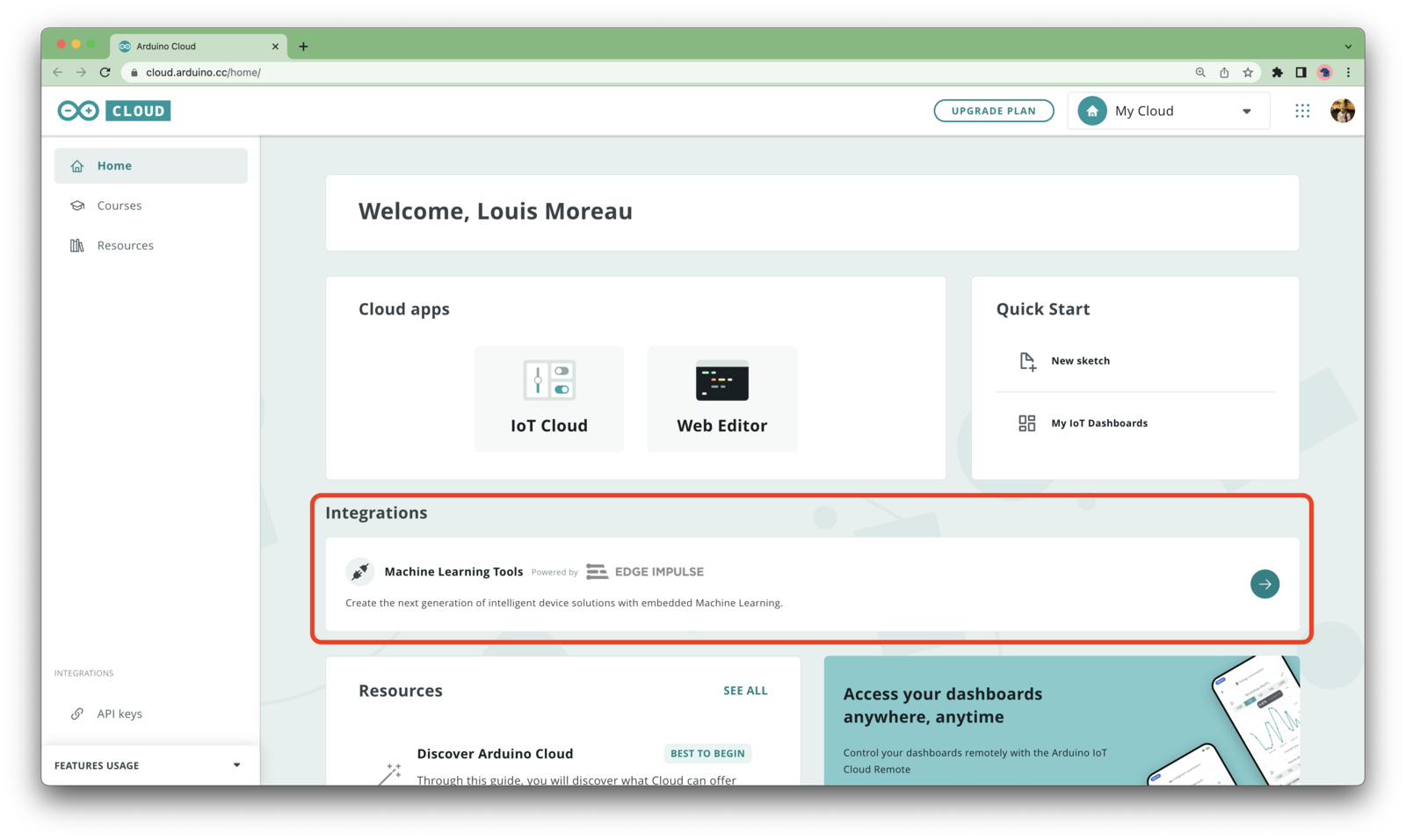
Arduino Cloud home page
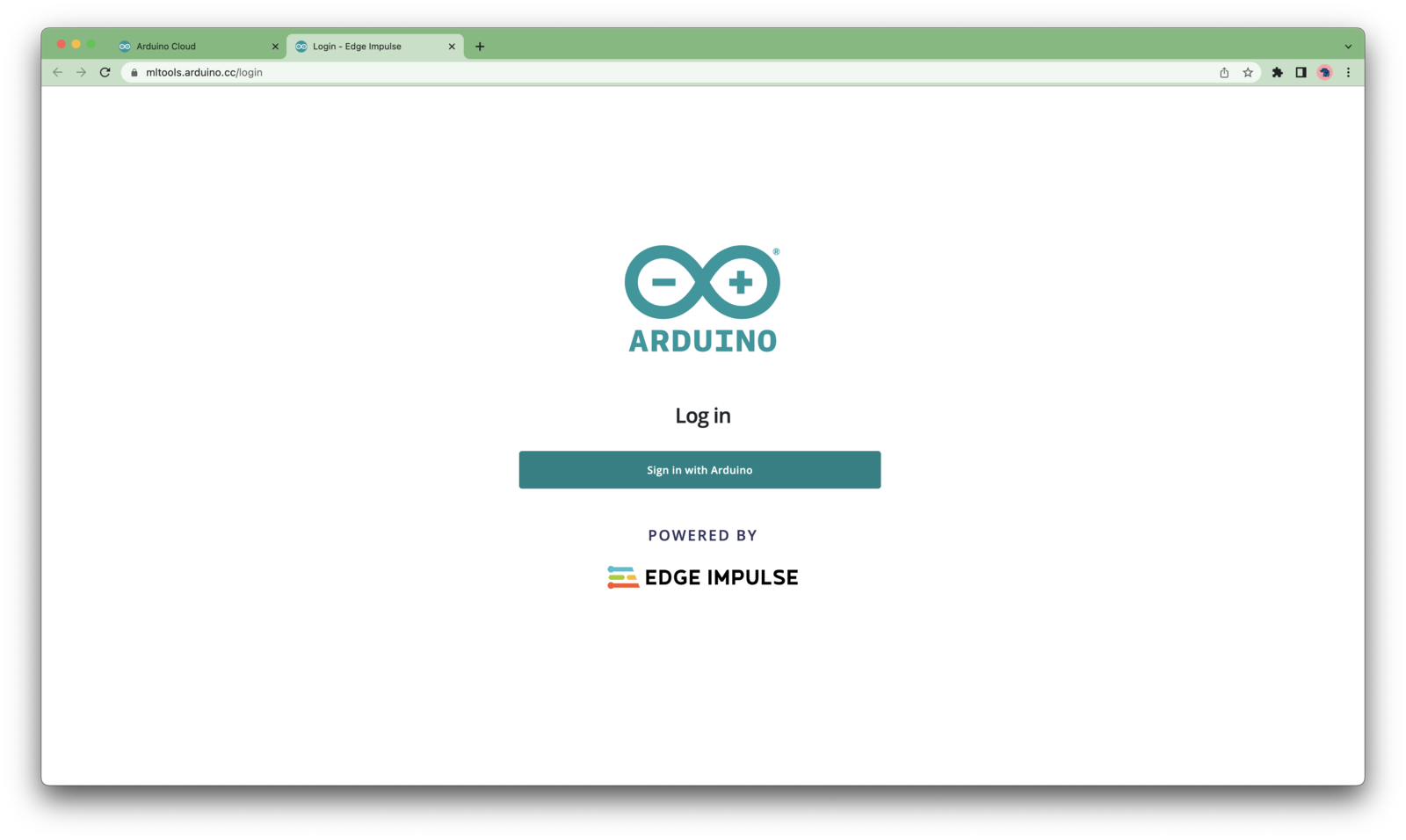
Arduino ML Tools SSO
Create and build a machine learning project
To create a new project, click on your profile picture in the upper right corner and select + Create new project.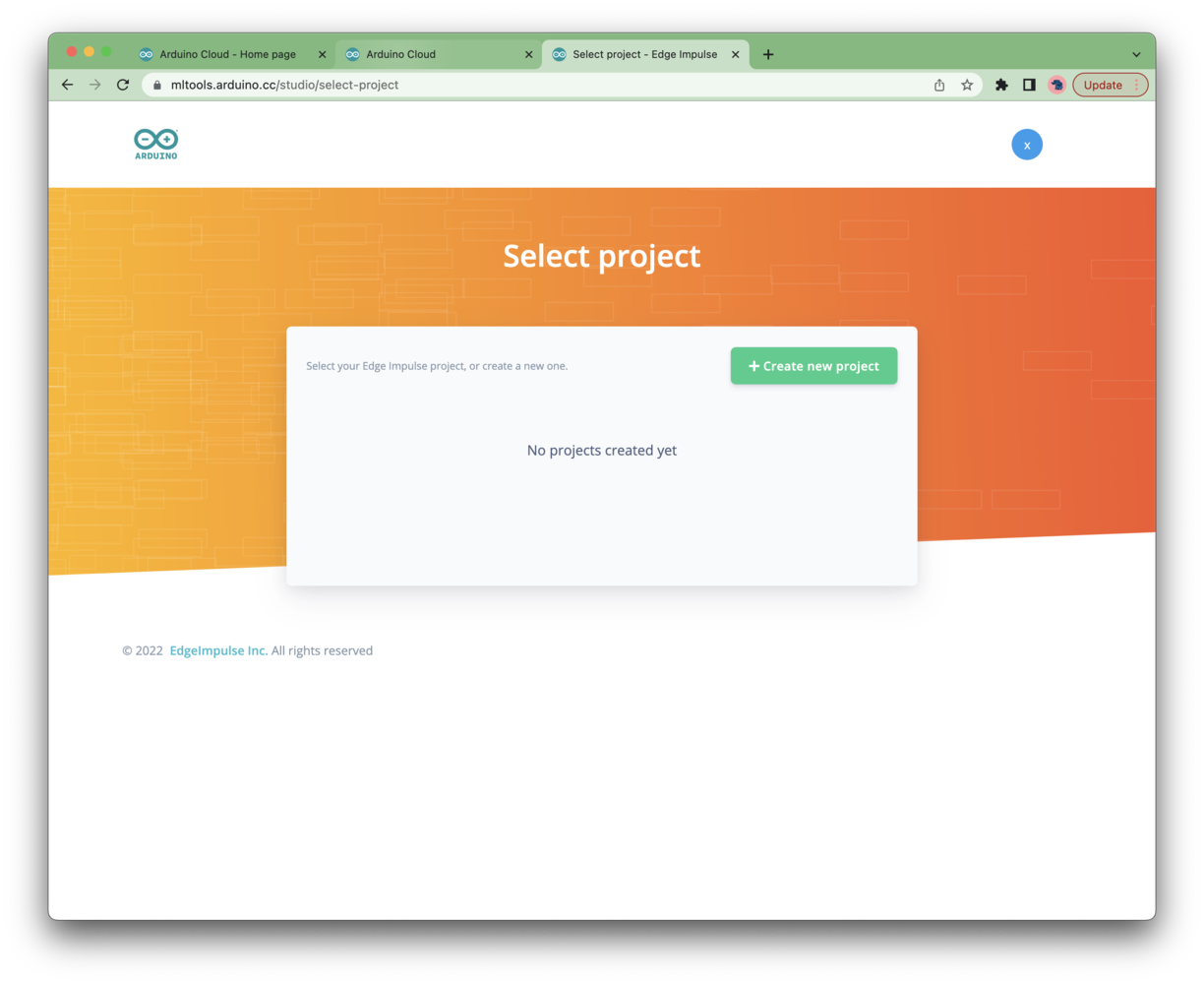
Arduino ML Tools - first login
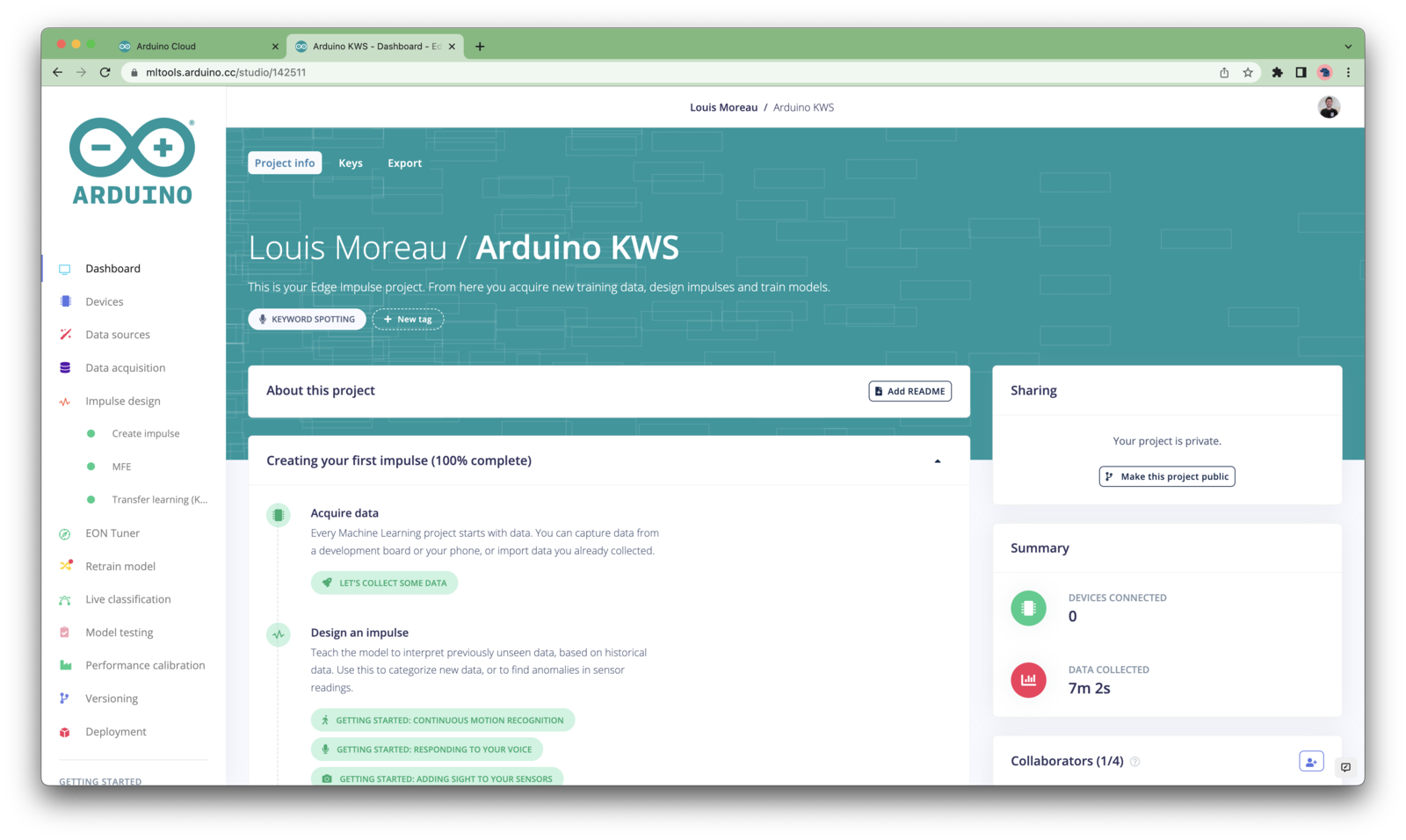
Arduino ML Tools Dashboard
- Arduino Nano 33 BLE Sense
- Arduino Nicla Vision
- Arduino Portenta H7 + Vision Shield
- Arduino Nicla Sense ME*
- Keyword spotting
- Sound recognition
- Image classification
- object detection.
- Object detection with centroids (FOMO)
Deployment
Once your project is ready, you can either download an Arduino library or a ready-to-use firmware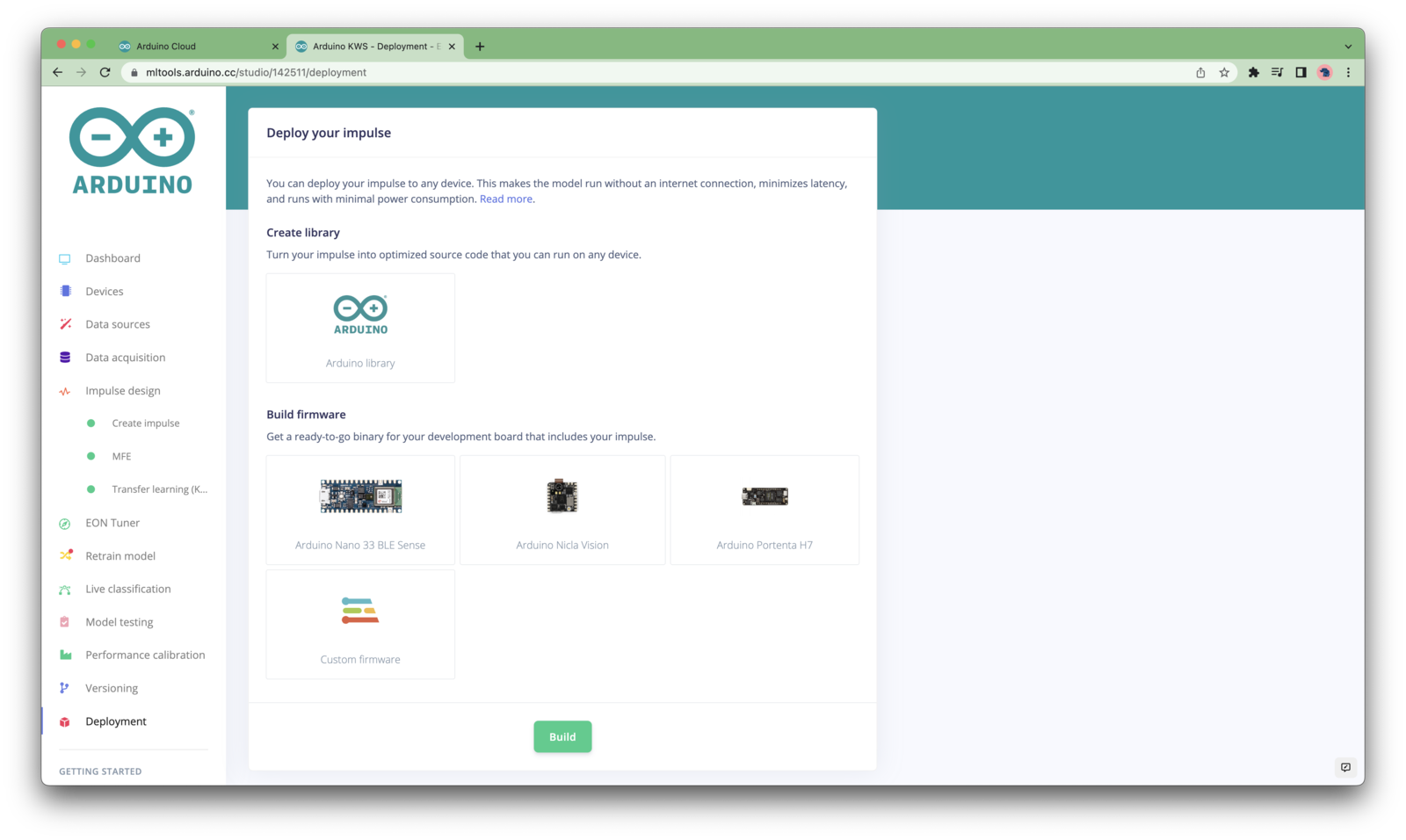
Arduino ML Tools Deployment
Share your project
Once you are happy with the results, please share your project publicly and let everyone knows about it: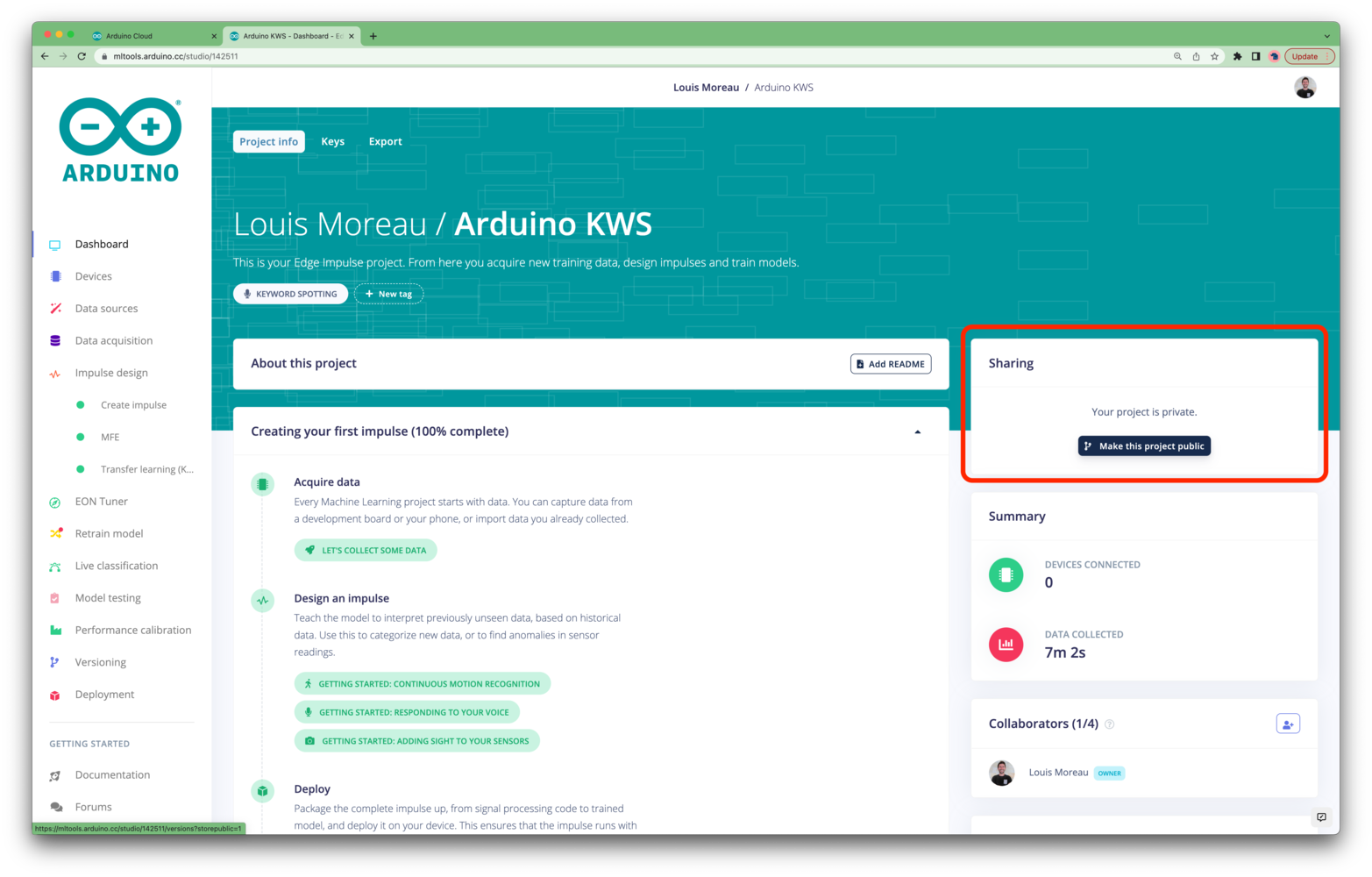
Use the Edge Impulse CLI
By default, no password is set for your user profile as you have logged using Arduino Cloud SSO. If you want to use Edge Impulse CLI, you need to set a password. To do so, click on Your profile from the upper-right corner menu: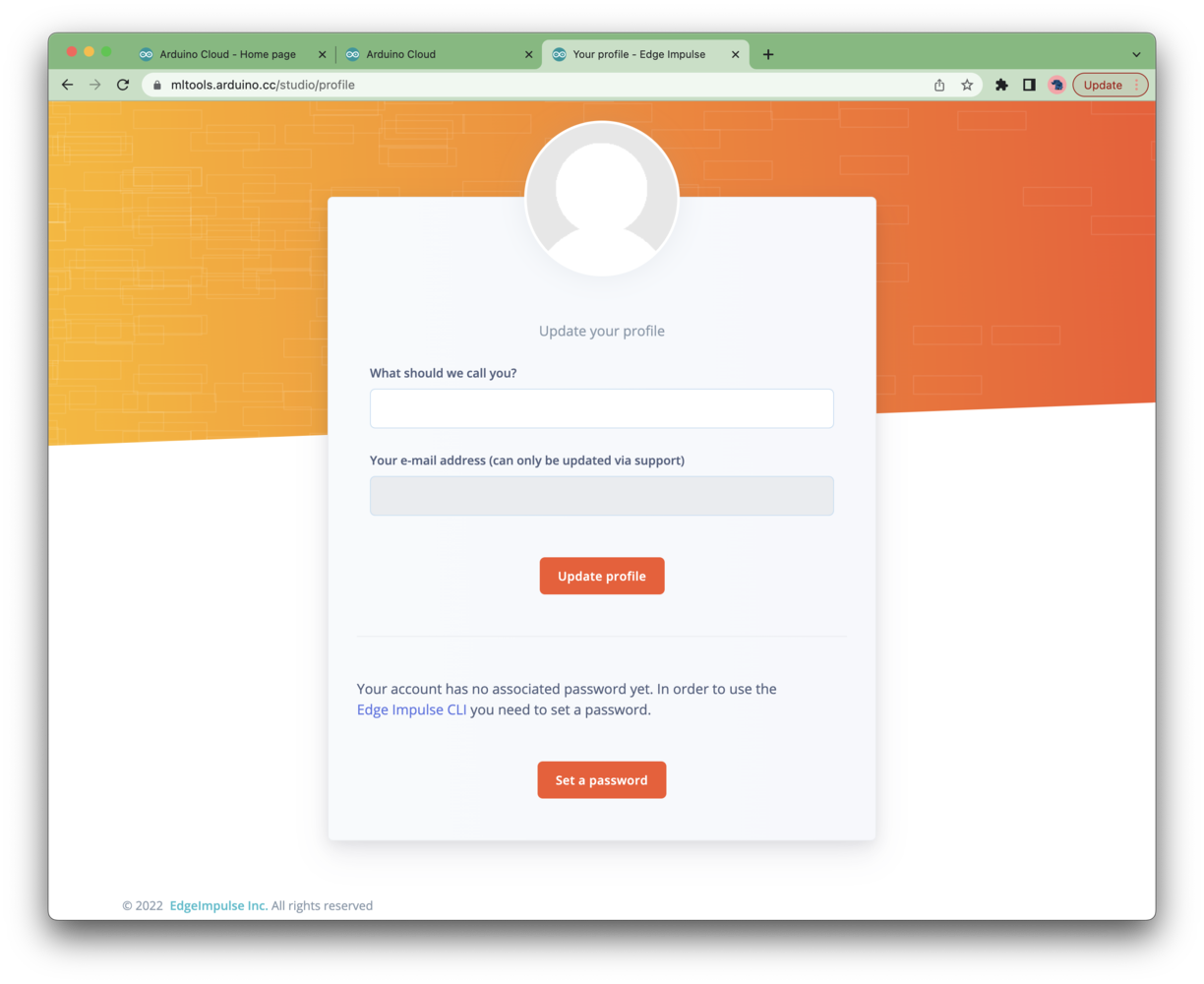
Arduino ML Tools - Set user password