

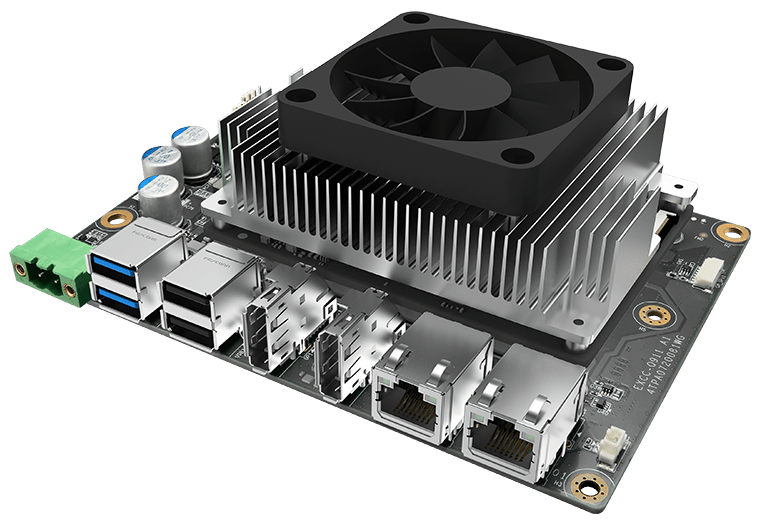
Innodisk EXEC-Q911
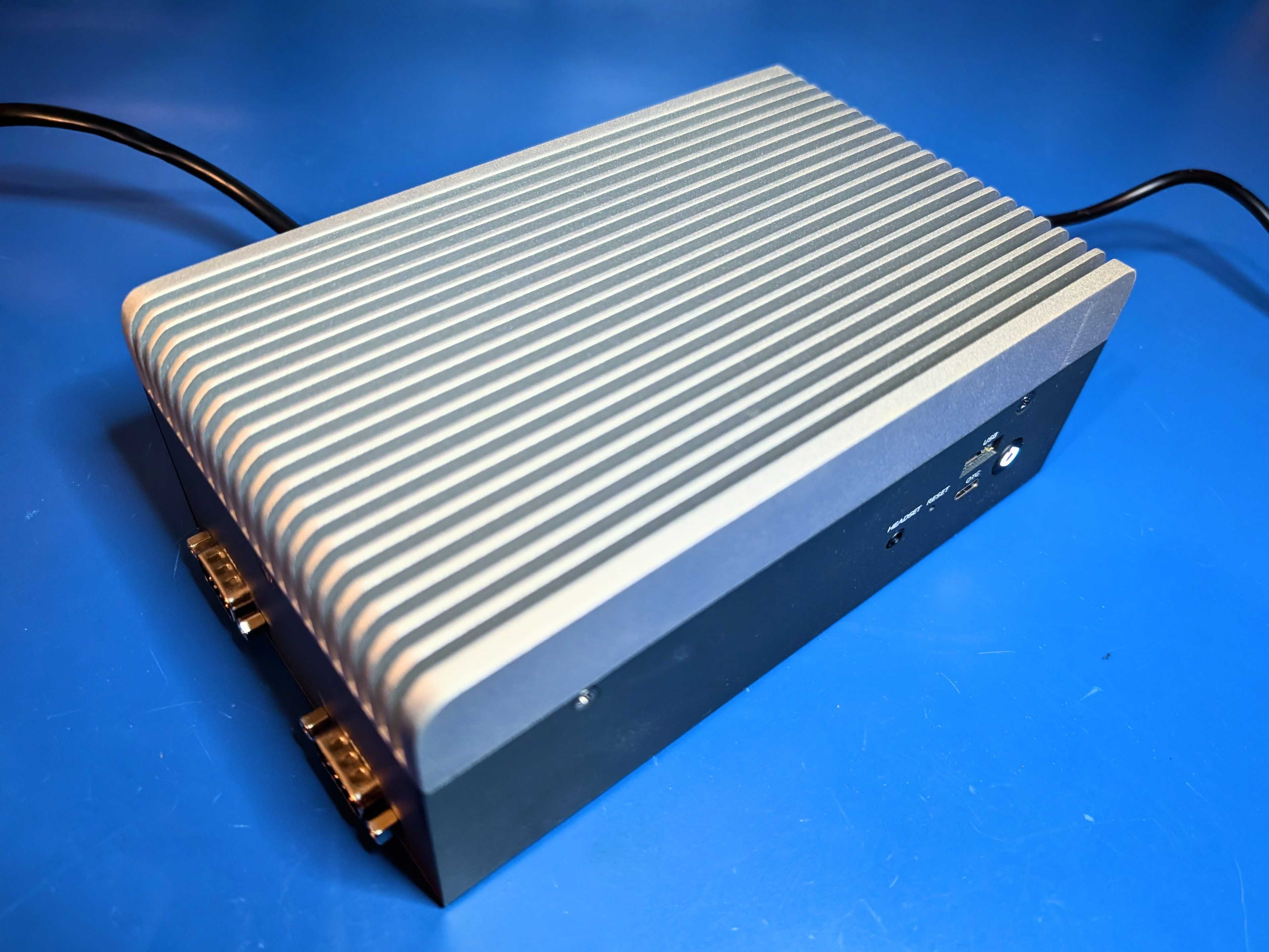
Innodisk APEX-A100
- Ready-to-use starter kit with COM-HPC Mini Module and carrier board
- Up to 36 GB onboard memory and 128 GB UFS 3.1 storage
- Dual 2.5G Ethernet and dual 4-lane MIPI CSI-2 interfaces
- Industrial-grade Operating Temperature: EXEC-Q911 (IQ9 COM-HPC Mini Module Starter Kit): -40°C to 85°C (Ta); APEX-A100 (IQ9 Edge AI Box): -40°C to 70°C (Ta)
- Long-term chipset longevity supported through 2038
Setting Up Your Innodisk EXEC-Q911
Configuring Ubuntu 24
The Innodisk EXEC-Q911 and APEX-A100 do not have WiFi as it is uncommon in industrial applications, so an ethernet cable on LAN1 is required.
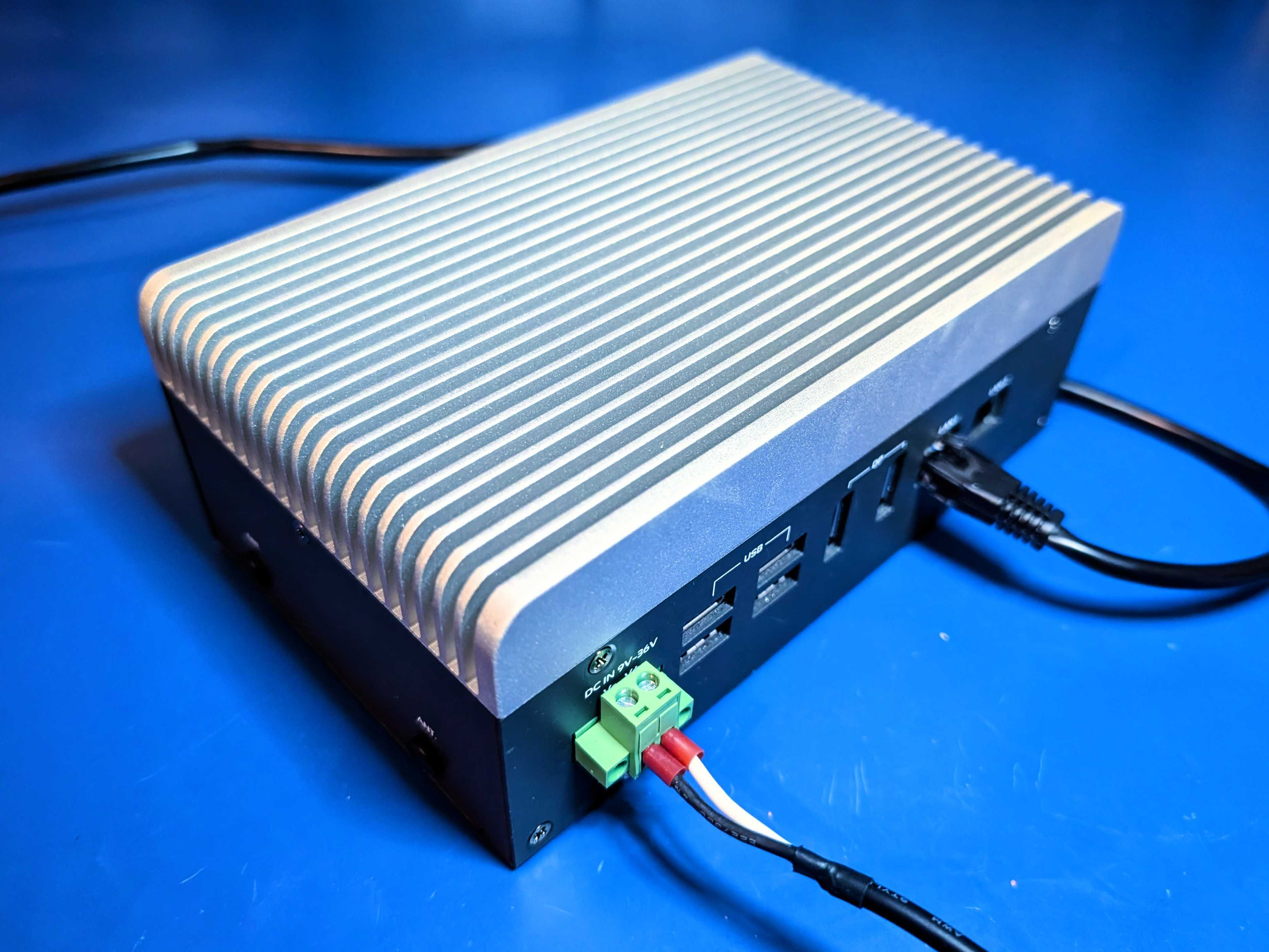
Innodisk APEX-A100 Ports
ubuntu and password innodisk or if you prefer to SSH and can get the box’s IP address from your router then just skip straight to that:
Open a command prompt or terminal and run:
Installing drivers, AI Engine Direct and the IM-SDK
Now let’s install GPU drivers and the Qualcomm AI Engine Direct SDK (to run neural networks). From the terminal or ssh session on your development board, run:-
Install some base packages:
-
Download and install the AI Engine Direct SDK library and development headers:
-
Install OpenCL GPU drivers:
Next steps: building a machine learning model
With everything set up you can now build your first machine learning model with these tutorials:- Responding to your voice
- Recognize sounds from audio
- Adding sight to your sensors
- Object detection
- Visual anomaly detection with FOMO-AD
Profiling your models
To profile your models for the Innodisk EXEC-Q911:- Make sure to select the Dragonwing IQ-9075 as your target device. You can change the target at the top of the page near your user’s logo.
- Head to your Learning block page in Edge Impulse Studio.
- Click on the Calculate performance button.
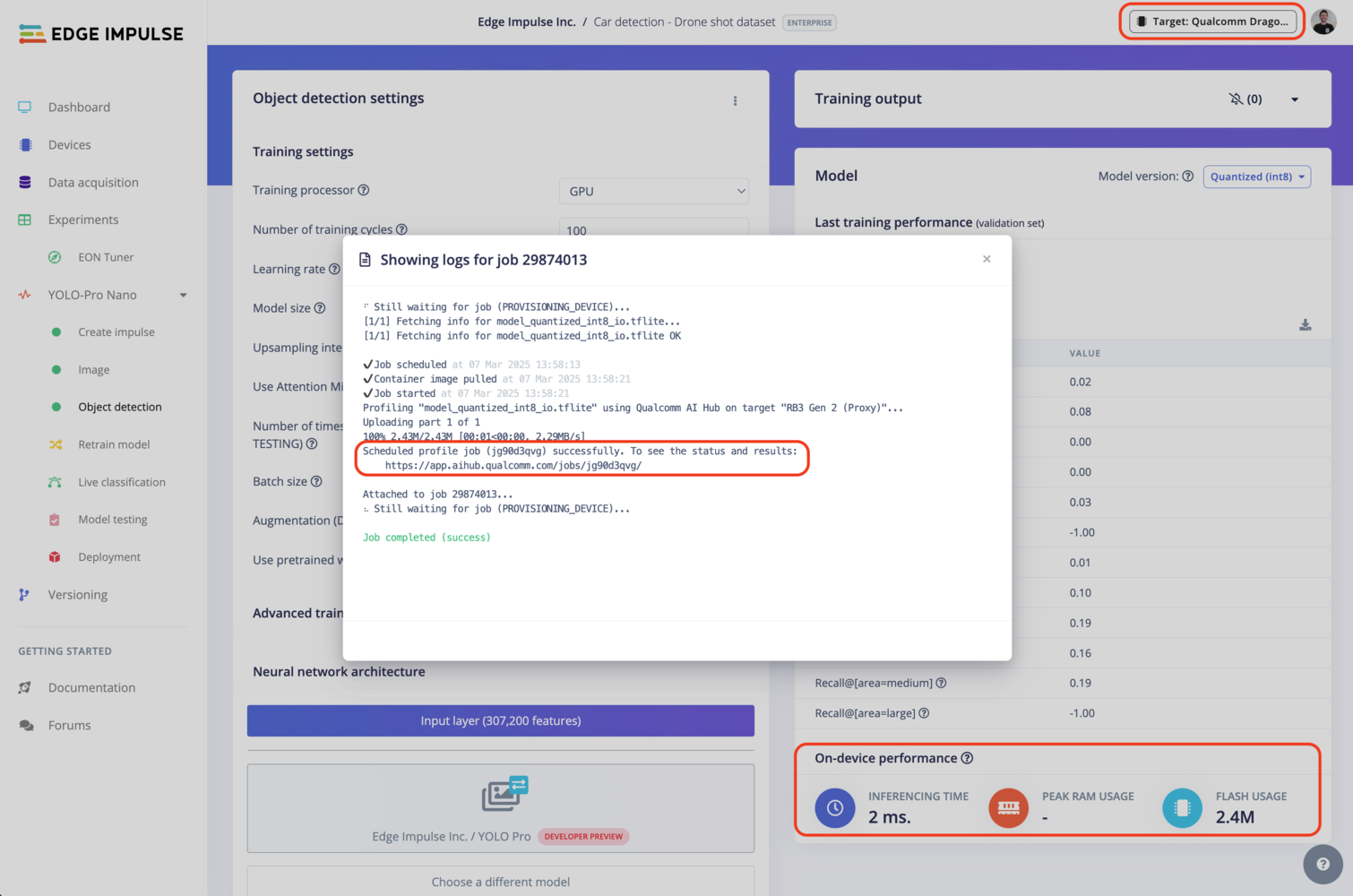
Qualcomm profiling using Qualcomm® AI Hub
Deploying back to device
Using the Edge Impulse Linux CLI
To run your impulse locally on the Innodisk EXEC-Q911, open a terminal and run:--clean to switch projects).
Alternatively, you can select the Linux (AARCH64 with Qualcomm QNN) option in the Deployment page.
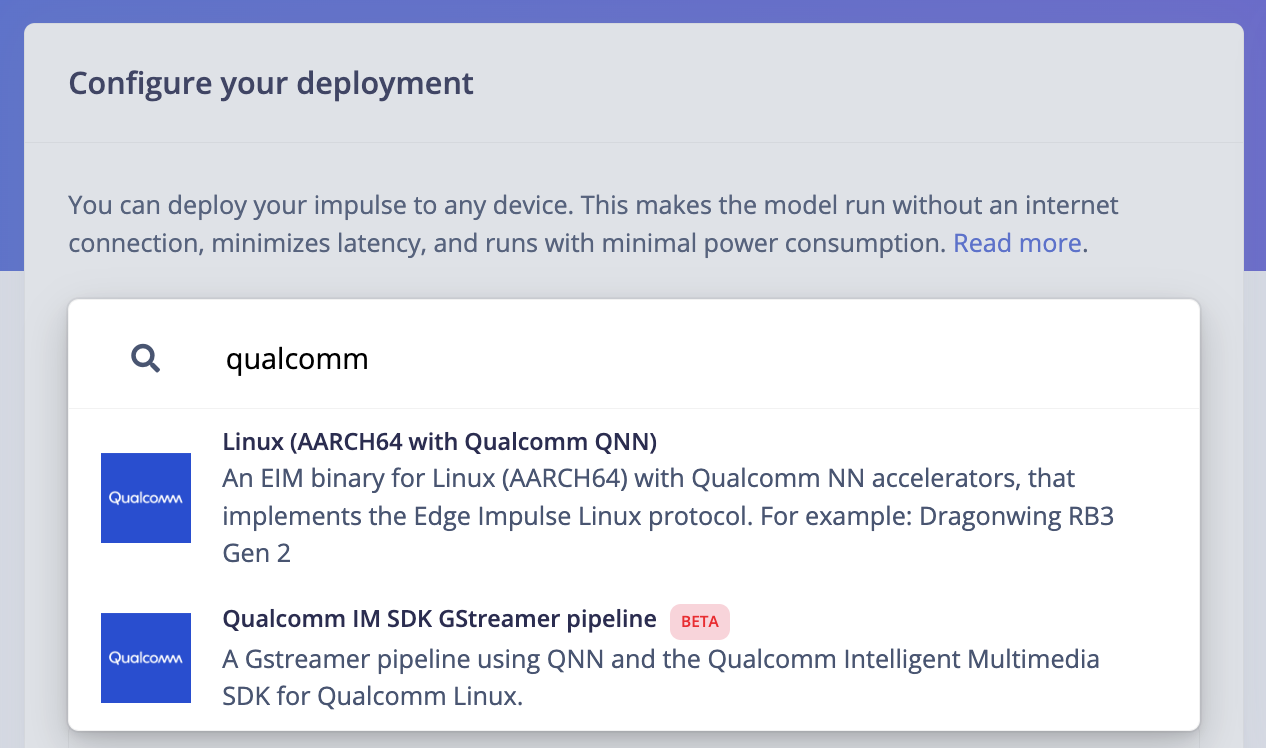
Qualcomm deployment options
.eim model that you can run on your board with the following command:
Using the Edge Impulse Linux Inferencing SDKs
Our Linux SDK has examples on how to integrate the.eim model with your favourite programming language.
You can download either the quantized version and the float32 versions but Qualcomm NN accelerator only supports quantized models. If you select the float32 version, the model will run on CPU.
Using the IM SDK GStreamer option
When selecting this option, you will obtain a.zip folder. We provide instructions in the README.md file included in the compressed folder.
See more information on Qualcomm IM SDK GStreamer pipeline.
Image model?
If you have an image model then you can get a peek of what your device sees by being on the same network as your device, and finding the ‘Want to see a feed of the camera and live classification in your browser’ message in the console. Open the URL in a browser and both the camera feed and the classification are shown: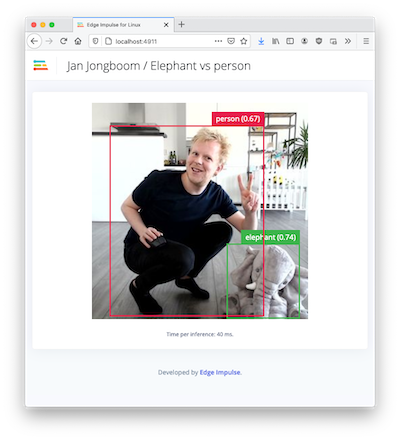
Live feed with classification results