

edgeimpulse_ros is a ROS 2 package that runs an Edge Impulse Linux .eim model and publishes the results as standard ROS 2 messages. The JetBot and inspection tutorials in the robotics section use it for perception. The UNO Q Braccio tutorial uses its own runner pipeline instead.
The node only runs inference. It subscribes to a sensor_msgs/Image topic from a separate camera driver and publishes vision_msgs messages. Robot control stays in robot-specific ROS 2 packages.
What you’ll build
A ROS 2 node that subscribes to a camera image topic, runs an Edge Impulse model locally, and publishes bounding boxes, latched label metadata, and diagnostics.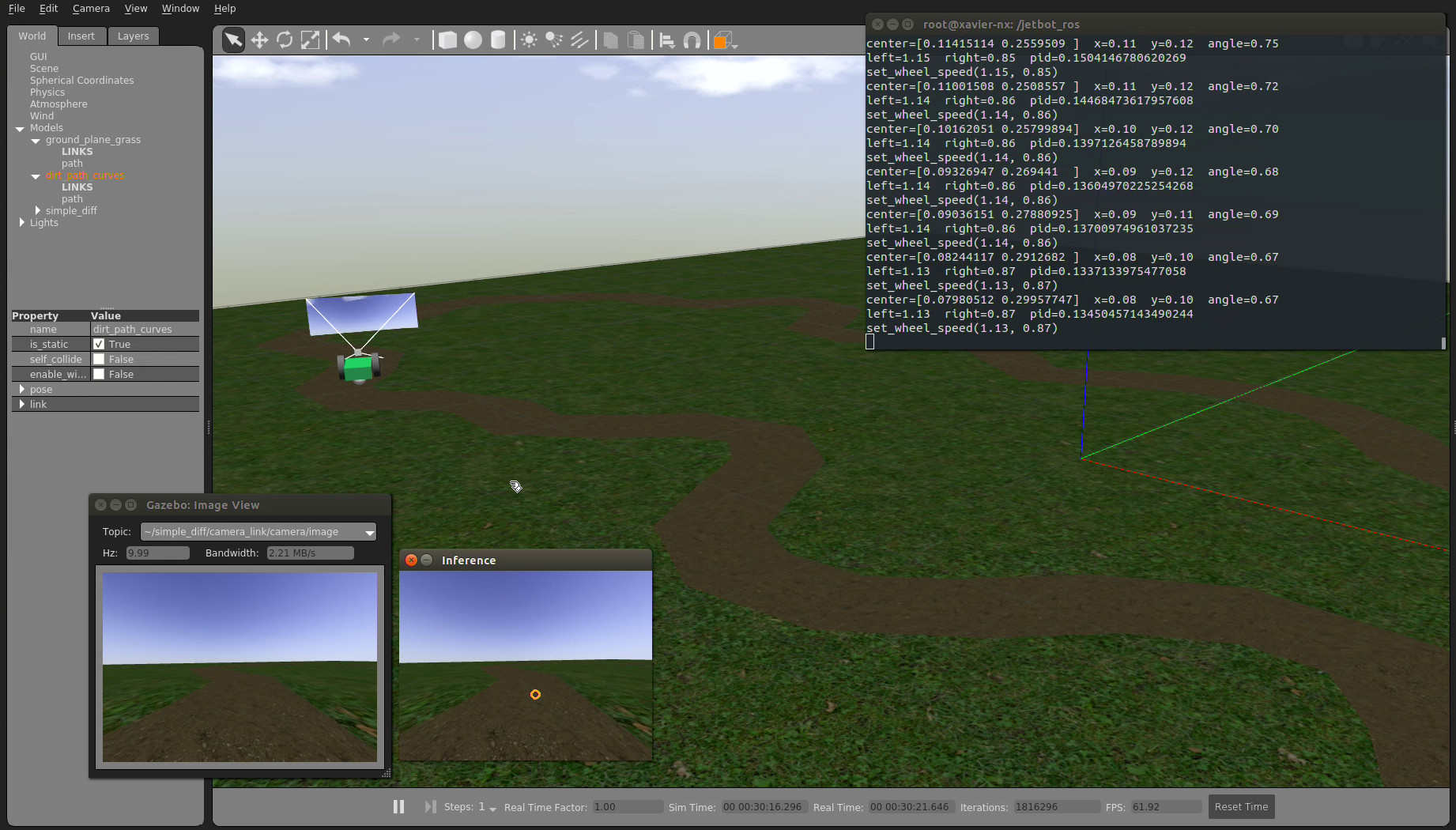
A JetBot simulation environment used to develop robot-side ROS 2 workflows
Prerequisites
- A ROS 2 Jazzy or Rolling workspace. Both ship
vision_msgs4.x. The robotics tutorials use ROS 2 Jazzy on Ubuntu 24.04. Humble isn’t tested in CI yet. - A camera driver that publishes a
sensor_msgs/Imagetopic, such asv4l2_camerafor a USB camera at/dev/video*. - An Edge Impulse project with a trained image model: object detection, image classification, FOMO, or visual anomaly detection.
jazzy with your ROS distribution. The Ubuntu 24.04 system Python is externally managed (PEP 668), so install the SDK and pyaudio into your user site with --break-system-packages:
The Edge Impulse Linux SDK imports
pyaudio even for image models, so you need portaudio19-dev to build it. Install the SDK into the Python environment that ROS 2 uses to start the node. Don’t clone the SDK inside a colcon workspace, because colcon can treat it as a ROS package.1. Export an Edge Impulse model
- Train and test an object detection impulse in Edge Impulse Studio.
- Go to Deployment and select the Linux
.eimbinary for your device’s architecture. - Build and download the
.eimfile. - Copy the file to the inference host, for example to
~/models/object-detector.eim.
2. Build the package
Clone the package into a ROS 2 workspace and build it:3. Run the detector
The node needs frames on an image topic. To try it, run the webcam demo, which also starts av4l2_camera driver. The demo needs ros-$ROS_DISTRO-v4l2-camera:
ros2 run:
confidence_threshold drops boxes below the given score. The default, -1.0, uses the model’s own threshold. Raise it, for example to 0.5, when false positives are costly, or lower it to check recall in a controlled test.
Outputs
Topics are relative to the node’s namespace,/edgeimpulse_detector by default. The result topics depend on the model type.
Inspect the output in another terminal:
Detection2DArray holds every accepted bounding box in one frame, in the original image’s pixel coordinates. The vision_msgs pose and covariance fields are part of the message definition but carry no meaning for 2D detection.
Useful parameters
The package includes a parameter file at
config/edgeimpulse_detector.yaml.
Troubleshooting
Use it with a robot
When the detector publishes reliably, connect its output to your robot’s logic:- Run Edge Impulse vision on a JetBot with Rubik Pi combines detections with JetBot motor control.
- Build a mobile inspection system with Edge Impulse and ROS 2 designs a rover inspection system with detection, anomaly scoring, and operator traceability.
- Run Edge Impulse pick and place with UNO Q Braccio sorts objects with a Braccio arm, using its own runner pipeline.
edgeimpulse_ros for perception, and a separate ROS 2 node that subscribes to /edgeimpulse_detector/detections and handles safety checks, state, and actuation.
Next steps
- Test the model with the final camera, lighting, and object distance.
- Watch the FPS and latency on
/diagnosticswhile the robot is under load. - Add robot-specific checks before any autonomous motion.
- Keep your launch file and parameters in the robot’s repository instead of changing the detector node.