

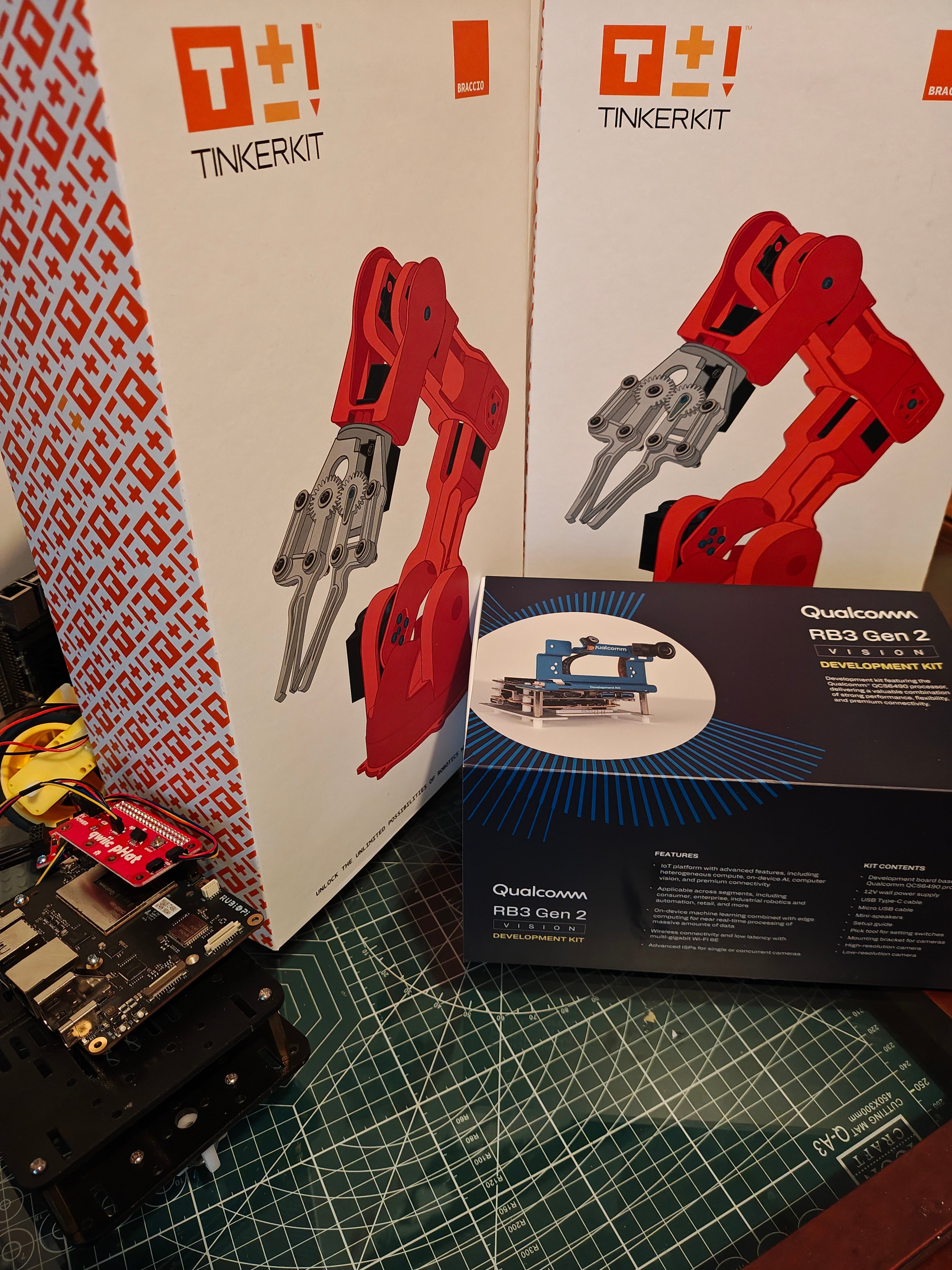
Robotics tutorial hardware
.eim deployment or a runner command.
What the tutorials cover
- Exporting Edge Impulse models for local Linux inference
- Publishing object detection results as ROS 2 messages
- Connecting perception output to robot behavior nodes
- Testing motion and perception separately before you combine them
- Moving from simulation and bench tests to physical robots
Tutorials
Run Edge Impulse object detection with ROS 2
Run a Linux
.eim object detection model on a ROS 2 image topic and publish detection messages.Run Edge Impulse vision on a JetBot with Rubik Pi
Combine JetBot motor control on a Qualcomm Rubik Pi with Edge Impulse object detection.
Build a mobile inspection system with Edge Impulse and ROS 2
Design an inspection rover with detection, anomaly scoring, gimbal control, logging, and safety layers.
Run Edge Impulse pick and place with UNO Q Braccio
Sort colored blocks with a Braccio arm, using Edge Impulse object detection, ROS 2, and an Arduino UNO Q.
.eim deployment, image topic subscription, output topics, and runtime parameters that the JetBot and inspection tutorials use.
The UNO Q Braccio tutorial uses its own Edge Impulse runner pipeline instead of the edgeimpulse_ros package. Follow that tutorial for the arm’s launch commands and topics.
Simulation and message types
You can develop and test the perception-to-motion pipeline for a robotic arm in Gazebo, then move to a physical arm by switching the camera and joint command topics. The tutorials use the same ROS 2 message types throughout:Prerequisites
- A Linux development environment
- Familiarity with ROS 2 nodes, topics, launch files, and workspaces
- An Edge Impulse project with an object detection or anomaly detection model
- The robot, or a simulation environment, for the tutorial you follow
- The sensors and actuators that tutorial needs, such as a USB camera, motor controller, gimbal, or gripper