

This tutorial assumes you’ve already set up a Zephyr project with the Edge Impulse SDK module and deployed your model. If not, follow the Edge Impulse Zephyr Module Deployment guide first.
Ideal for porting
Because Zephyr standardizes:- GPIO
- UART
- I2C/SPI
- Threads + timing
- Logging
- Build system
Prerequisites
- Existing Zephyr project with Edge Impulse integration
- Target board hardware and datasheet
- Zephyr SDK installed
- West meta-tool installed
Hardware Comparison
Understanding the differences between your source and target boards is crucial for successful porting:Step 1: Update Build Target
The first step is changing your board identifier: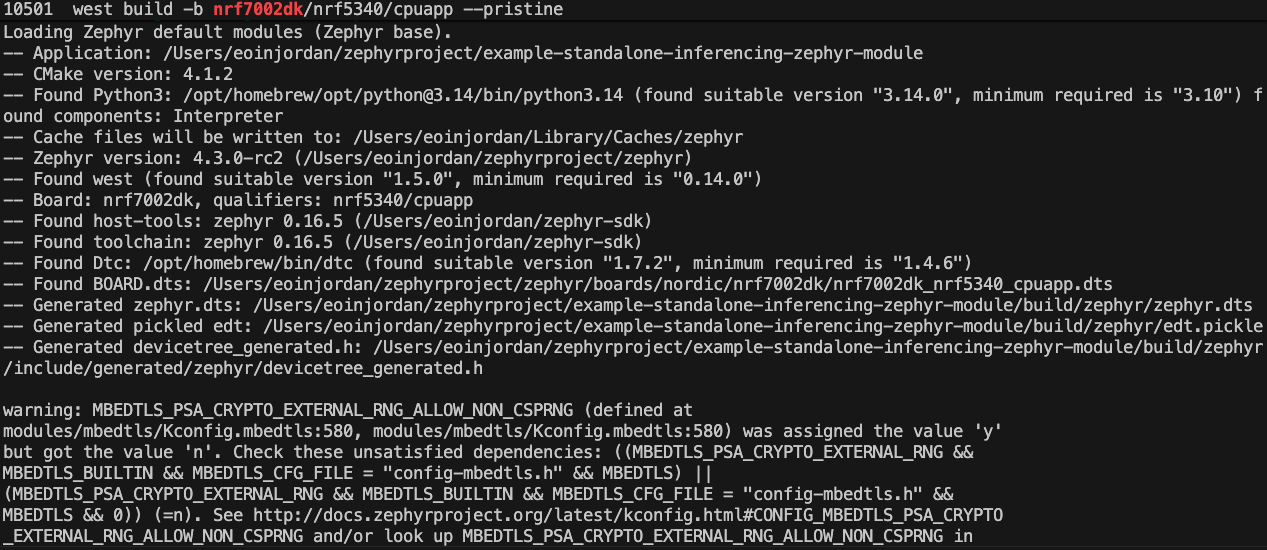
Build the Nordic nRF7002 DK
.west/config to make this permanent:
Step 2 : Flash and Test
For specific programmers:Verify Operation
Monitor the serial output to confirm successful boot and inference: Here I already flashed the Silicon Labs EFR32xG24 board, so the output shows no work needed:
Flash the Silicon Labs EFR32xG24
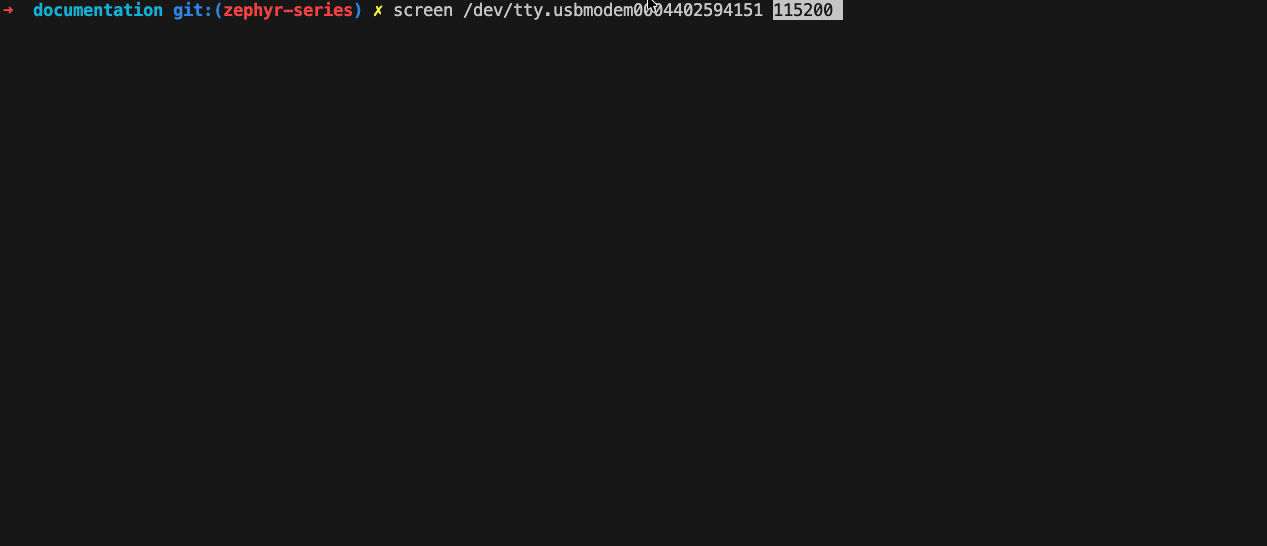
list board to screen
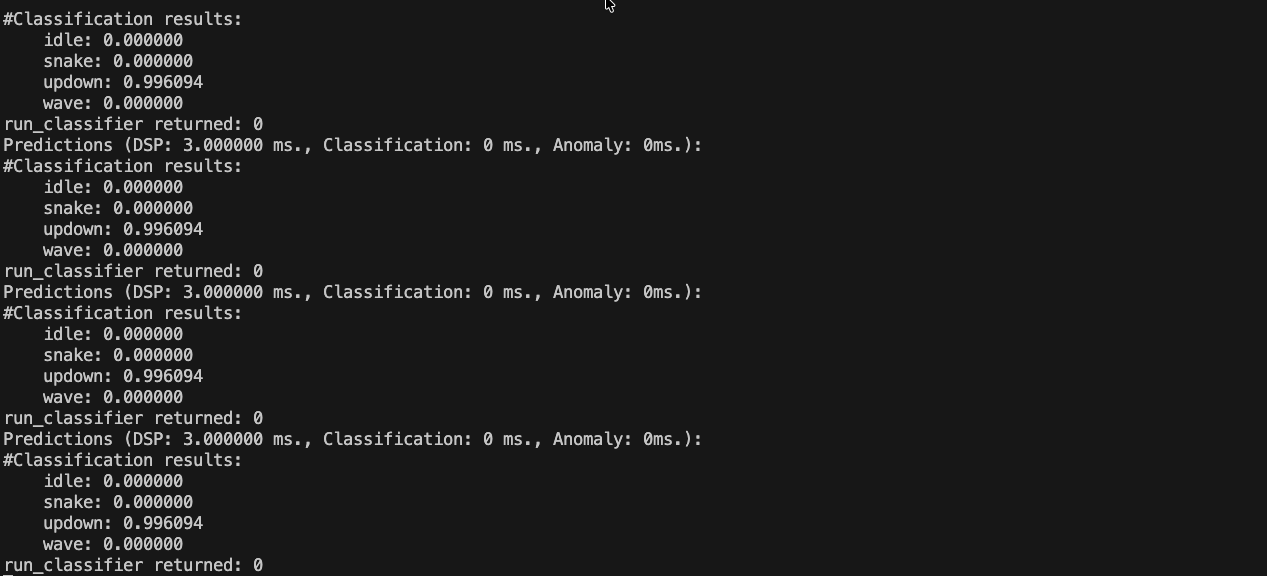
Serial Output
Summary
Porting Zephyr applications between boards is straightforward due to Zephyr’s hardware abstraction. By updating the build target and flashing the new board, you can quickly adapt your Edge Impulse applications to different hardware platforms.Next Steps
For more advanced porting, consider:- Adjusting pin configurations in
prj.conforboards/<board_name>.dts - Modifying peripheral initializations as needed
- Testing sensor integrations specific to the new hardware