Intro
Crime patterns in the City of Buenos Aires change just like fashion trends. Right now, there seems to be an epidemic of car window smash-and-grabs where thieves steal items from inside parked cars. Since I have several cameras pointing toward the street, I’m often a privileged witness to these crimes, and victims sometimes ask me for the footage. However, the chances of recovering stolen goods drop significantly the longer it takes to report the incident. Inspired by this problem, and also with the goal of testing new features of the Rubik Pi 3, the aim of this project is to deploy a sound classification model on a Rubik Pi 3. This model will be trained to recognize the distinct sound of glass breaking and, upon detection, trigger GPIO responses (such as an immediate light/siren activation or a notification alert).What is the Rubik Pi 3?
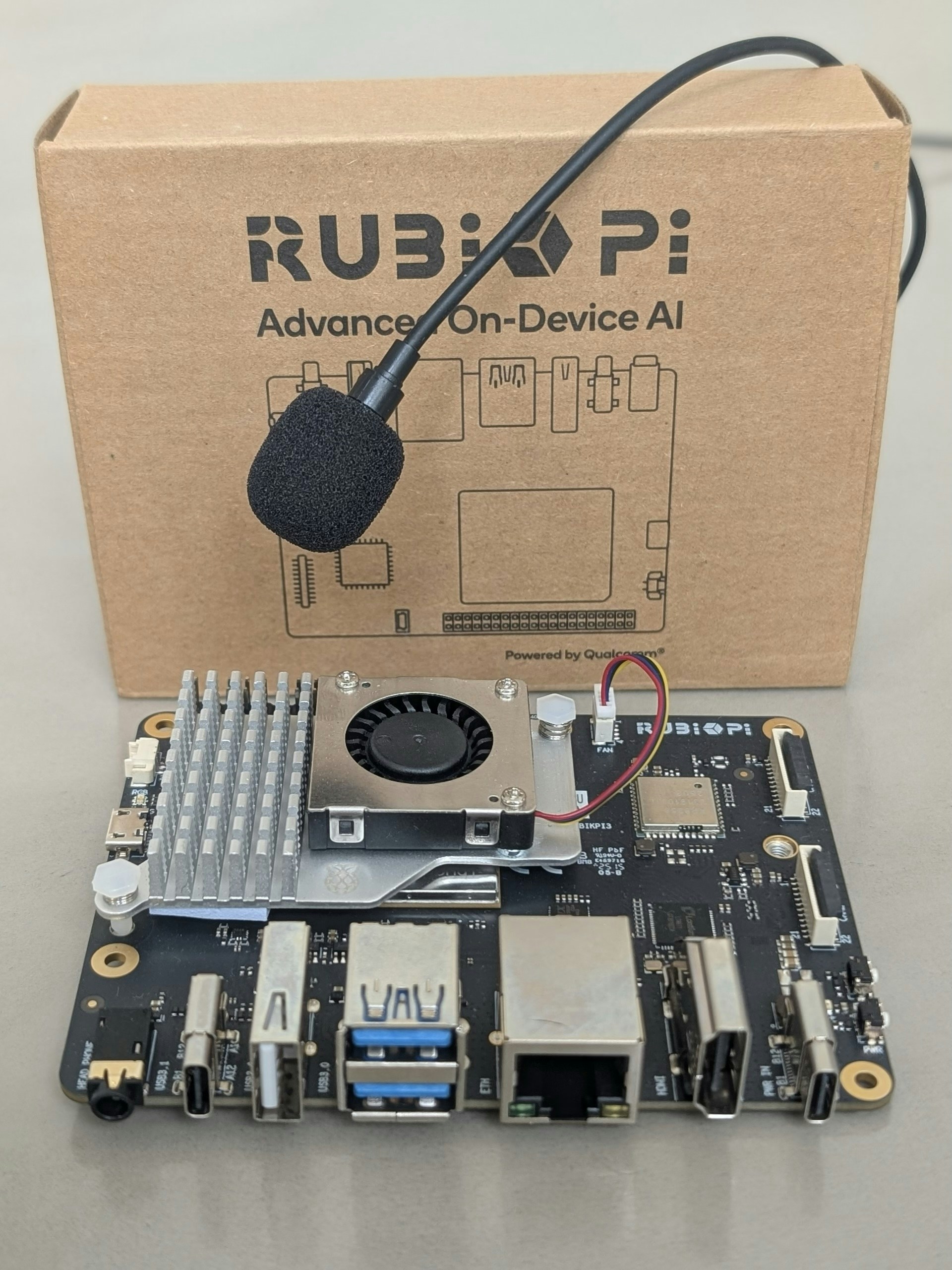
The Rubik Pi 3 is a powerful, lightweight development board built around the Qualcomm Dragonwing™ QCS6490 platform. It is notable for being the first Raspberry Pi-style board designed on a Qualcomm AI platform for developers, bringing high-performance edge AI capabilities to a developer-friendly form factor.Key Specifications:- Platform: Dragonwing QCS6490
- Dimensions: 100 mm x 75 mm (a compact, desktop size)
- AI Performance: Offers up to 12 TOPS (Tera Operations Per Second) of AI computing power via the integrated Hexagon NPU.
- GPU: Adreno 643
- RAM: 8 GB LPDDR4x
- Storage: 128 GB UFS 2.2 (This is a more specific and faster storage standard than a typical eMMC or SD card slot found on many SBCs).
Parts Required
- Thundercomm Rubik Pi 3
- Active Cooler
- Power Supply: Power Delivery over Type-C, 12V 3A
- USB Microphone (you can also use a standard mic connected to the 3.5mm jack)
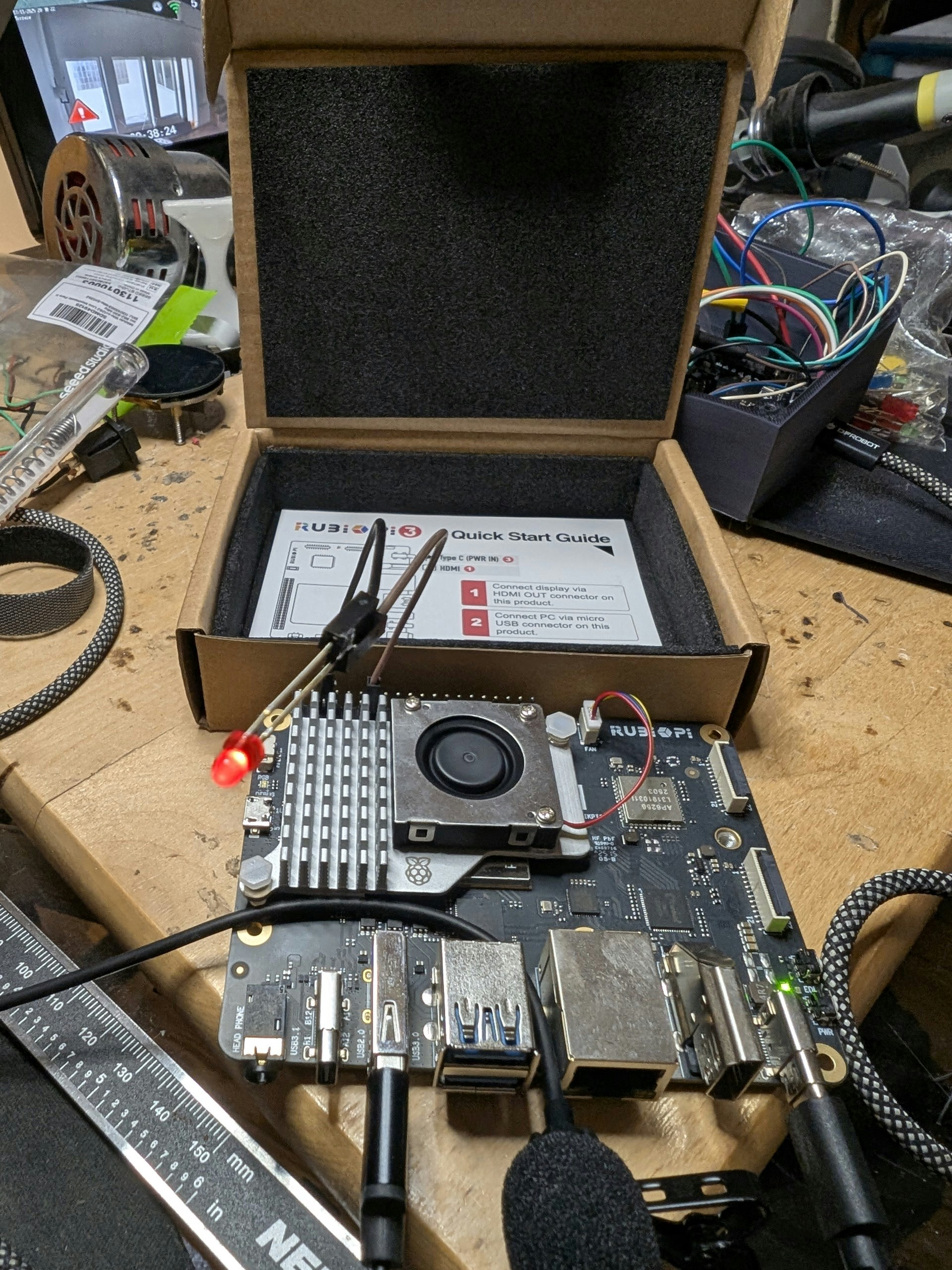
- 1 LED
- 2 jumper cables, FF
Hardware Setup
- Plug in the power supply, USB microphone, and Ethernet cable to the Rubik Pi.
- Connect the other end of the Ethernet cable to your router.
- Press the power button and wait for the Rubik Pi to boot.
- Log in to your router’s admin interface to see the IP assigned to the Rubik Pi, or attach a keyboard, mouse, and monitor.
- SSH into the Rubik Pi, or login directly on the console:
ubuntu
pass: ubuntu
Note: This tutorial assumes your Rubik Pi is running Canonical Ubuntu. For Qualcomm Linux, root / rubikpi may be valid credentials.
Sound Classification Project
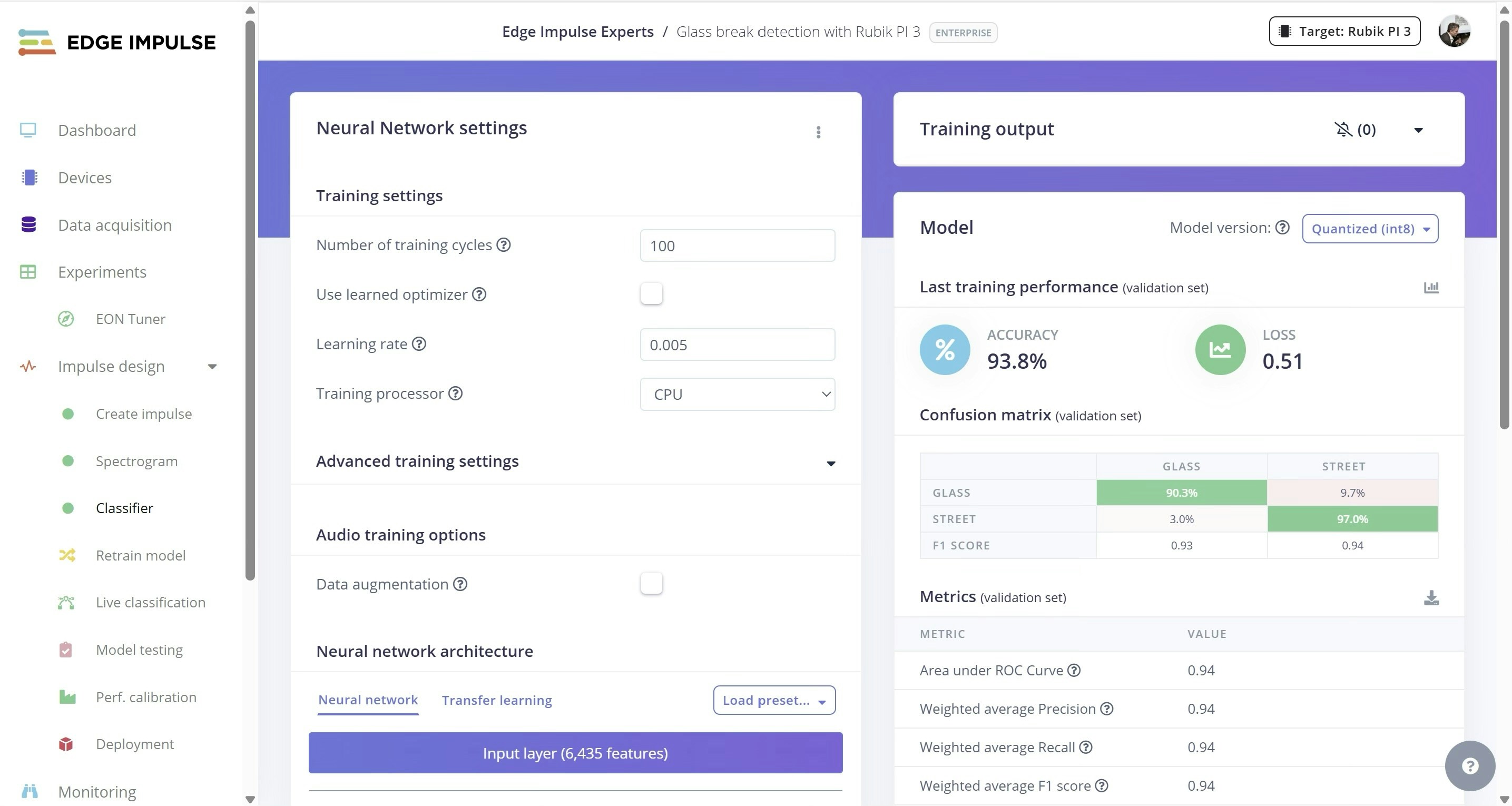
I have created a new Edge Impulse project, and uploaded sound files using the Data Acquisition tab, of both regular street sounds and also glass breaking sounds. The glass breaking sound files (.wav file format) were obtained from another public project, built by Zalmotek in this Edge Impulse tutorial. That project and it’s audio files can be cloned from here: https://studio.edgeimpulse.com/studio/828677
Software Setup
Run the following commands to install Edge Impulse on the Rubik Pi: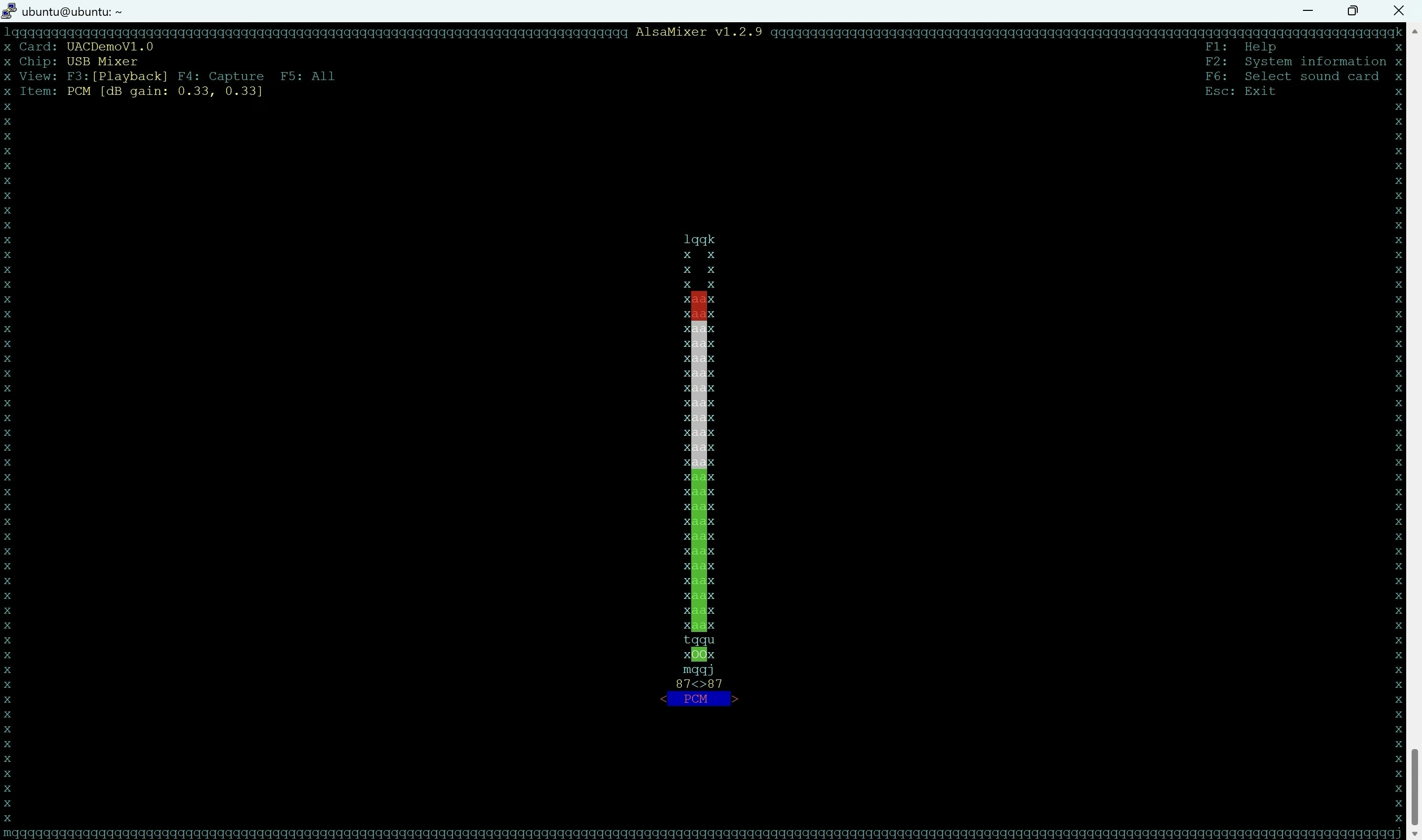
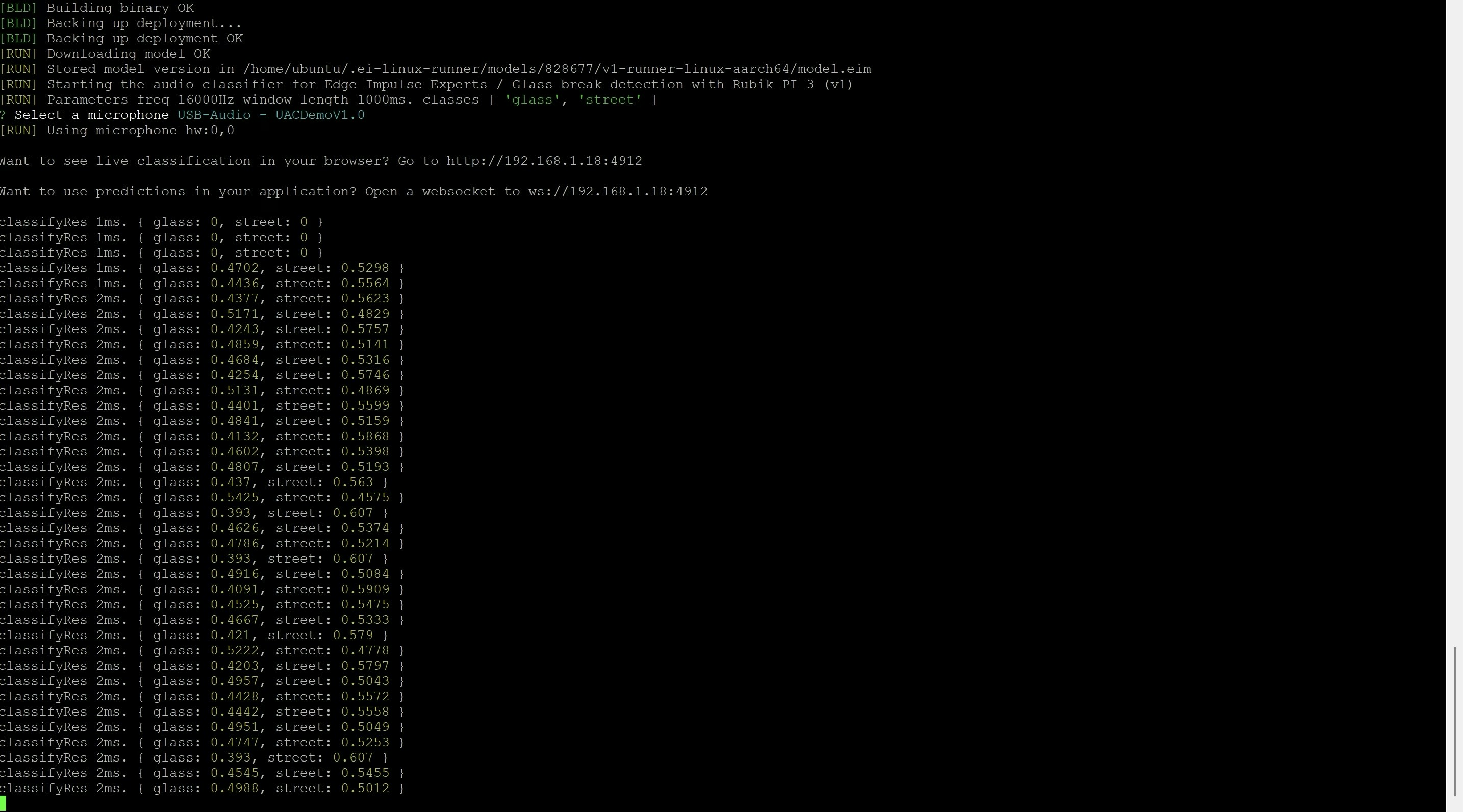
udev rules and reboot with:
GPIO Setup
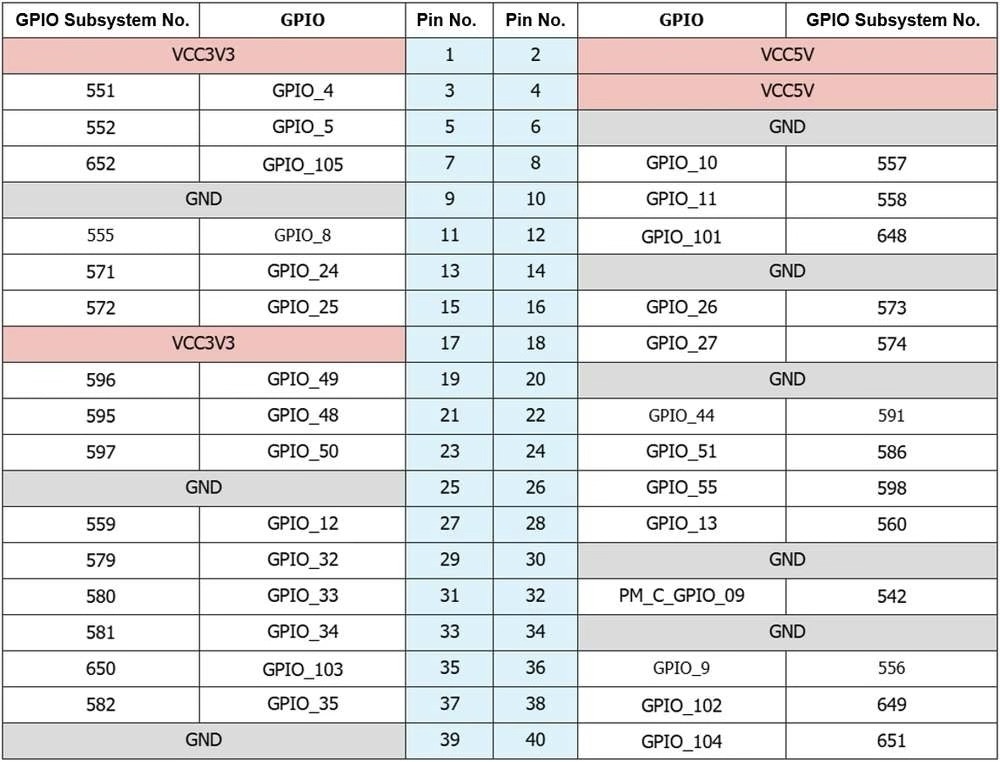
Now connect the LED to GPIO 13 and GPIO 6 (GND). Note that the Rubik Pi will use subsystem number 571 for pin 13. See the complete table below for all of the pin mappings.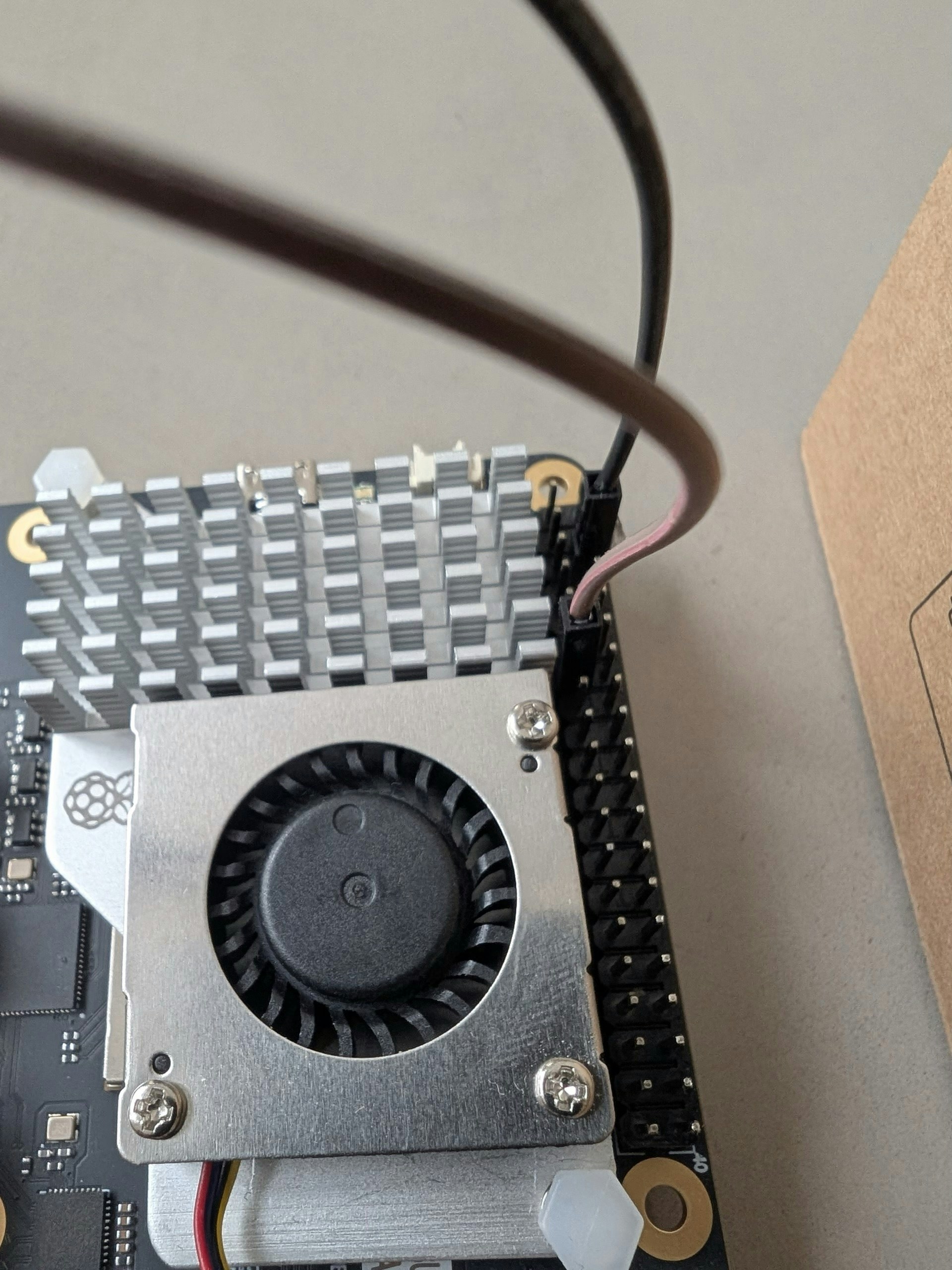
Python Parser
Uploadglass.py which can be found in the GitHub Repository for this project to the Rubik Pi via SFTP, or clone the repo directly on the Rubik Pi.
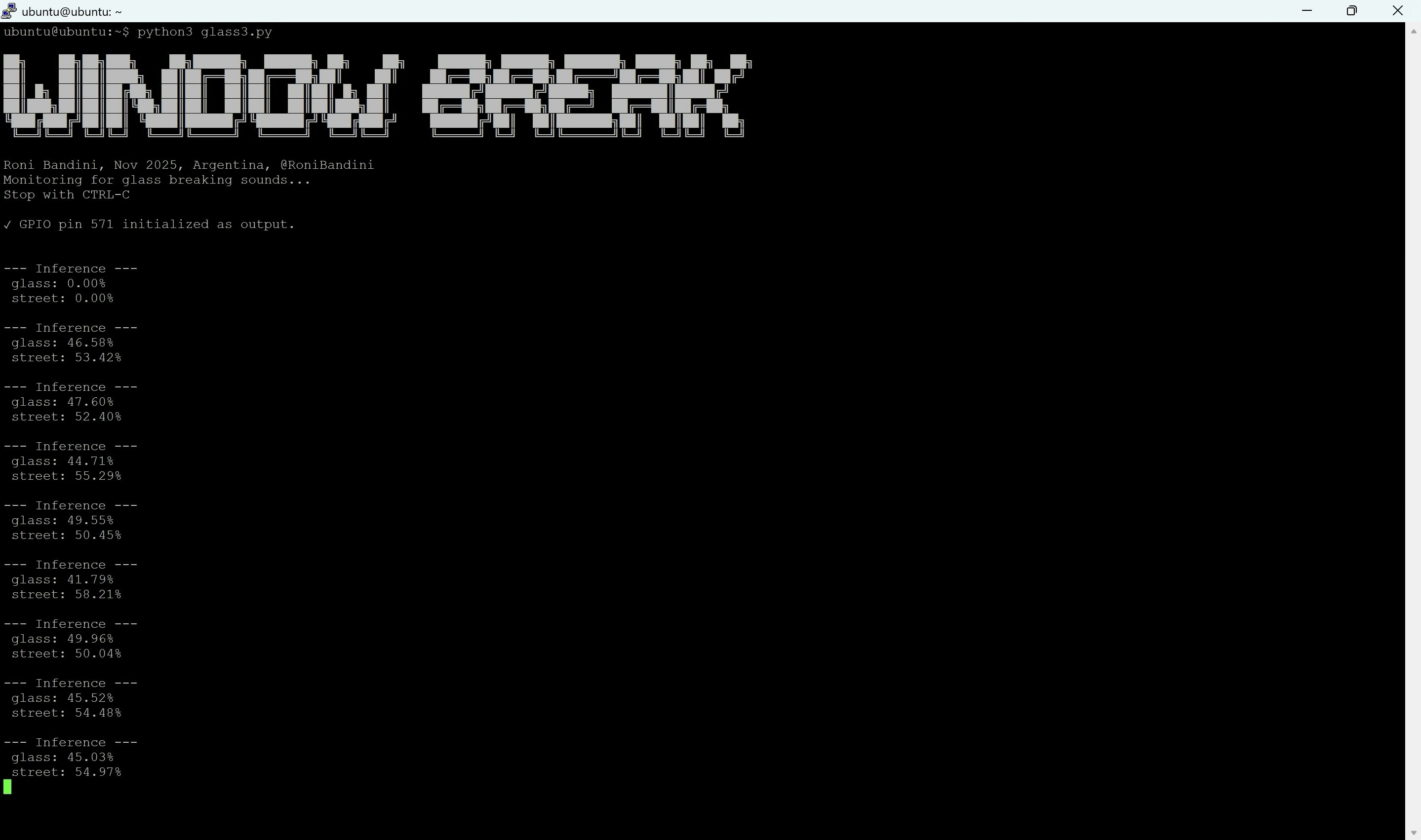
Then run python3 glass.py.
Inference will begin, and any time a glass break is heard, the GPIO pin will be triggered and set high…in this setup illuminating the LED, but application logic could be written to expand functionality for any number of use-cases.