

Getting Started
Prerequisites
- API Key - Obtain from your project settings on Edge Impulse.
-
Example Github repository - Clone the following repository, it contains the scripts and the example files:
Setup Your Environment
Export your API key to use in the upload scripts:Prepare Your Data
- Data File: JSON formatted time-series data. See the Data acquisition format specification
structured_labels.labelsFile: JSON with structured labels. See Edge Impulse structured labels for more info.
Upload Data
Use theupload.sh script to send your data and labels to Edge Impulse:
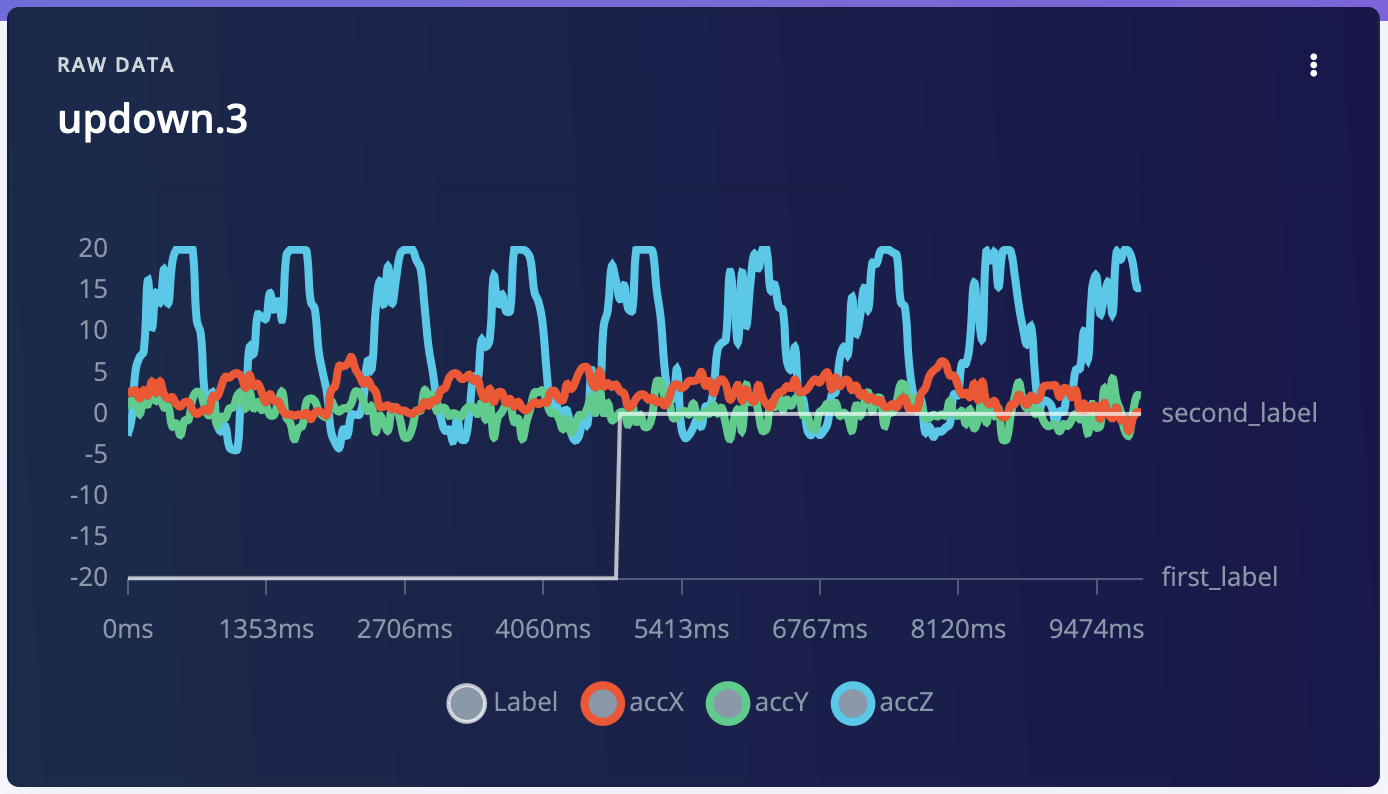
After upload
Update Existing Samples
To update a sample, runupdate-sample.sh with the required project and sample IDs:
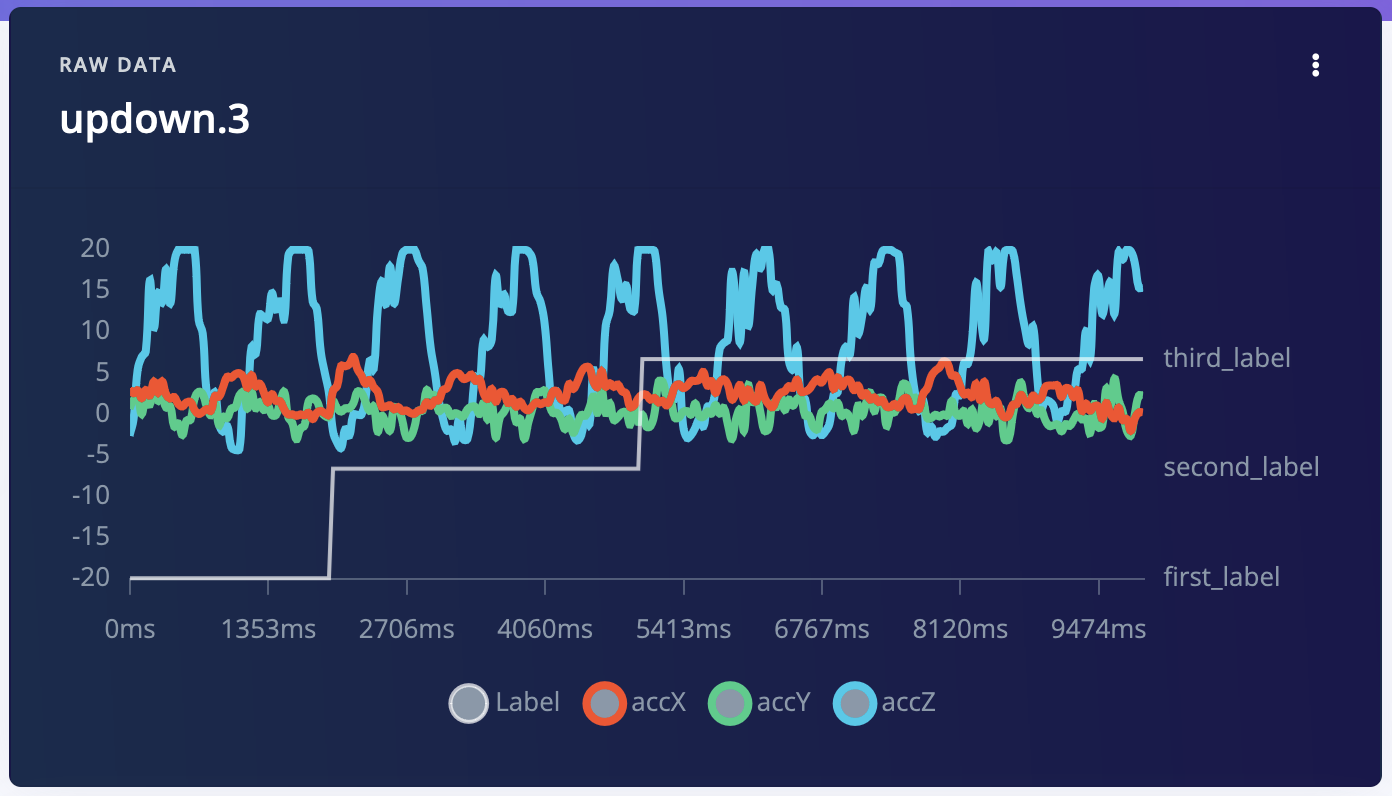
After update