


1. Obtain an API key from your project
Your project API key can be used to enable programmatic access to Edge Impulse. You can create and/or obtain a key from your project’s Dashboard, under theKeys tab. API keys are long strings, and start with ei_:
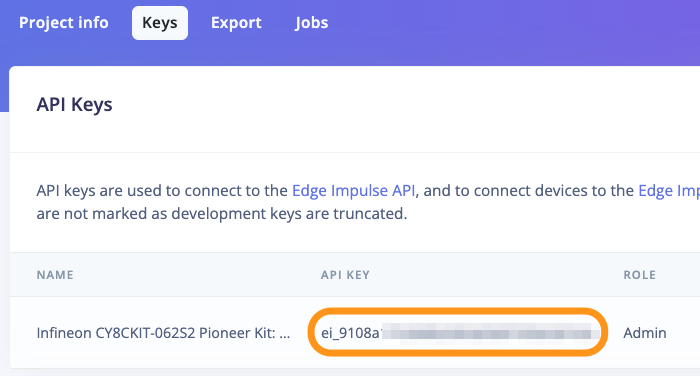
Project API Key
2. Connect your development kit to your project
Open a terminal and run the Edge Impulse daemon. The daemon is the service that connects your hardware with any Edge Impulse project:3. Obtain your project’s ID
Copy your project’s ID from the project’s Dashboard under theProject Info section:
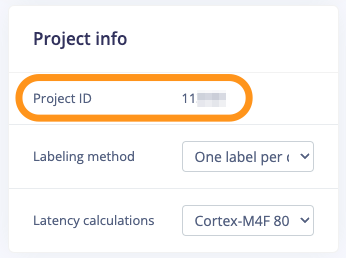
Project API Key
4. Setup API Connection
Replace thePROJECT_ID below with the ID of your project you selected and enter your API key when prompted: