

Connecting to Edge Impulse
To connect your mobile phone to Edge Impulse, go to your Edge Impulse project, and head to the Devices page. Then click Connect a new device.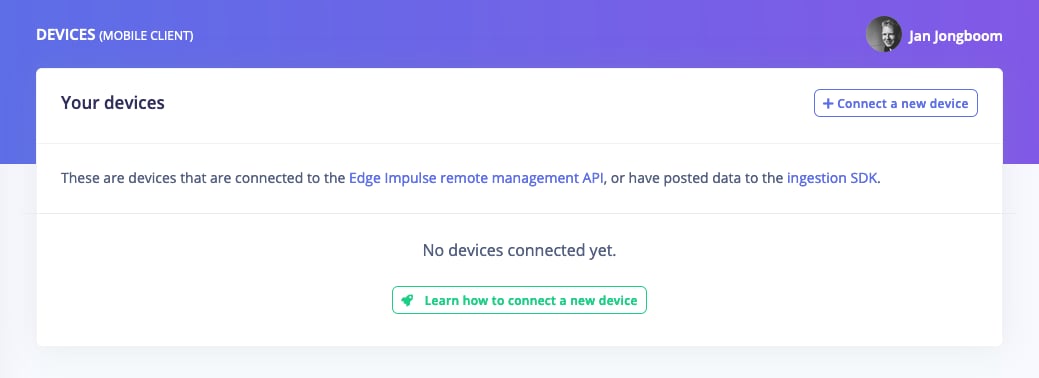
Devices page in the studio
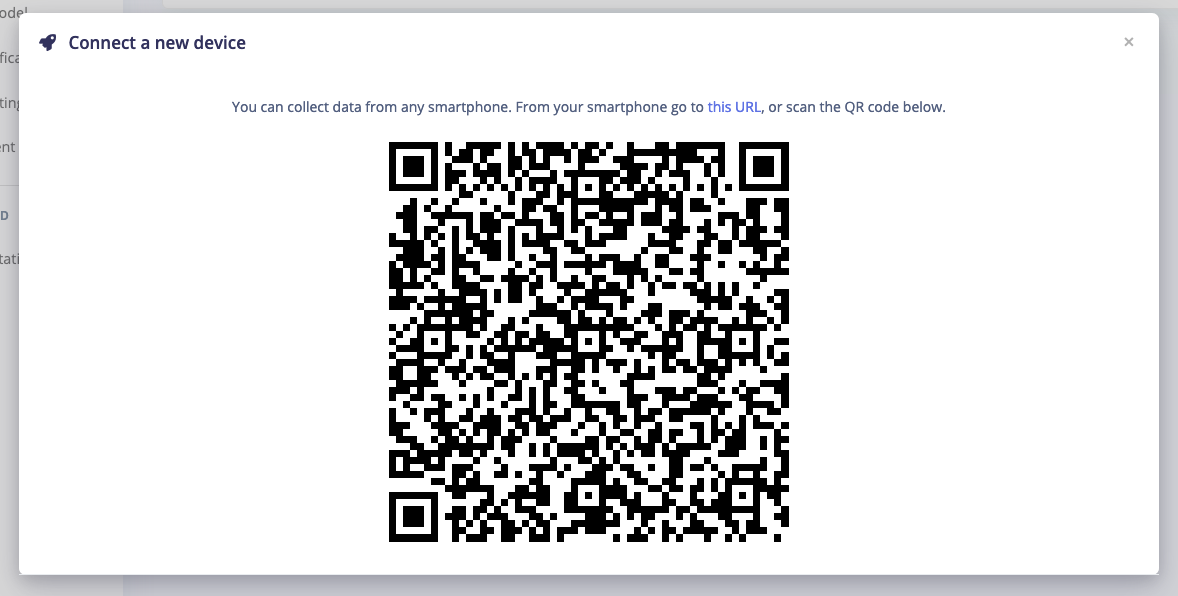
Scanning a QR code to connect your phone to Edge Impulse
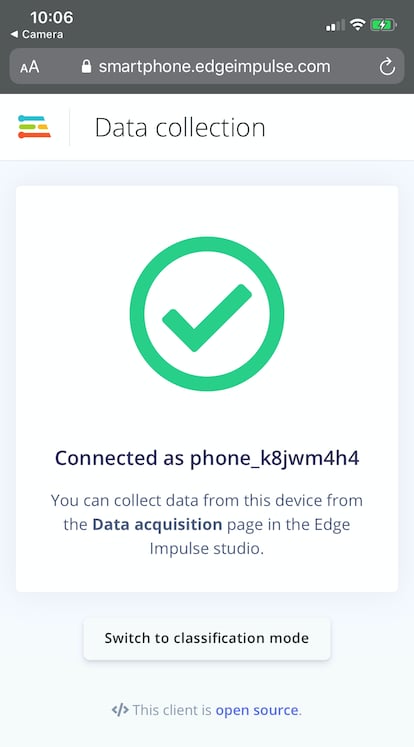
Connected message in the mobile client
⋮.
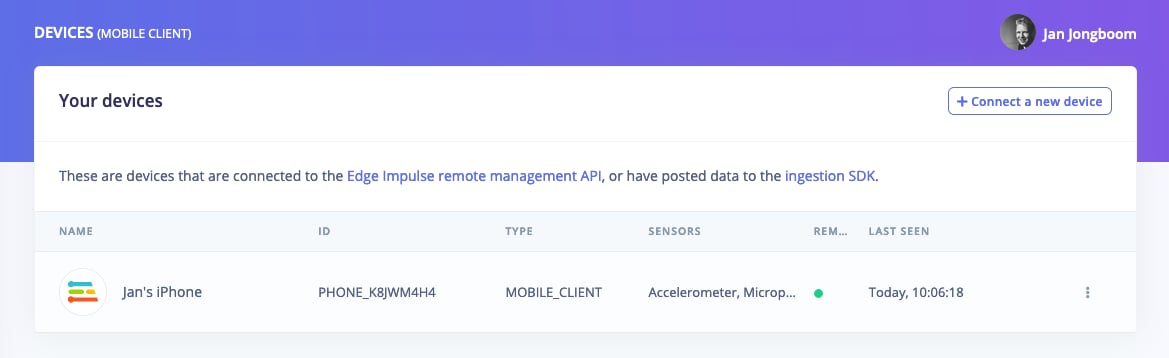
Devices page showing a mobile phone as a connected device
Next steps: building a machine learning model
With everything set up you can now build your first machine learning model with these tutorials:- Building a continuous motion recognition system.
- Keyword spotting
- Sound recognition
- Image classification
- object detection.
- Object detection with centroids (FOMO)
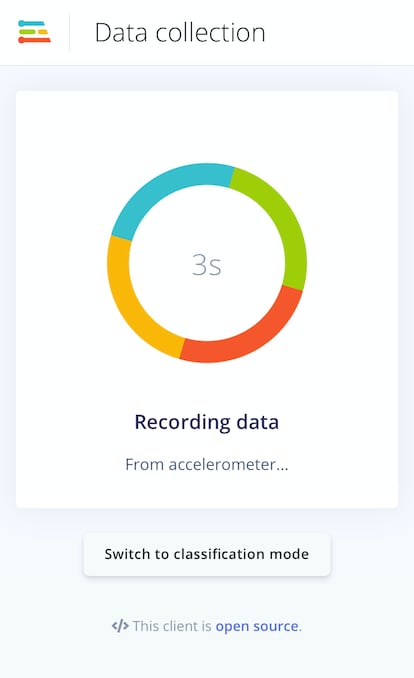
Sampling data from the accelerometer on a phone
No data (using Chrome on Android)?
You might need to enable motion sensors in the Chrome settings via Settings > Site settings > Motion sensors.Deploying back to device
With the impulse designed, trained and verified you can deploy this model back to your phone. This makes the model run without an internet connection, minimizes latency, and runs with minimum power consumption. Edge Impulse can package up the complete impulse - including the signal processing code, neural network weights, and classification code - up in a single WebAssembly package that you can straight from the browser. To do so, just click Switch to classification mode at the bottom of the mobile client. This will first build the impulse, and then samples data from the sensor, run the signal processing code, and then classify the data: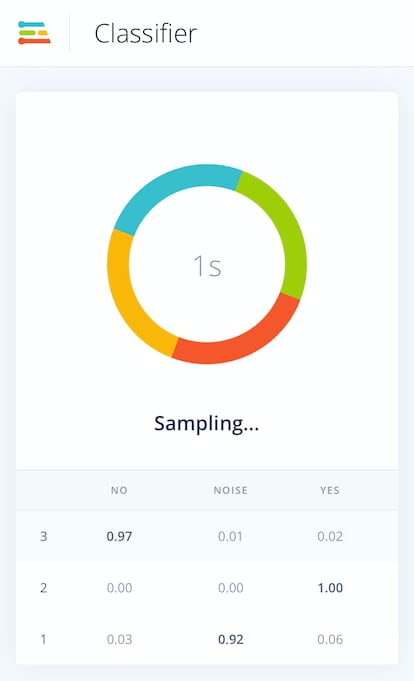
Running the mobile classifier on a keyword spotting model