> ## Documentation Index
> Fetch the complete documentation index at: https://docs.edgeimpulse.com/llms.txt
> Use this file to discover all available pages before exploring further.
# Raw data
The **Raw Data** block generates windows from data samples without any specific signal processing. It is great for signals that have already been pre-processed and if you just need to feed your data into the Neural Network block.
GitHub repository containing all DSP block code: [edgeimpulse/processing-blocks](https://github.com/edgeimpulse/processing-blocks).
## Raw data parameters
**Normalize features**
To enable data normalization, you can use the **Normalize features** option in the processing blocks **generate features** tab. This will learn the mean and standard deviation of each output column during the feature generation step, and apply a normalization step during training and inference.
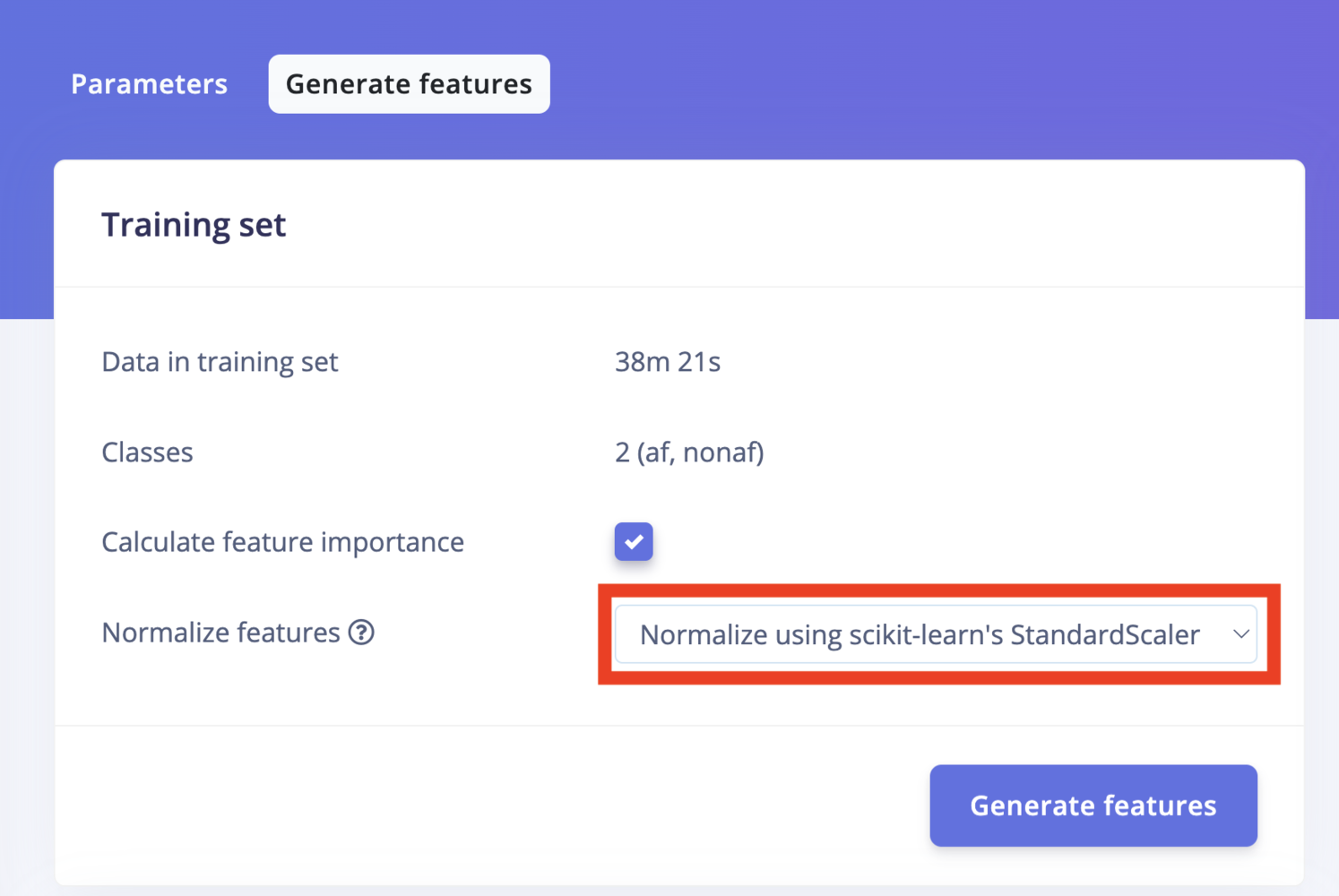 When enabled, the block learns the mean and standard deviation of every output column during **Generate features**, then applies a normalization step at training and inference. Recommended when raw numeric ranges differ by more than \~10×. see [Why normalize?](/studio/projects/processing-blocks#why-normalize) for more details.
**Scaling**
* Scale axes: Multiplies each axis by this number. This can be used to normalize your data between 0 and 1.
## How does the raw data block work?
The **Raw Data** block retrieves raw samples and applies the *Scaling* parameter.
When enabled, the block learns the mean and standard deviation of every output column during **Generate features**, then applies a normalization step at training and inference. Recommended when raw numeric ranges differ by more than \~10×. see [Why normalize?](/studio/projects/processing-blocks#why-normalize) for more details.
**Scaling**
* Scale axes: Multiplies each axis by this number. This can be used to normalize your data between 0 and 1.
## How does the raw data block work?
The **Raw Data** block retrieves raw samples and applies the *Scaling* parameter.