> ## Documentation Index
> Fetch the complete documentation index at: https://docs.edgeimpulse.com/llms.txt
> Use this file to discover all available pages before exploring further.
# Regression
Solving regression problems is one of the most common applications for machine learning models, especially in supervised machine learning. Models are trained to understand the relationship between independent variables and an outcome or dependent variable. The model can then be leveraged to predict the outcome of new and unseen input data, or to fill a gap in missing data.
## Prerequisites
### Labeling
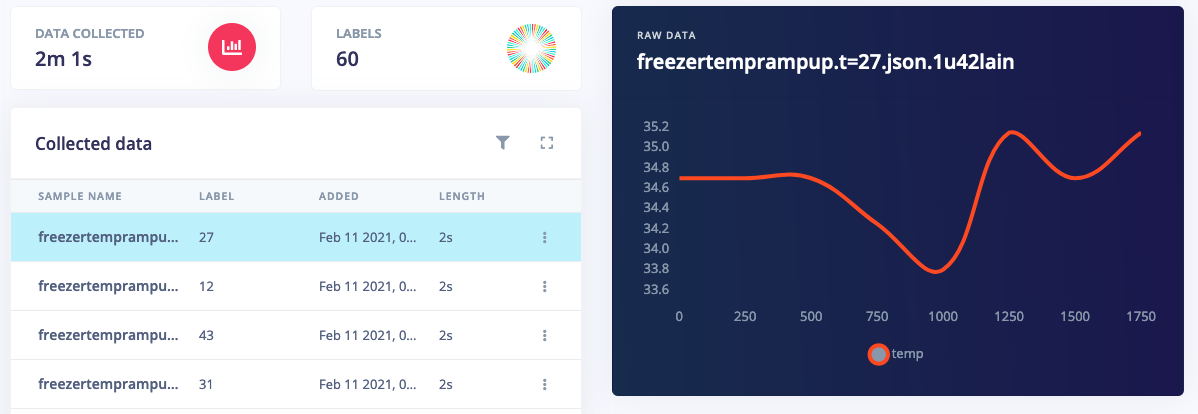
To build a regression model you collect data as usual, but rather than setting the label to a text value, you set it to a numeric value.
 ### Processing blocks
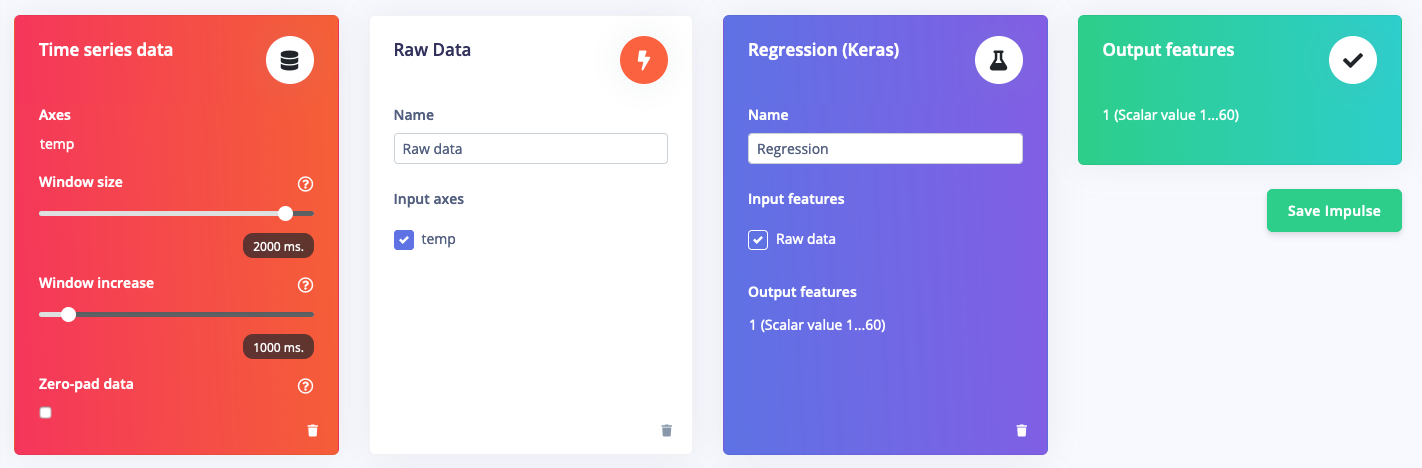
You can use any of the built-in signal processing blocks to pre-process your vibration, audio or image data, or use custom processing blocks to extract novel features from other types of sensor data.
### Processing blocks
You can use any of the built-in signal processing blocks to pre-process your vibration, audio or image data, or use custom processing blocks to extract novel features from other types of sensor data.
 ## Train your regression block
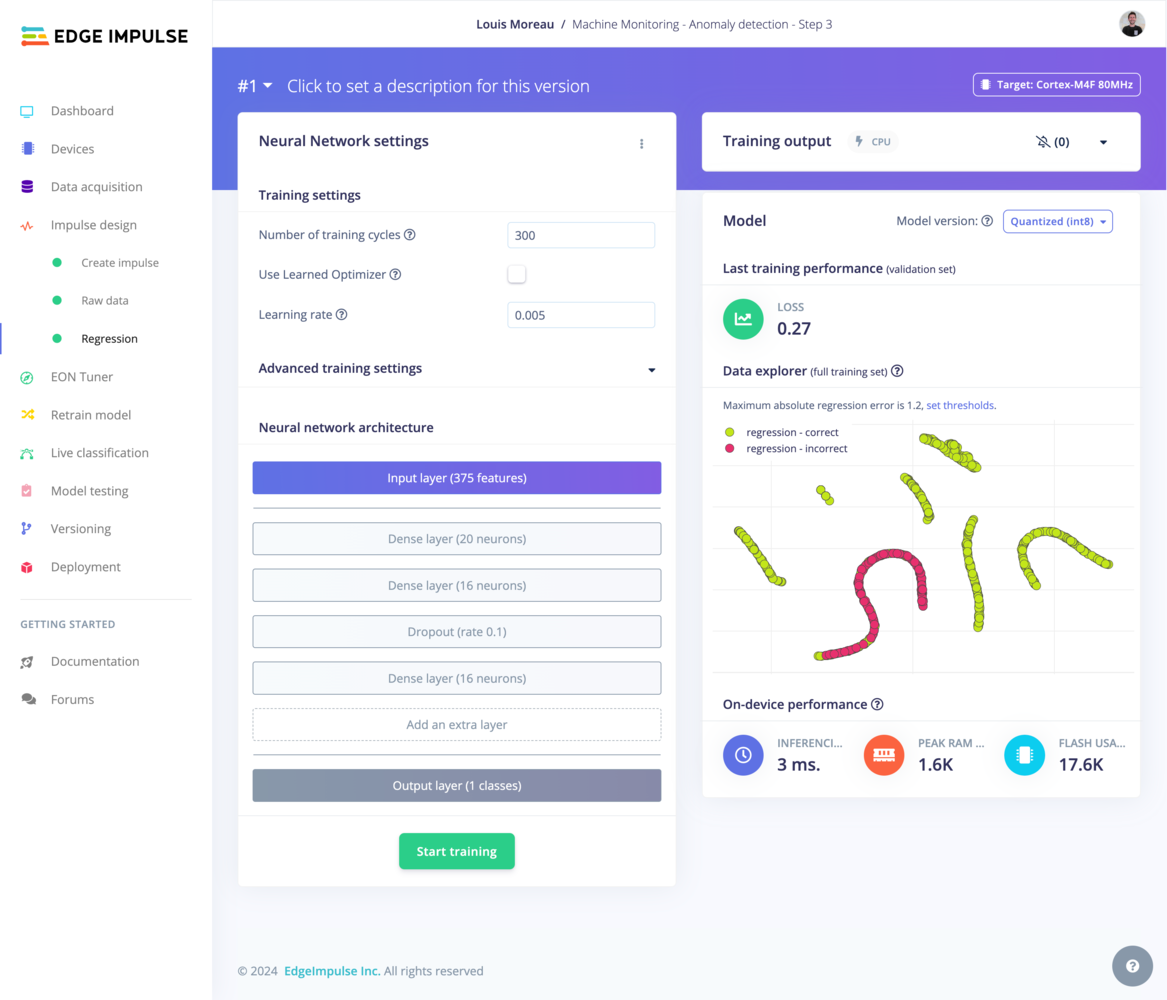
You have full freedom in modifying your neural network architecture - whether visually or through writing Keras code.
## Train your regression block
You have full freedom in modifying your neural network architecture - whether visually or through writing Keras code.
 ## Neural Network settings
See [Neural Network Settings](/studio/projects/learning-blocks#neural-network-settings) on the Learning Block page.
## Neural Network architecture
See [Neural Network Architecture](/studio/projects/learning-blocks#neural-network-architecture) on the Learning Block page.
## Expert mode
See [Expert mode](/studio/projects/learning-blocks#expert-mode) on the Learning Block page.
## Test your regression model
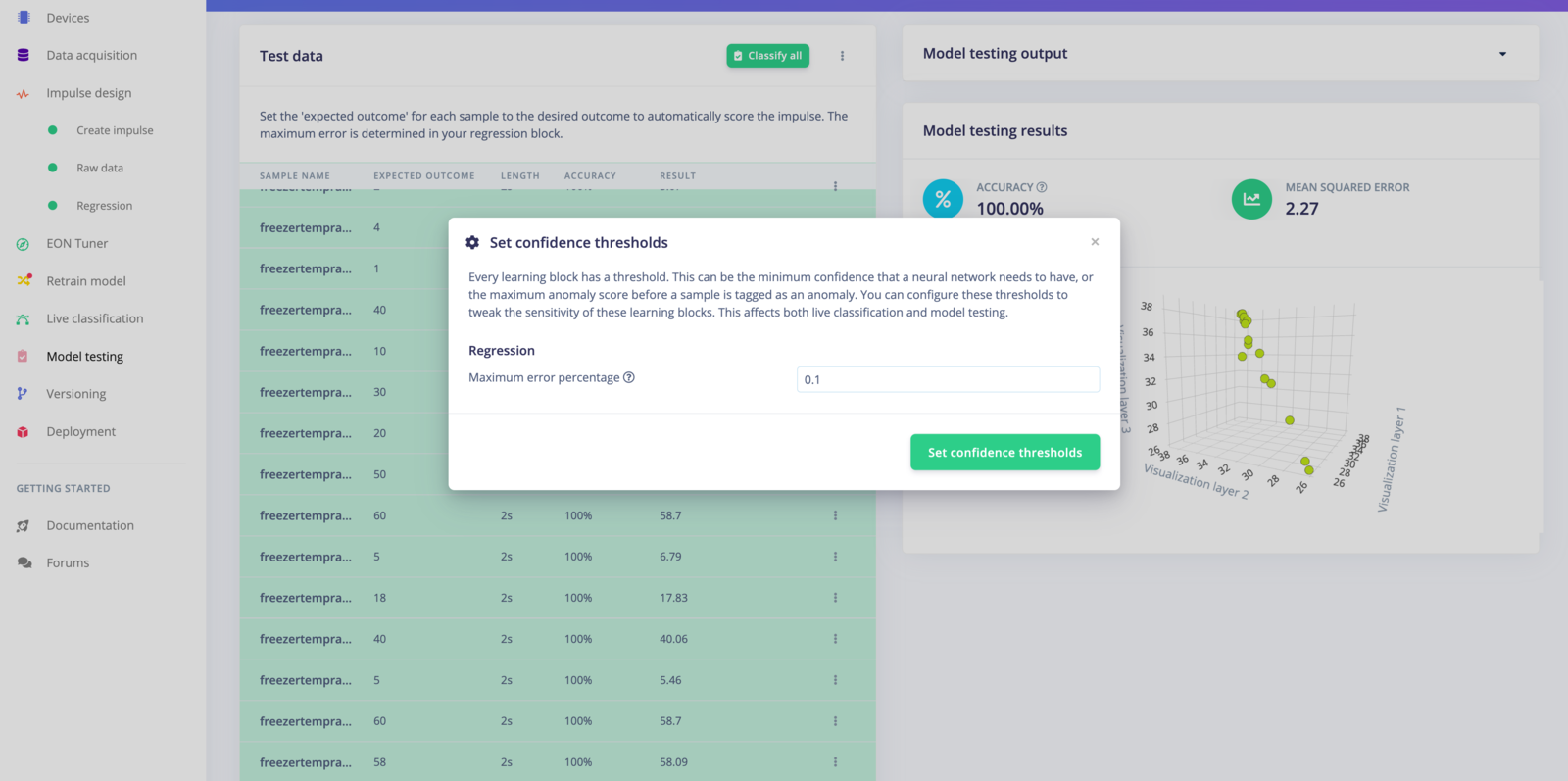
If you want to see the accuracy of your model across your test dataset, go to **Model testing**. You can adjust the **Maximum error percentage** by clicking on the "⋮" button.
## Neural Network settings
See [Neural Network Settings](/studio/projects/learning-blocks#neural-network-settings) on the Learning Block page.
## Neural Network architecture
See [Neural Network Architecture](/studio/projects/learning-blocks#neural-network-architecture) on the Learning Block page.
## Expert mode
See [Expert mode](/studio/projects/learning-blocks#expert-mode) on the Learning Block page.
## Test your regression model
If you want to see the accuracy of your model across your test dataset, go to **Model testing**. You can adjust the **Maximum error percentage** by clicking on the "⋮" button.
 ## Additional resources
* [Predict the Future with Regression Models](https://edgeimpulse.com/blog/predict-the-future-with-regression-models)
* [Estimate Weight From a Photo Using Visual Regression in Edge Impulse](https://edgeimpulse.com/blog/estimate-weight-from-a-photo-using-visual-regression-in-edge-impulse)
## Additional resources
* [Predict the Future with Regression Models](https://edgeimpulse.com/blog/predict-the-future-with-regression-models)
* [Estimate Weight From a Photo Using Visual Regression in Edge Impulse](https://edgeimpulse.com/blog/estimate-weight-from-a-photo-using-visual-regression-in-edge-impulse)