> ## Documentation Index
> Fetch the complete documentation index at: https://docs.edgeimpulse.com/llms.txt
> Use this file to discover all available pages before exploring further.
# Devices
There is a wide variety of devices that you can connect to your Edge Impulse project. These devices can help you collect datasets for your project, test your trained ML model and even deploy your ML model directly to your development board with a pre-built binary application (for [fully supported development platforms](/hardware)).
On the **Devices** tab, you'll find a list of all your connected devices and a guide on how to connect new devices that are supported by Edge Impulse.
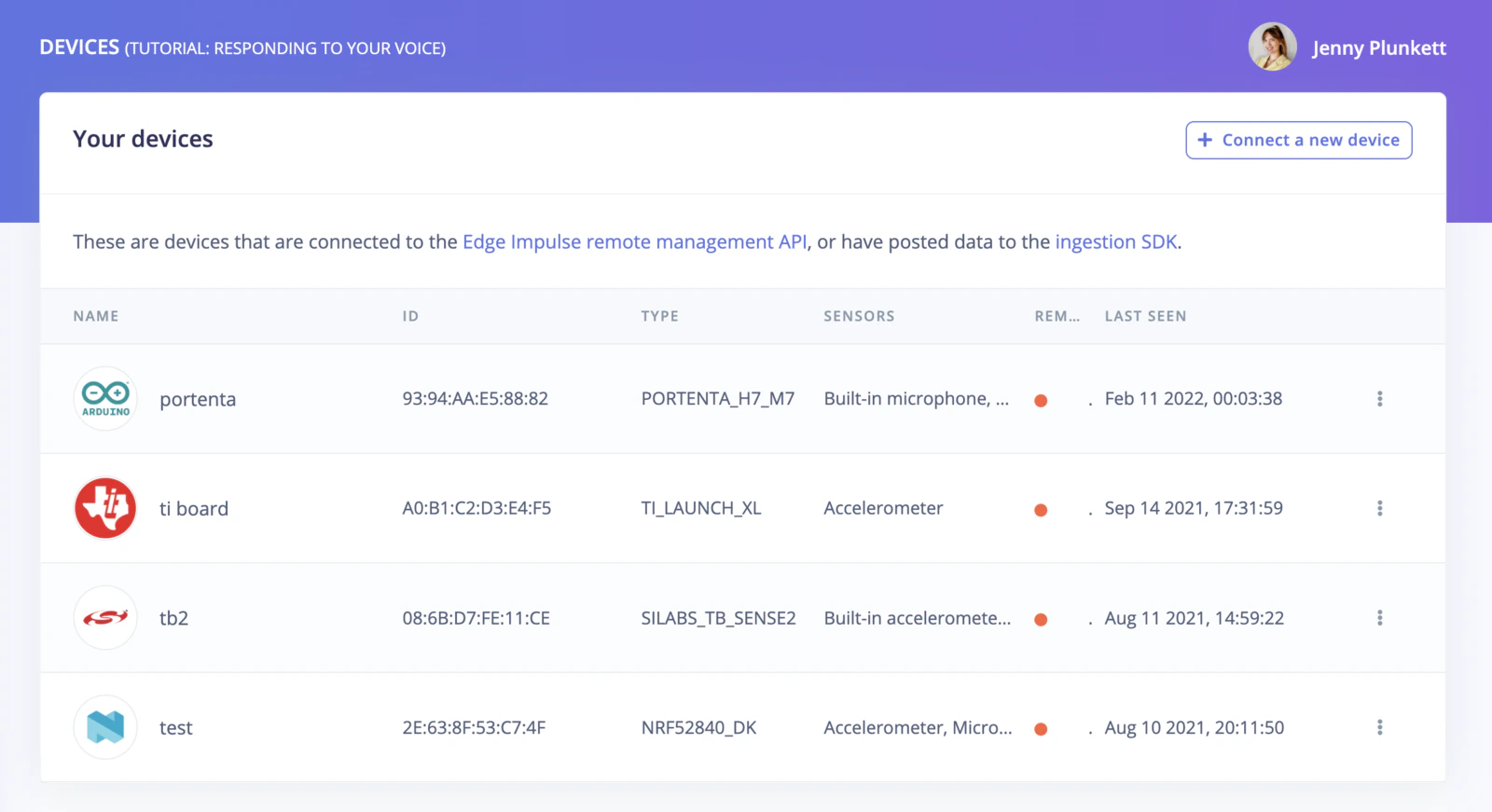 To connect a new device, click on the **Connect a new device** button on the top right of your screen.
 You will get a pop-up with multiple options of devices you can connect to your Edge Impulse project. Available options include:
* [Connecting a fully supported development board](/hardware).
* [Using your mobile phone](/hardware/devices/mobile-phone).
* [Using your computer (Linux/Mac)](/hardware/devices/macos).
* [Using the serial port to connect devices that are not fully supported](/tools/clis/edge-impulse-cli/data-forwarder).
You will get a pop-up with multiple options of devices you can connect to your Edge Impulse project. Available options include:
* [Connecting a fully supported development board](/hardware).
* [Using your mobile phone](/hardware/devices/mobile-phone).
* [Using your computer (Linux/Mac)](/hardware/devices/macos).
* [Using the serial port to connect devices that are not fully supported](/tools/clis/edge-impulse-cli/data-forwarder).